Building a scalable reporting backend with List & Label Cross Platform


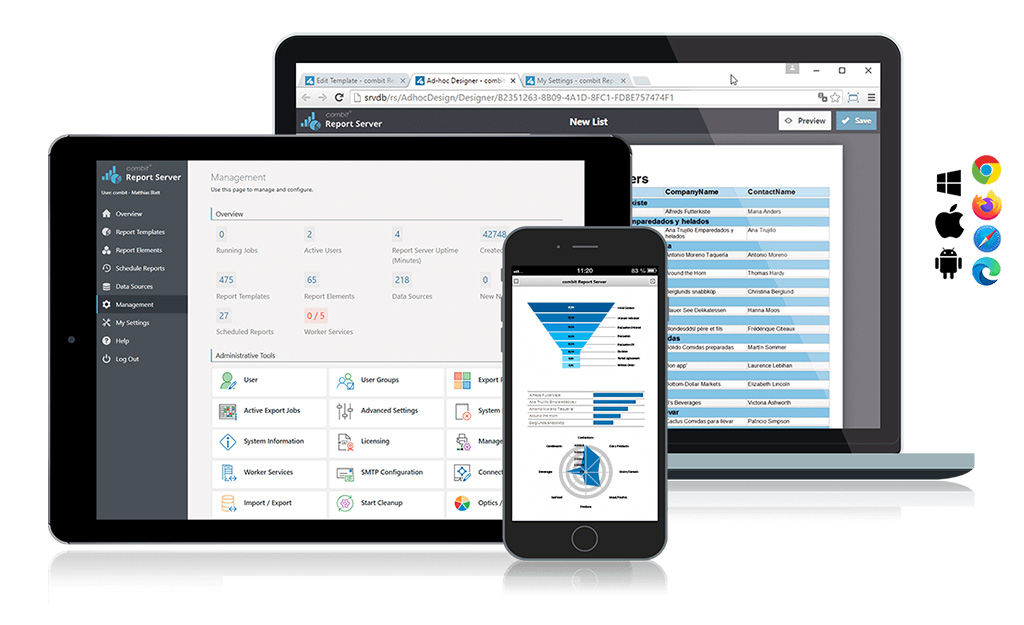
Reporting sounds simple until it has to generate invoices, statements, customer PDFs, and scheduled exports reliably across containers, tenants, and production workloads. At that point, reporting stops being a side feature and starts becoming backend infrastructure — which means the real challenge is no longer how to generate a PDF, but how to build a reporting service that is stateless, scalable, and easy to run in modern environments.

Stop outgrowing your .NET reporting: How to avoid “We have to rewrite this”

chat between devs about rewriting reports

Most .NET teams don’t set out to build a reporting subsystem that needs rescuing. But “just generate a few PDFs” can quietly become a tangle of layout logic, export workarounds, and growing technical debt—until someone says, “We have to replace this.” Here’s how to spot that pattern early, and how to avoid backing your application into a reporting rewrite later.

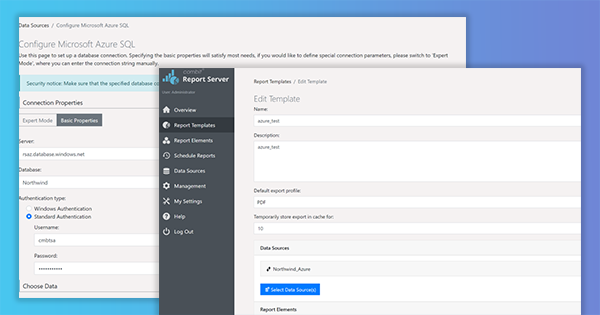
Deploy Report Server on an Azure Container Instance and using it from an Azure Function

Report Server Azure Container

As we keep getting requests to support calling List & Label from an Azure Function, and – due to several restrictions like e.g. GDI sandboxing – List & Label can’t be used directly in this context, I thought it might be interesting to explore another way to the cloud, this time using the Report Server. Using its REST-API, you can even create reports from an Azure Function. But let’s walk through the process step by step.

New Service Pack 27.002 for List & Label and the Report Server

service pack 27.002 icon in notebook

The new service pack for List & Label 27 brings many enhancements and improvements especially for the new Web Report Designer as well as for Delphi and .NET developers. In addition, the new drag & drop interface for charts now also supports the selection of an aggregate function. The report template preview in the Report Server uses the new Web Report Viewer, styled according to the applied Report Server customization. Read our blog post for more highlights. The individual entries have been taken directly from the English readme.

Report Server 27: New Features and Improvements

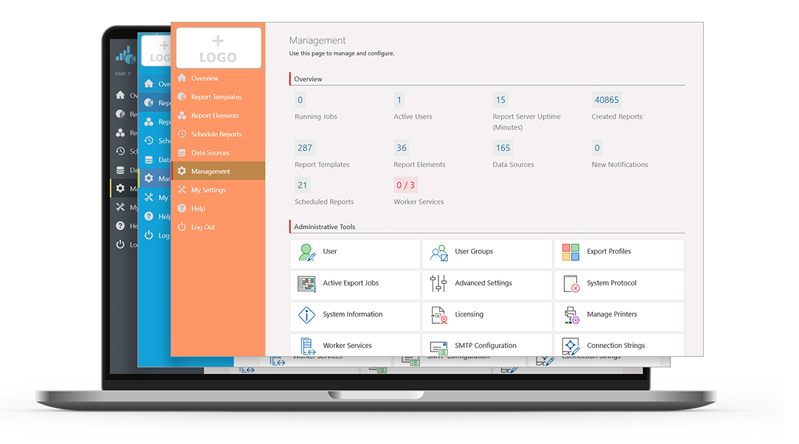
white label support and custom branding

In the Report Server’s most current version, a few more exciting new features have been implemented, as a response to some customer requests. Overall, the new Report Server now visually integrates better into your application. Also, in addition to new actions for planned reports, it also offers additional enhancements for Excel export. Service Pack 27.001 will provide customers with a completely new preview.

Service Pack 26.001 for List & Label and the Report Server

service pack box 26.001 in screen

The first Service Pack for List & Label 26 has been released. What are the new features and improvements? In this blog post we give you an overview. Each entry was taken directly from the English Readme.