From PDF to Print Job
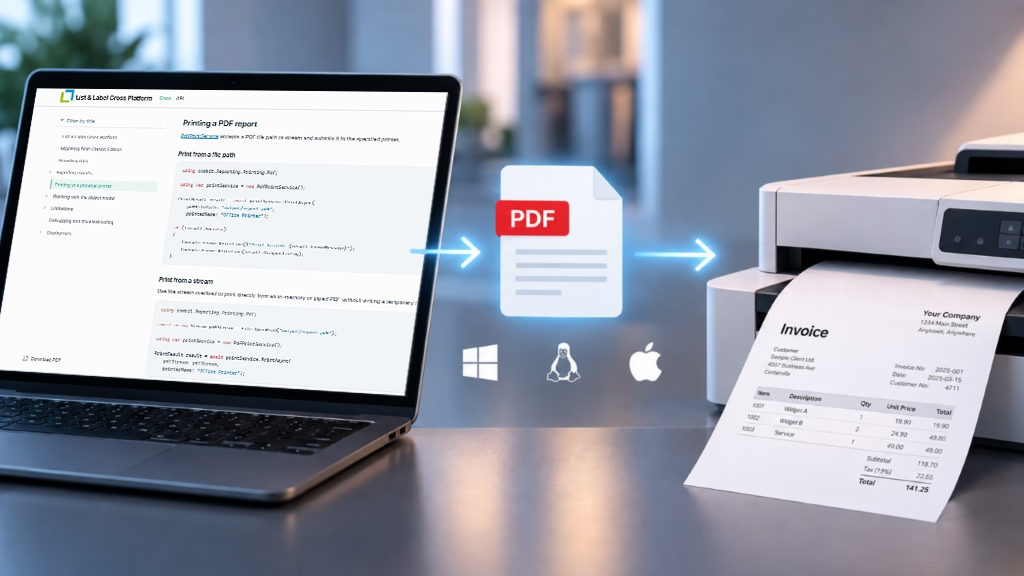
The workflow is intentionally straightforward: export the report to PDF with List & Label, configure the print options, and pass the PDF to PdfPrintService.
using combit.Reporting.Printing.Pdf;

var options = new PrintJobOptions
{
    Copies               = 2,
    Duplex               = DuplexMode.LongEdge,
    PaperSize            = "A4",
    ScalingMode          = PrintScalingMode.FitToPage,
    RasterDpi            = 300,
    JobName              = "Monthly Invoice",
    PreferPdfPassthrough = true,
    PreferGrayscale      = false
};

using var printService = new PdfPrintService();

PrintResult result = await printService.PrintAsync(
    "output/report.pdf",
    "Office Printer",
    options);
This lets developers control common print settings directly in code: copies, duplex mode, paper size, scaling, raster DPI, job name, and whether PDF passthrough should be preferred. PrintJobOptions is designed for exactly this configuration.
What Happens Under the Hood
The assembly takes an existing PDF — either from a file path or a stream — and submits it to the specified printer. Report generation and physical output remain separate steps: List & Label creates the report, while PdfPrintService handles delivery to the printer.
Whenever possible, the PDF is passed through directly to the printer. If PDF passthrough is not available or fails, the service can fall back to rasterized output. The method is selected based on printer capabilities and the configured options.
The result of the print operation can also be inspected. PrintResult provides information such as whether the job succeeded, which method was used, and which diagnostic details are available. This is useful when print jobs run automatically in production and failures need to be traceable.
Platform Backends and Printer Discovery
Depending on the platform, the assembly uses different backends. Windows uses the Win32 print spooler via GDI by default, Linux uses IPP over HTTP, and macOS uses lpr. On Windows, the IPP backend can also be selected explicitly when a printer should be addressed via an IPP URI.
Before submitting a job, applications can query available printers and their capabilities. PrinterDiscoveryService can list printers and check properties such as duplex support, color support, supported paper sizes, and PDF passthrough support.
Typical Scenarios
The new printing functionality is useful whenever reports need to move directly into an operational process: work orders in production, packing lists in shipping, forms in healthcare scenarios, or daily reports in back-office workflows.
In these cases, a PDF is often not the end of the workflow, but the stable handoff between reporting and printing. This is where combit.ListLabel31.CrossPlatform.Printing.Pdf fits in: export to PDF, configure print options, submit the print job.
For complete examples and details on backends, IPP, printer discovery, and troubleshooting, see the documentation for Printing to a physical printer.

Leading the development at combit as Managing Director. Microsoft .NET enthusiast driving innovation & agile project management. Used to be a physicist in my first life. I love hiking and vanlife.