Building a scalable reporting backend with List & Label Cross Platform

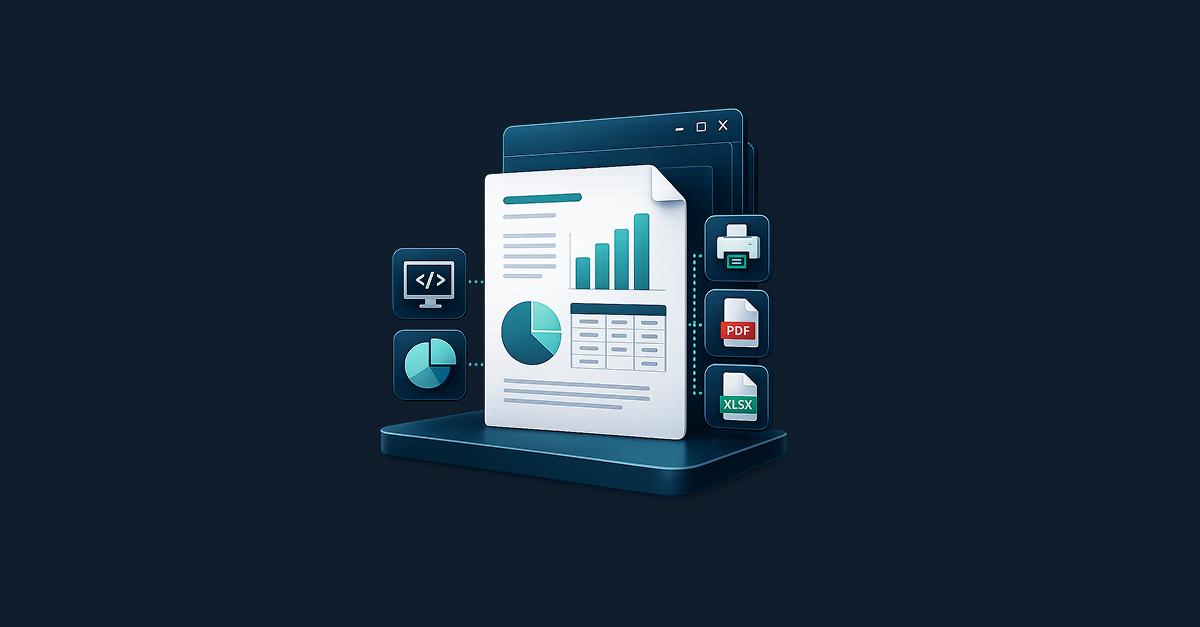
Reporting sounds simple until it has to generate invoices, statements, customer PDFs, and scheduled exports reliably across containers, tenants, and production workloads. At that point, reporting stops being a side feature and starts becoming backend infrastructure — which means the real challenge is no longer how to generate a PDF, but how to build a reporting service that is stateless, scalable, and easy to run in modern environments.

Stop outgrowing your .NET reporting: How to avoid “We have to rewrite this”

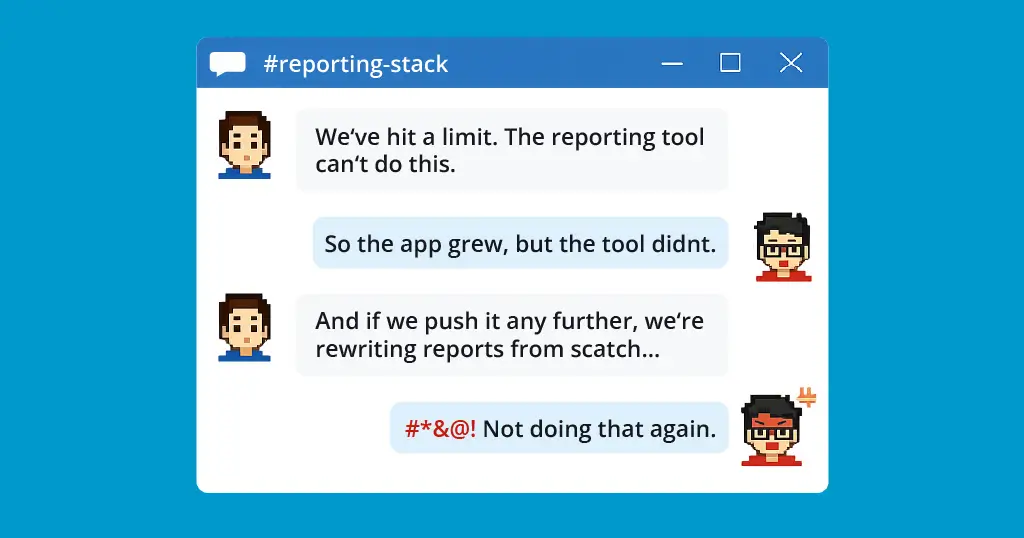
chat between devs about rewriting reports

Most .NET teams don’t set out to build a reporting subsystem that needs rescuing. But “just generate a few PDFs” can quietly become a tangle of layout logic, export workarounds, and growing technical debt—until someone says, “We have to replace this.” Here’s how to spot that pattern early, and how to avoid backing your application into a reporting rewrite later.

Service Pack 28.001 for List & Label and the Report Server

service pack box 28.001 list & label

This is a summary of the major new features and improvements in Service Pack 28.001, including new export features and bar charts for the Web Report Designer. For a detailed list of all changes, see the ServicePack.pdf in your installation or in the Service Pack download section.

New Service Pack 27.003 for List & Label and the Report Server

service pack box 27.003 in screen

In this summary you will find the most important new features and improvements in Service Pack 27.003. The individual entries were taken directly from the English Readme. A detailed list of all changes can be found in the ServicePack.pdf in your installation as well as in the Service Pack download section.

New Service Pack 26.002 for List & Label and the Report Server

service pack 26.002

The second Service Pack for List & Label 26 has been released and contains many new features and improvements. We have listed them all for you in this blogpost. The individual entries were taken directly from the English Readme.

Service Pack 26.001 for List & Label and the Report Server

service pack box 26.001 in screen

The first Service Pack for List & Label 26 has been released. What are the new features and improvements? In this blog post we give you an overview. Each entry was taken directly from the English Readme.

Finally – a Glance in the Crystal Ball

An often required feature for "this cannot be done" type of problems is looking into the future. Things like "don't print this group if it doesn't contain record xy" or "print a reference to the page number of an item that's printed way later". Before List & Label 26, there was no simple solution to this and the magic had to be done in the application if possible at all. Starting with List & Label 26, we'll introduce a new feature that's aimed at solving exactly challenges like this.