New Service Pack 31.002 for List & Label and the Report Server

Service Pack 31.002 for List & Label adds new capabilities across .NET, Web Components, Cross Platform, Designer, Export, Print, Mail, and Report Server. Highlights include support for Excel export and physical printing in Cross Platform projects, crosstab support in the Web Report Designer, improved formula assistance, better memory efficiency during project conversion, and updated security dependencies.

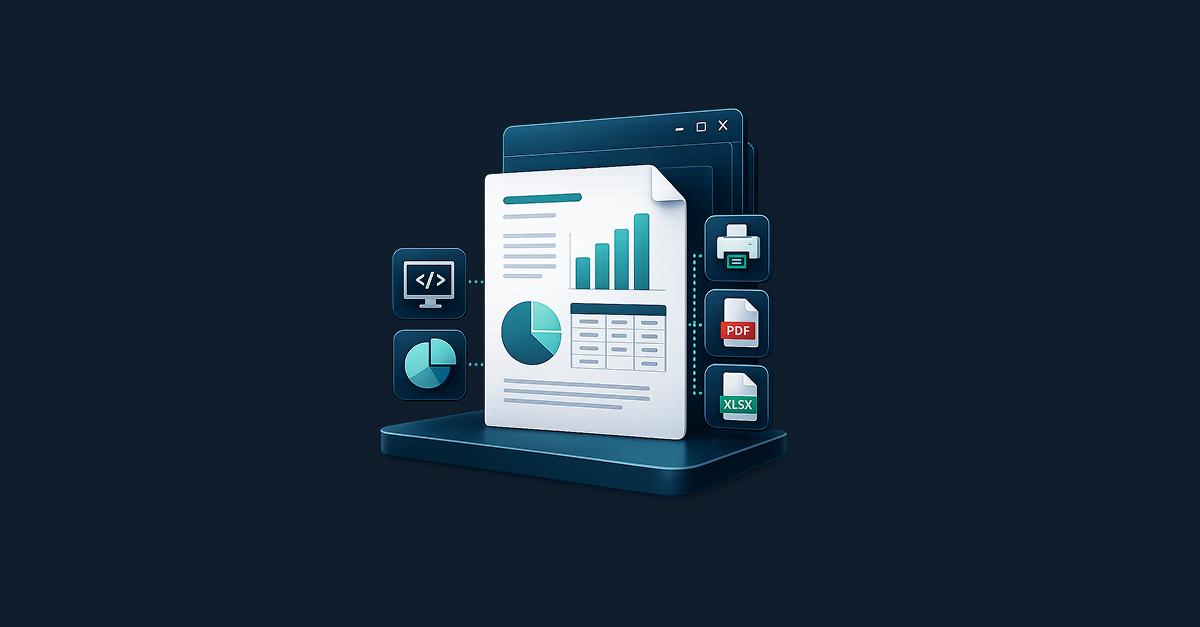
Building a full reporting system for WinForms & WPF with List & Label

reporting system for winforms and wpf apps

Desktop business applications eventually hit the same reporting problem: users want new reports, PDF exports, Excel output, print previews, and layout changes without waiting for another release. For development teams, that usually means a choice between piling up custom export code or building a reporting framework from scratch. List & Label offers a more practical option: embed reporting directly into your WinForms or WPF application while keeping control of your data, permissions, and user experience. This guide shows how to integrate it in a way that is practical, scalable, maintainable, and built for real-world line-of-business software.

Stop outgrowing your .NET reporting: How to avoid “We have to rewrite this”

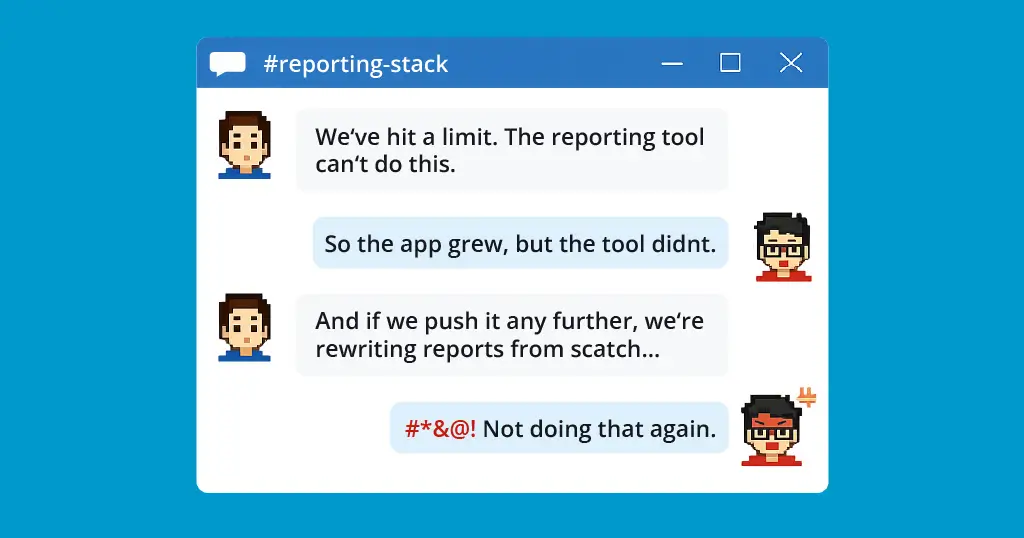
chat between devs about rewriting reports

Most .NET teams don’t set out to build a reporting subsystem that needs rescuing. But “just generate a few PDFs” can quietly become a tangle of layout logic, export workarounds, and growing technical debt—until someone says, “We have to replace this.” Here’s how to spot that pattern early, and how to avoid backing your application into a reporting rewrite later.

Reporting in Your Applications with Embarcadero RAD Studio

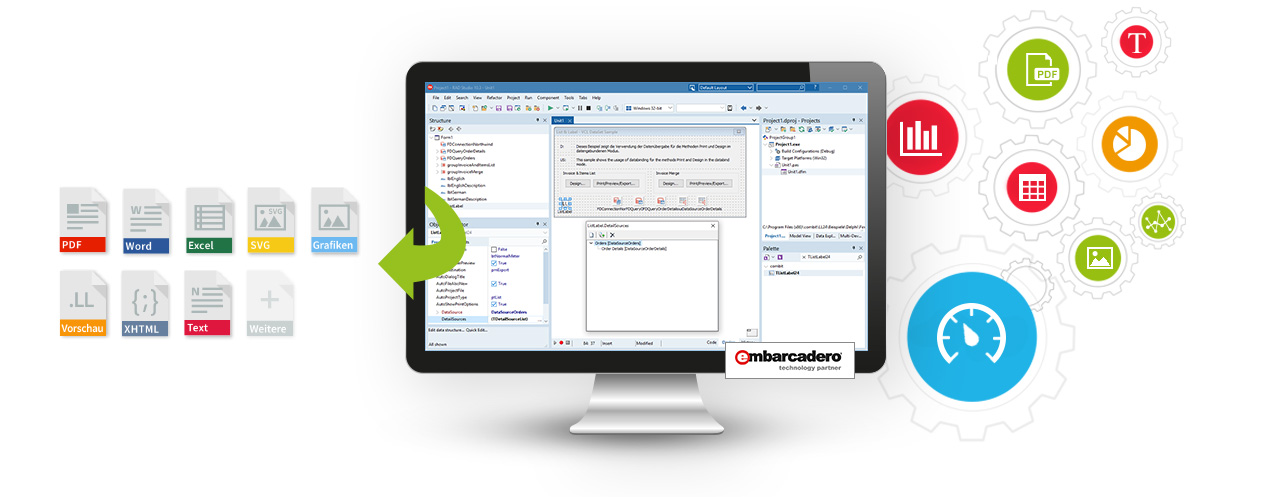
reporting in embarcadero rad studio delphi

List & Label is a reporting component that integrates with applications to provide them with rich reporting capabilities. It allows developers to create sophisticated reports based on data from any source. Easy data binding for your own VCL applications is provided by List & Label’s FireDAC component, which supports numerous data sources such as Oracle, MS SQL Server, SQLite, DB2, MySQL and PostgreSQL, as well as many other databases and formats. The control over the data for reporting always remains with the application itself.

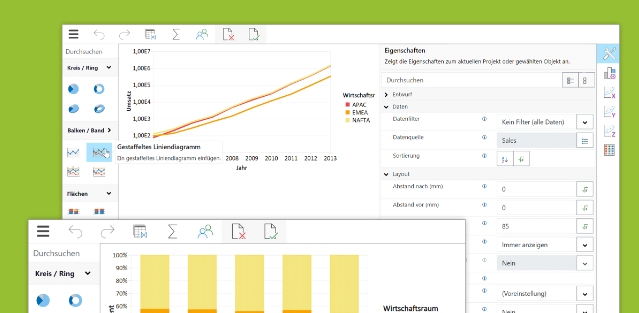
New Web Report Designer and Web Report Viewer Features in List & Label 29

List & Label’s most recent version 29 is coming along with quite a fe exciting news for the Web Report Designer and the Web Report Viewer. These updates provide improved functionalities and enhanced usability to developers and end users alike.

Report Server 28: New Features and Enhancements

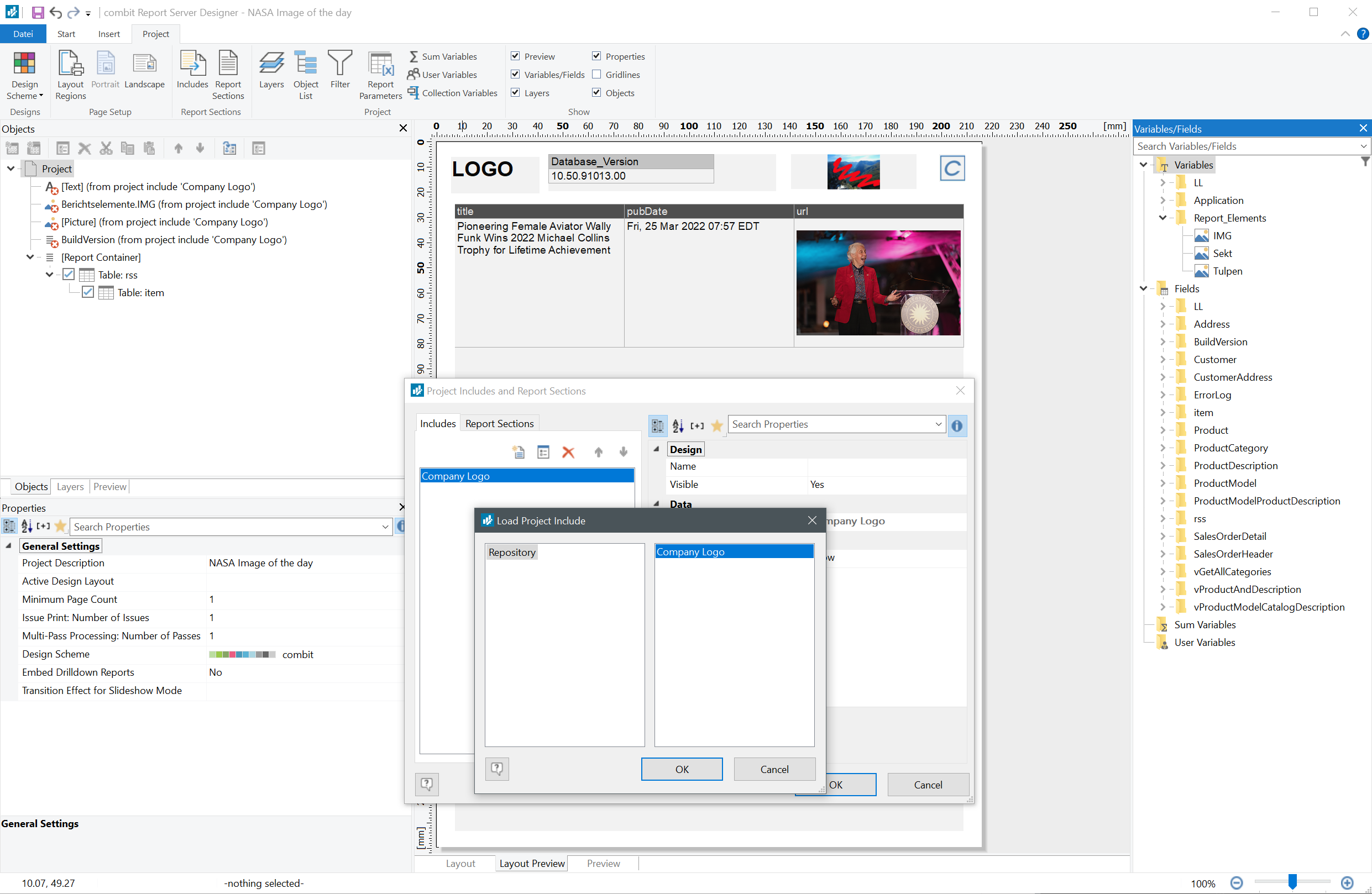
Faster reports, more flexible export, and the option to upload to secured FTP servers: The new Report Server 28 offers many new functions for its users. Some are customers’ wishes, like using project includes and subreports. This way, recurring elements such as letterheads, tables or charts can easily be reused in new report templates.

Service Pack 28.001 for List & Label and the Report Server

service pack box 28.001 list & label

This is a summary of the major new features and improvements in Service Pack 28.001, including new export features and bar charts for the Web Report Designer. For a detailed list of all changes, see the ServicePack.pdf in your installation or in the Service Pack download section.

Web Report Viewer for Preview in Web Applications

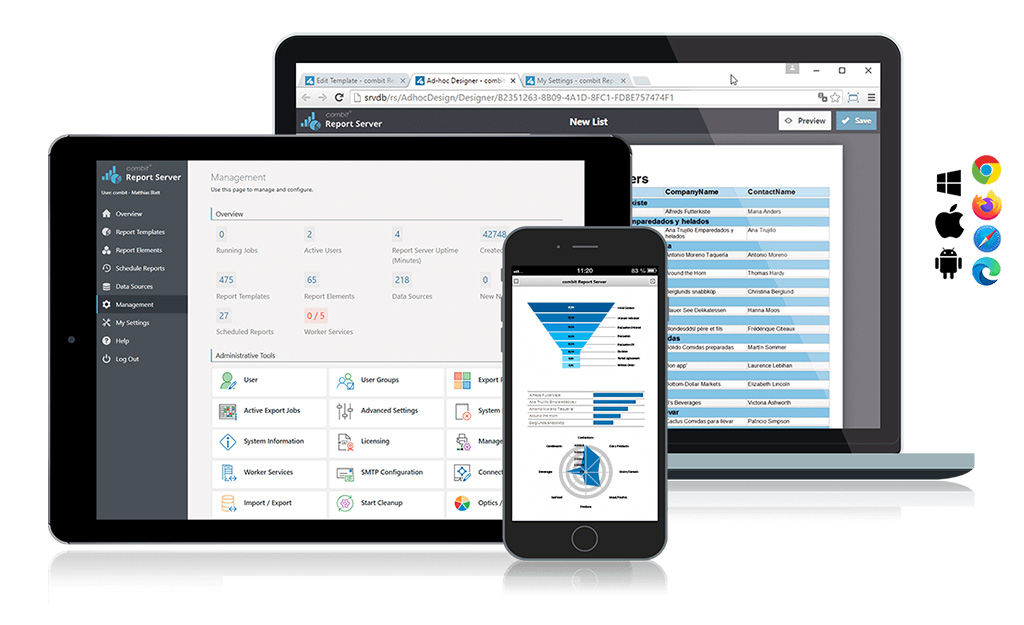
web report viewer desktop

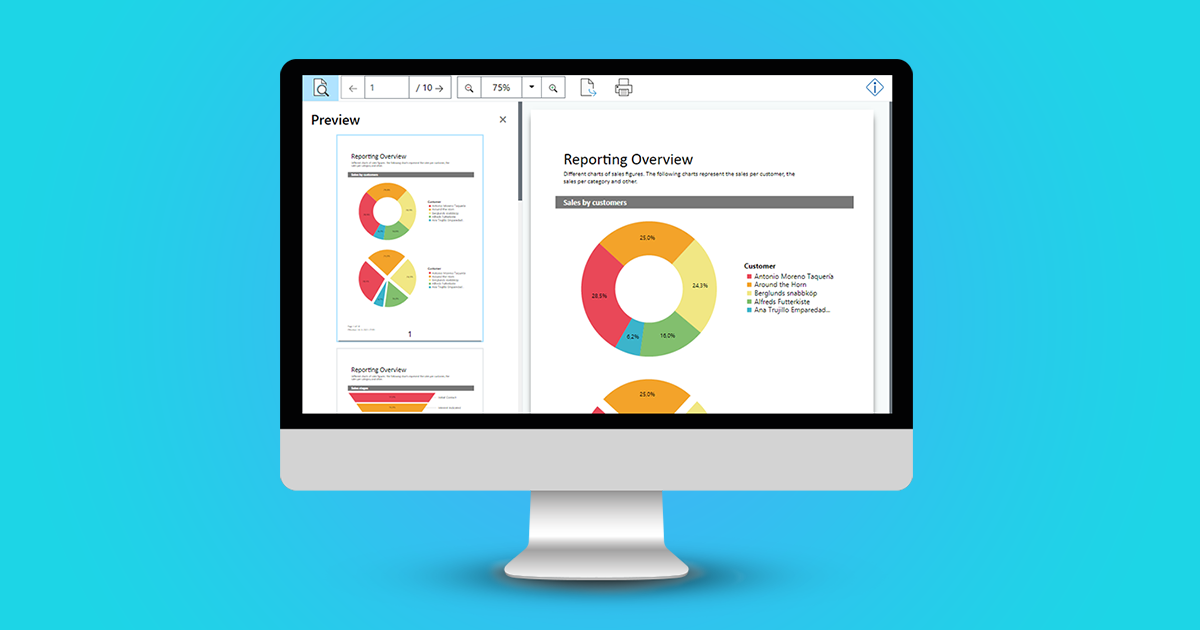
Up until version 27, you were able to use the HTML5 Viewer in your own .NET web applications in order to display a report preview directly in the browser. Interactive user actions such as drill down, filtering data using report parameters and much more were already possible. But the technology that was utilized for this is getting older now, as for example the jQuery framework. With the new Web Report Viewer, we have created a modern, highly compatible replacement, which has been available since version 27 (year 2021).