New in List & Label 31: Export Reports to S3, SharePoint and OneDrive

cloudstorage provider s3 ms graph

With List & Label 31, exporting reports to cloud storage becomes significantly more flexible. Instead of temporarily storing reports locally and then processing them further via a custom upload process, export is now possible directly to modern cloud storage targets. As soon as applications run in containers, on servers, or generally in more distributed environments, local file paths quickly become impractical.


Building a scalable reporting backend with List & Label Cross Platform

Reporting sounds simple until it has to generate invoices, statements, customer PDFs, and scheduled exports reliably across containers, tenants, and production workloads. At that point, reporting stops being a side feature and starts becoming backend infrastructure — which means the real challenge is no longer how to generate a PDF, but how to build a reporting service that is stateless, scalable, and easy to run in modern environments.

Stop outgrowing your .NET reporting: How to avoid “We have to rewrite this”

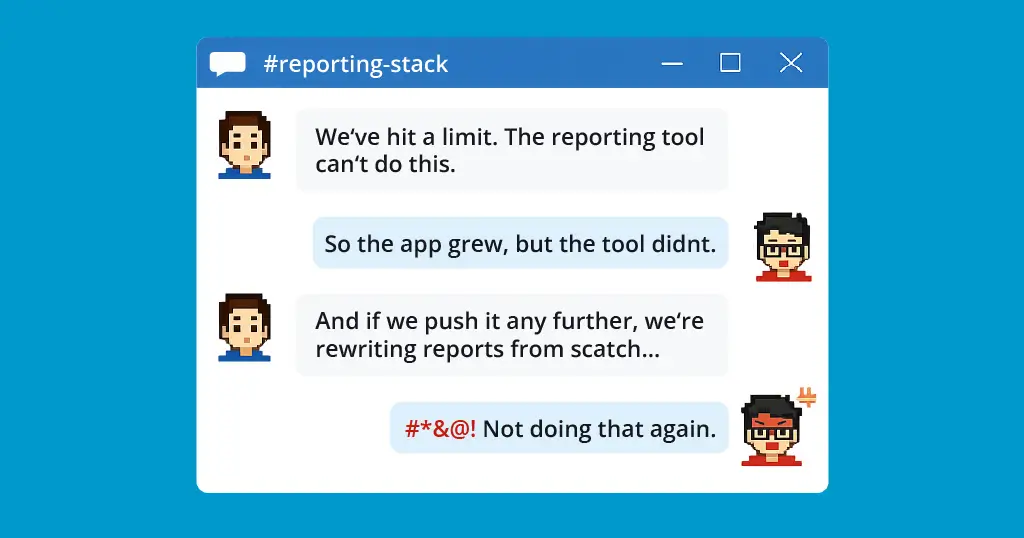
chat between devs about rewriting reports

Most .NET teams don’t set out to build a reporting subsystem that needs rescuing. But “just generate a few PDFs” can quietly become a tangle of layout logic, export workarounds, and growing technical debt—until someone says, “We have to replace this.” Here’s how to spot that pattern early, and how to avoid backing your application into a reporting rewrite later.

Throwback: WeAreDevelopers
World Congress 2025

header throwback we are developers 2025 berlin

From the idyllic Lake Constance to the capital on the Spree: this year, we had our own booth at the WeAreDevelopers World Congress – and not only did we have a good mood in our luggage, but also our “next big thing”: List & Label Cross Platform.

We’re evolving: List & Label Cross Platform

List & Label Cross Platform for Linux and more

Maybe you’ve already seen it on our social networks, our website, or in our livestream: at combit, we’re currently working on a new, forward-looking offshoot of List & Label—a cross-platform reporting solution that will primarily run on Linux. Internally, we call this project List & Label Cross Platform (LL-CP). It is aimed primarily at developers looking for a stable, high-performance, and modern reporting solution.

No More Printer Driver Dependency: The New Printerless Mode in List & Label 27

App to the Cloud with LL 27

This was a huge issue, that has been bugging us for years. While – generally speaking – List & Label’s level of printer control is unmatched by any competitor I know of, we always required a printer driver in order to execute this control. On the desktop, that’s all fine and well, as Microsoft conveniently provides the XPS Document Writer and – in more recent versions of Windows OS – the Microsoft PDF Writer. Those are always present and accessible. However, on the web and in the cloud, it’s a different story.

Interactive Reports with List & Label

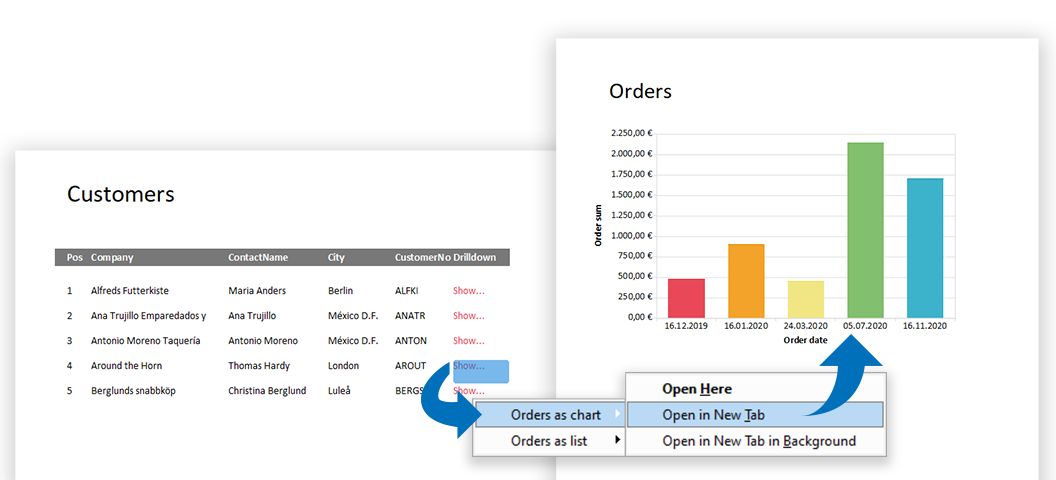
Today, modern reports must be designed for more than just one purpose. In addition, "all" data should be contained as simply as possible – but presented in a clear and structured way. With List & Label such multifunctional reports can be easily realized. Interactive elements allow a single report to cover several scenarios, while selection options further enhance the report. This makes reports more comprehensive and informative and can be easily operated by the user.

How to Automatically Export Reports to Cloud Storage Services

With List & Label you can export reports in different formats like PDF, Word, Excel and many more. The resulting reports can either be stored directly in the file system or – in .NET – in a stream, in order to transfer them manually into a database, a document management system or similar. Reports can also be automatically stored directly in so-called cloud storage services. The cloud storage providers for GoogleDrive, Microsoft OneDrive or Dropbox are available in List & Label for .NET for this purpose.