How to Create, Print and Export Barcodes in .NET/C#
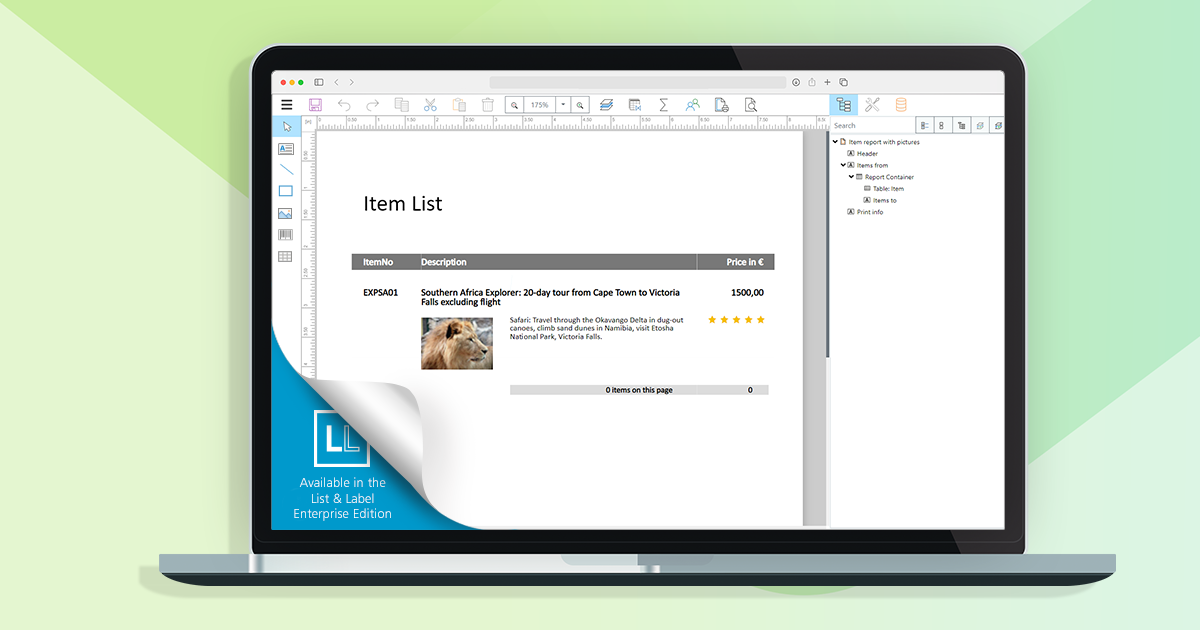
With List & Label, our reporting component for software development, you can use barcodes in numerous formats in .NET/C#. The portfolio of barcodes is constantly expanding.
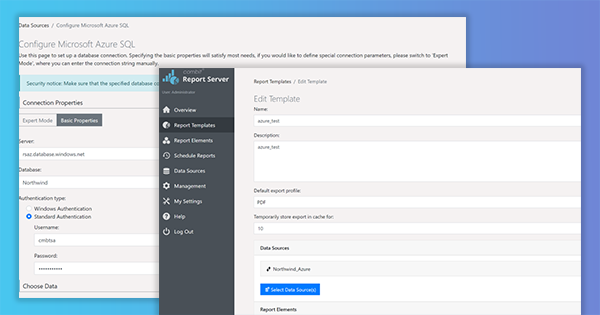
The new service pack for List & Label 27 brings many enhancements and improvements especially for the new Web Report Designer as well as for Delphi and .NET developers. In addition, the new drag & drop interface for charts now also supports the selection of an aggregate function. The report template preview in the Report Server uses the new Web Report Viewer, styled according to the applied Report Server customization. Read our blog post for more highlights. The individual entries have been taken directly from the English readme.
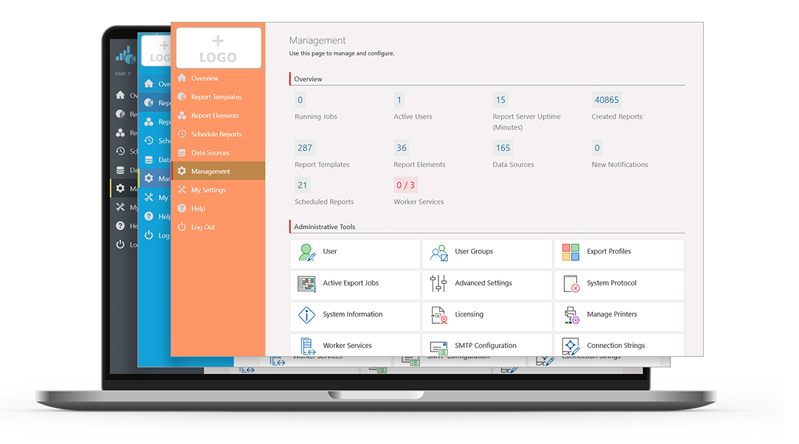
In the Report Server’s most current version, a few more exciting new features have been implemented, as a response to some customer requests. Overall, the new Report Server now visually integrates better into your application. Also, in addition to new actions for planned reports, it also offers additional enhancements for Excel export. Service Pack 27.001 will provide customers with a completely new preview.
In the last part of our blog post series, we’ll take a closer look at challenges that came up while developing the Web Report Designer – especially in regards to back-end requests, hotkeys and the formula editor.
Besides support for Windows 11, the new Service Pack 26.005 provides many new features and improvements for the Report Designer, print, export, .NET and much more. This blogpost gives you a summary.
This was a huge issue, that has been bugging us for years. While – generally speaking – List & Label’s level of printer control is unmatched by any competitor I know of, we always required a printer driver in order to execute this control. On the desktop, that’s all fine and well, as Microsoft conveniently provides the XPS Document Writer and – in more recent versions of Windows OS – the Microsoft PDF Writer. Those are always present and accessible. However, on the web and in the cloud, it’s a different story.
In our last blog post, we already announced it: this time, we’d like to address further challenges we encountered during our development of the Web Report Designer. Take advantage from what we learned, and maybe even use some bits for your own projects.
The Service Pack 26.004 has some new features and various improvements for you. We give you an overview of what’s new and what has improved.
PDF is by far the most important export format and one of the targets virtually every user is actually working with. Over the years, we've employed a number of different SDKs and versions of these SDKs in order to write decent PDF files. While the results were excellent already for "normal" cases, there were a couple of restrictions in more advanced scenarios. This has changed in version 26.
The second Service Pack for List & Label 26 has been released and contains many new features and improvements. We have listed them all for you in this blogpost. The individual entries were taken directly from the English Readme.