Improved Handling of Default Fonts

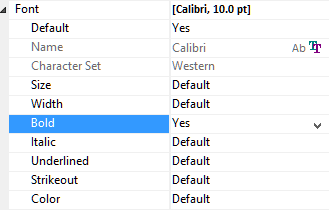
In version 20, we started to blog about upcoming features in List & Label. I’d like to stick to this new tradition and share new features in version 21 to give you an idea of what we’re working on. As always, comments are appreciated very much. If you have new ideas to share, you’ll also want to visit our feedback portal. See our April blogpost if you haven’t worked with the portal before. So, without any further ado I’ll share the first new feature with you – an improved default font handling.
Designer Preview Support for Xbase++

Today, I spoke at the Xbase Forum Meeting in Potsdam, Germany. Besides presenting what our reporting tool can do I had the joy and honor to share my presentation with Tom Liehr, a respected member of the Xbase++ community. Together we've created a modified sample for Xbase++ that shows how to support the designer preview in Xbase++. Or – better said – Tom did most of the hard work while I stood flabbergasted at the sideline. I was only able to give some hints that helped crossing the finish line just in time which was Easter Monday, 10:30 pm.

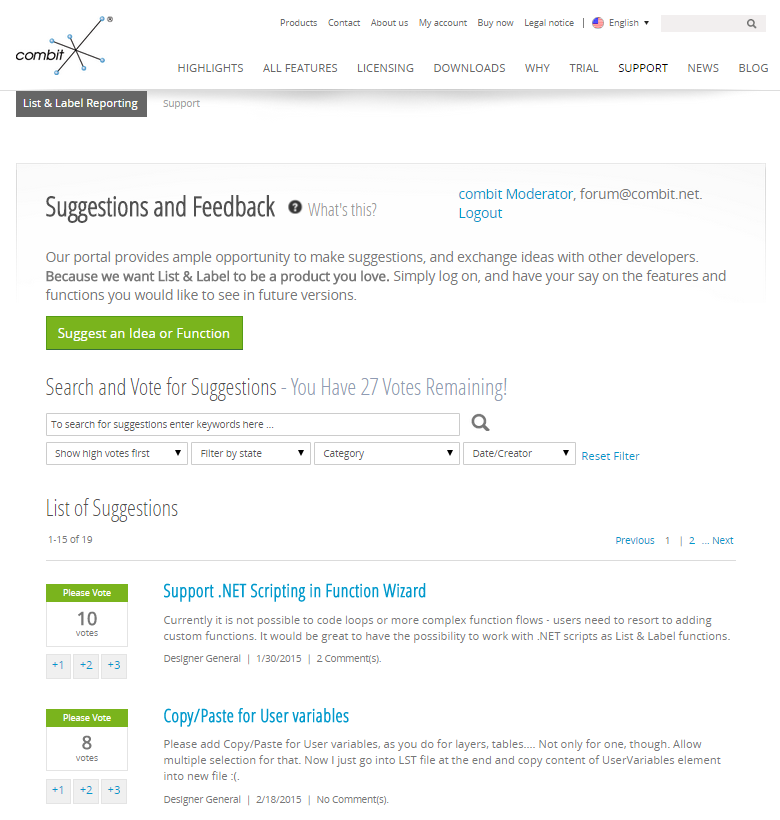
Vote Now – We Love User Innovation

User innovation has always been a driving force for our product development. Many of the features we've added in the past were inspired by requests from the community. Often, multiple requests for similar features helped us to find the actual need behind the feature ideas. Most prominently, the report container was born this way – from the need to be able to report relational data structures.

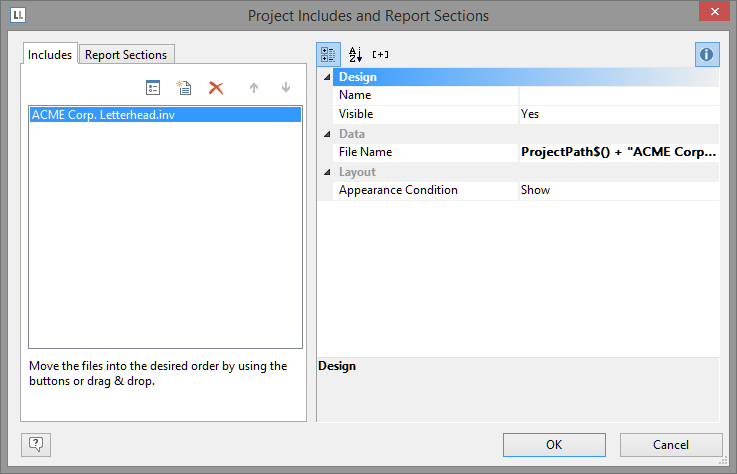
Two Ways to Reuse Existing Objects In New Projects

The idea for this post was triggered by a comment by MikeH on the last blog post. He requested the feature to have a kind of meta object containing different other objects in a pre-specified manner in order to speed things up for endusers. There are already a couple of features that cover at least similar use cases and I thought I'd highlight them.

A First Peek at List & Label 21

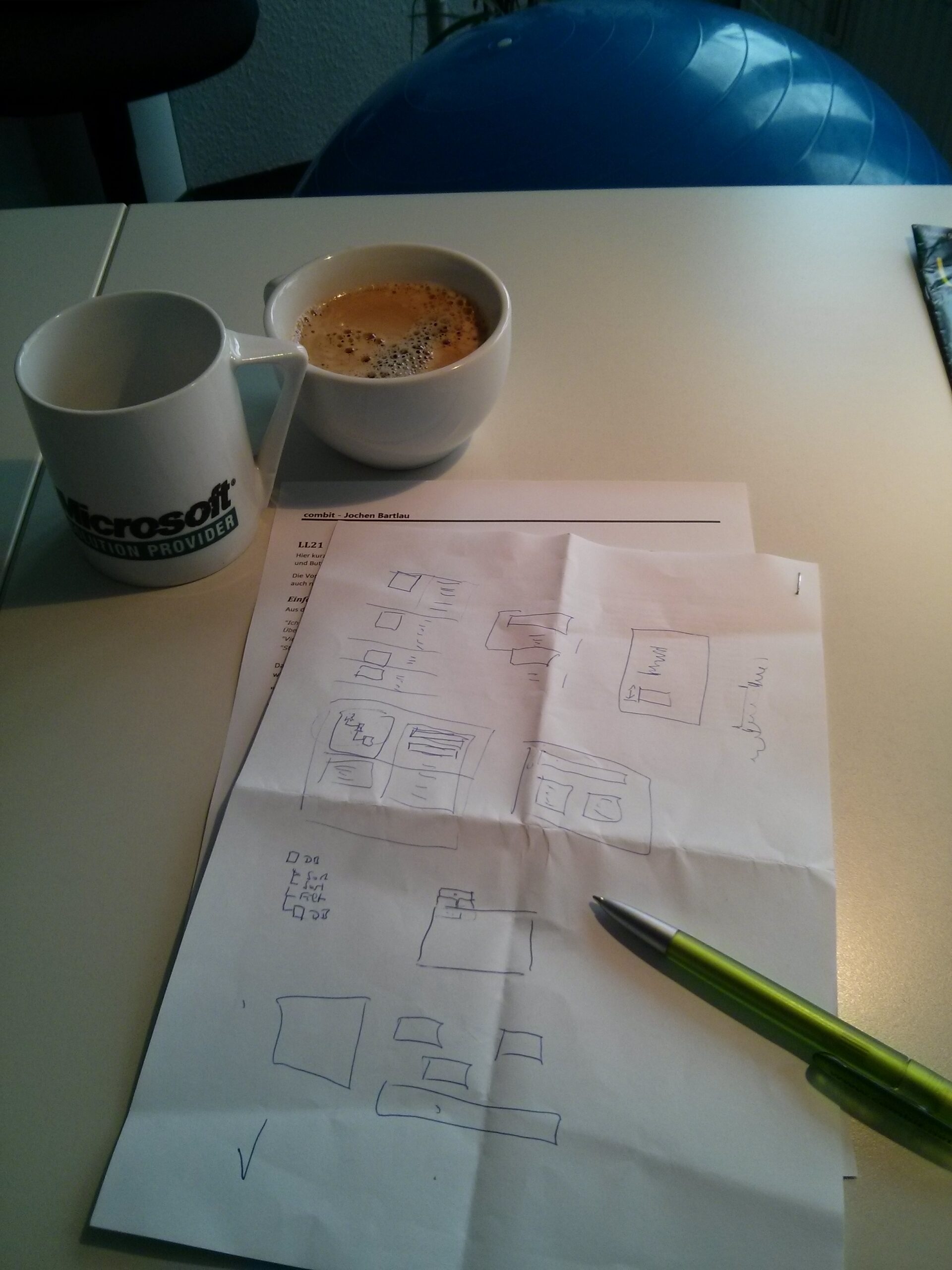
As we're starting internal discussions and meetings and the first LL21 sprint is getting in shape I wanted to share this photograph, the result of a two hour meeting between the two guys that are sometimes called "Mr. List & Mr. Label" internally – our Senior Architect Christian Kaiser and myself.

New and Extended Designer Objects

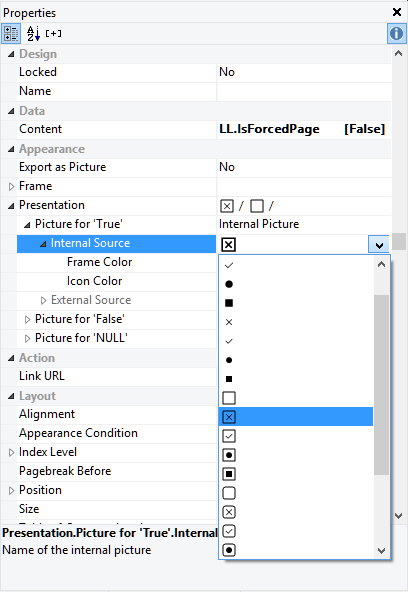
In version 20 you see the debut of a brand new Designer object: the checkbox. This object is used to indicate if a boolean value (a condition) is met or not. Think of visualizing the availability of a product, the selected menu in a hotel etc. And the OLE object just got a major overhaul.

HTML5 Viewer – A Giant Leap for Web Developers

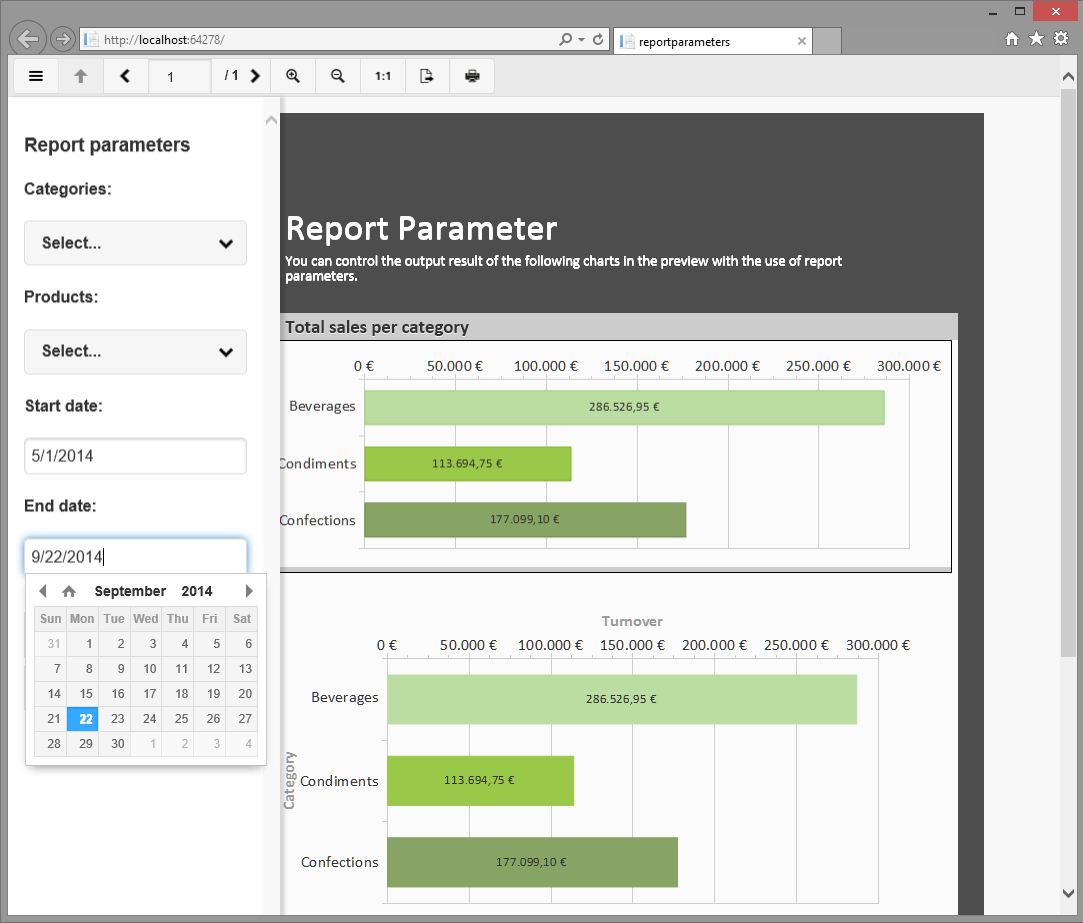
In the last version we introduced a number of interactive features like report parameters, expandable regions, and dynamic sortings. Until version 20, using these in a web application was not possible as they result in a partial rerendering of the report or – for drilldown reports – trigger a brand new report. As the existing viewers didn’t have a communication channel to a server control, this rerendering was impossible. 
Enter the new HTML5 viewer. This viewer is designed to work in almost any web browser. It is optimized for mobile devices and supports interactivity. It requires ASP.NET on the server side but can use any operating system on the client.

Great new Features for .NET Developers

Support-for-1-1-Relations-2.png

The improvement of our support for .NET has been a major focus in our feature planning process since the initial .NET beta release in early 2001. As more and more IDE vendors adopt CLR support for their languages and join the .NET community, .NET has become ever more important. Thus, version 20 will feature a wide range of new .NET features that make List & Label even more versatile when using it with CLR languages.