Service Pack 25.004 for List & Label and the Report Server

This blog article covers all the new features and improvements in Service Pack 25.004. Each entry was taken directly from the English Readme.
This blog article covers all the new features and improvements in Service Pack 25.004. Each entry was taken directly from the English Readme.

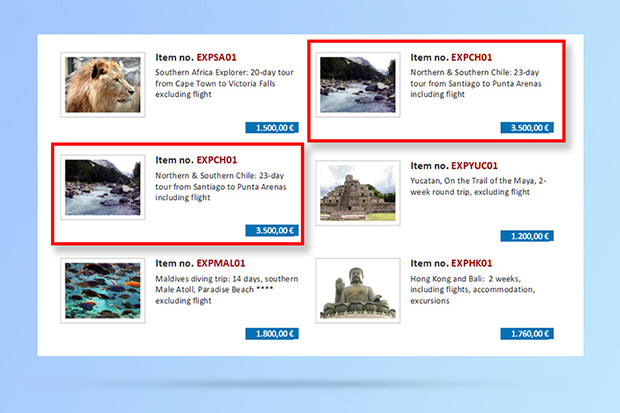
This has been another community suggestion from our Idea Place. Until version 26, you could only have one copy count for labels. This means that the same number of copies were printed for each and every label. In version 26 you can now adjust this individually, based on the data in your data source.
An often required feature for "this cannot be done" type of problems is looking into the future. Things like "don't print this group if it doesn't contain record xy" or "print a reference to the page number of an item that's printed way later". Before List & Label 26, there was no simple solution to this and the magic had to be done in the application if possible at all. Starting with List & Label 26, we'll introduce a new feature that's aimed at solving exactly challenges like this.

As with every new version, there's always a lot more "under the hood" that's being added than we're able to document and reveal here in detail. This post sums up a couple of new features and changes for our .NET support in version 26.
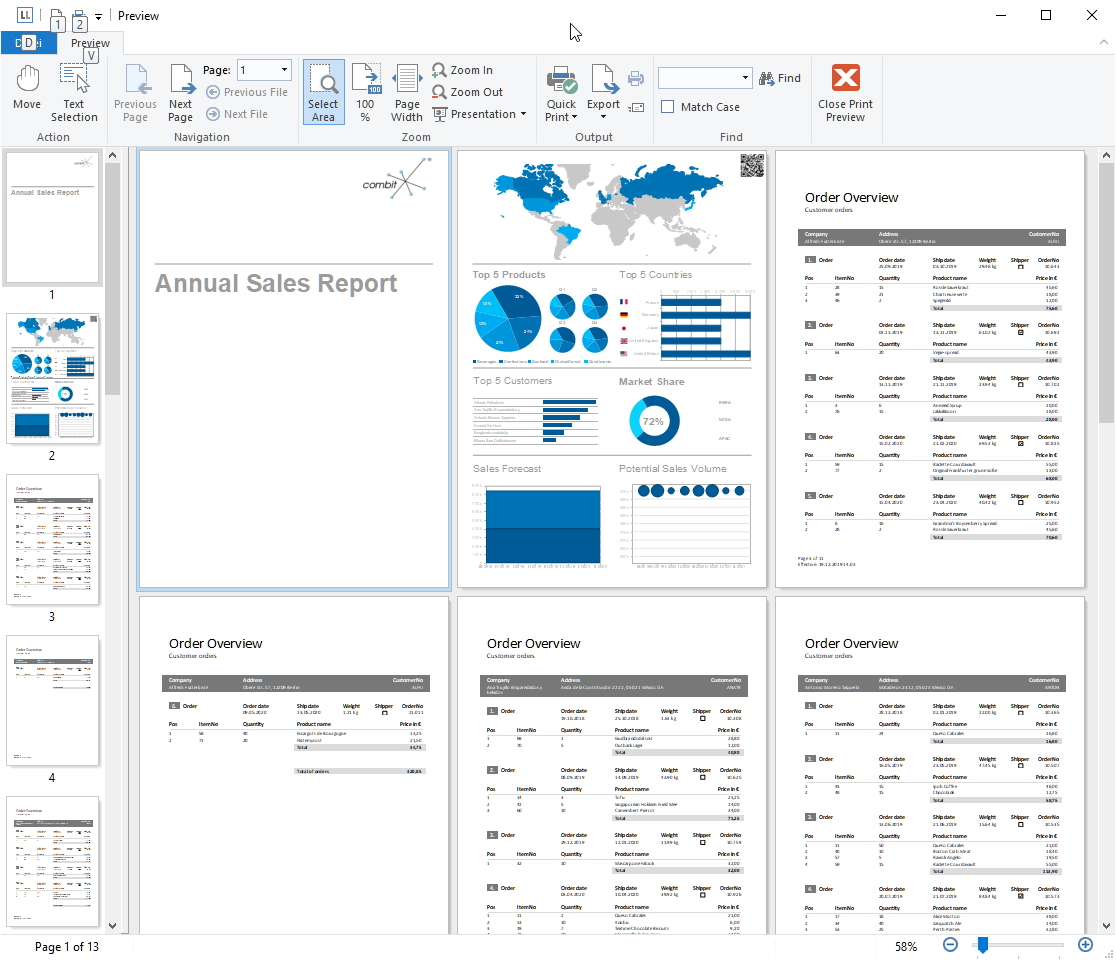
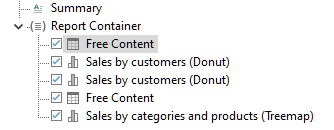
This has been another FAQ without a really good answer – how can I get a report with completely different parts like a cover sheet, a table of contents, some tabular reports, some charts and images, then a text block and so on?
The new List & Label Service Pack 25.003 brings support for the new RAD Studio 10.4 and Windows 10 2004. What else is new? We have all new features and improvements for you at a glance. Each entry was taken directly from the English Readme.
The Service Pack 25.002 has some new features and various improvements for you. We give you an overview of what's new and what has improved.

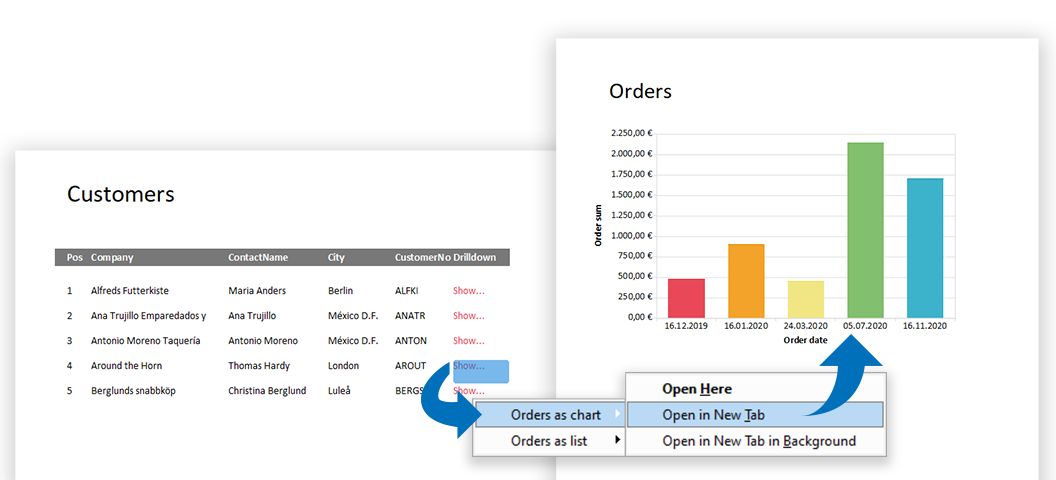
Today, modern reports must be designed for more than just one purpose. In addition, "all" data should be contained as simply as possible – but presented in a clear and structured way. With List & Label such multifunctional reports can be easily realized. Interactive elements allow a single report to cover several scenarios, while selection options further enhance the report. This makes reports more comprehensive and informative and can be easily operated by the user.
The Service Pack introduces new features, various improvements and corrections. The following is an overview of the features and improvements in the Service Pack.
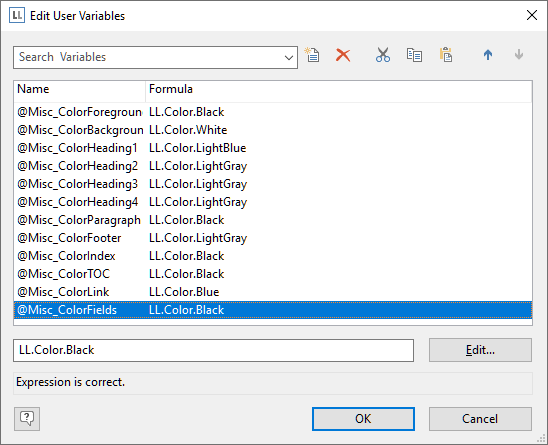
As with every new version, we have updated List & Label in a lot of different places to make it smoother to use, more modern and accessible. So to continue with this tradition, here are some treats in List & Label 25 you might have overlooked so far.
Here we post about new features in our reporting tool List & Label and about general development topics.
.NET Ad-hoc-Designer Angular API Azure Barcode Charts Cloud Components Cross Platform Data Provider Data Sources Debwin Delphi Designer Docker Drilldown Excel Export Filter FireDAC Java JSON Linux List & Label 29 List & Label 30 List & Label 31 Mail PDF Preview Print QR-Code React Report Container Report Parameters Reports Report Server REST Service Pack Tables VCL Visual Studio Web Reporting XRechnung ZUGFeRD
All news and tips from the Dev Blog and our Knowledgebase.

Don’t miss out on new features, service packs, how-tos and exclusive sales offers.
© 1989-2026 combit GmbH | All rights reserved | Legal Notice | Privacy Notes


