Introducing Parametrized Data Sources

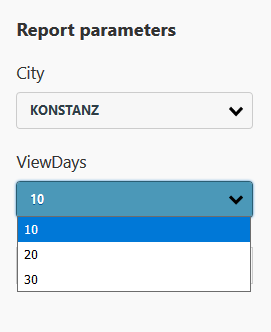
example for a result in the html 5 viewer

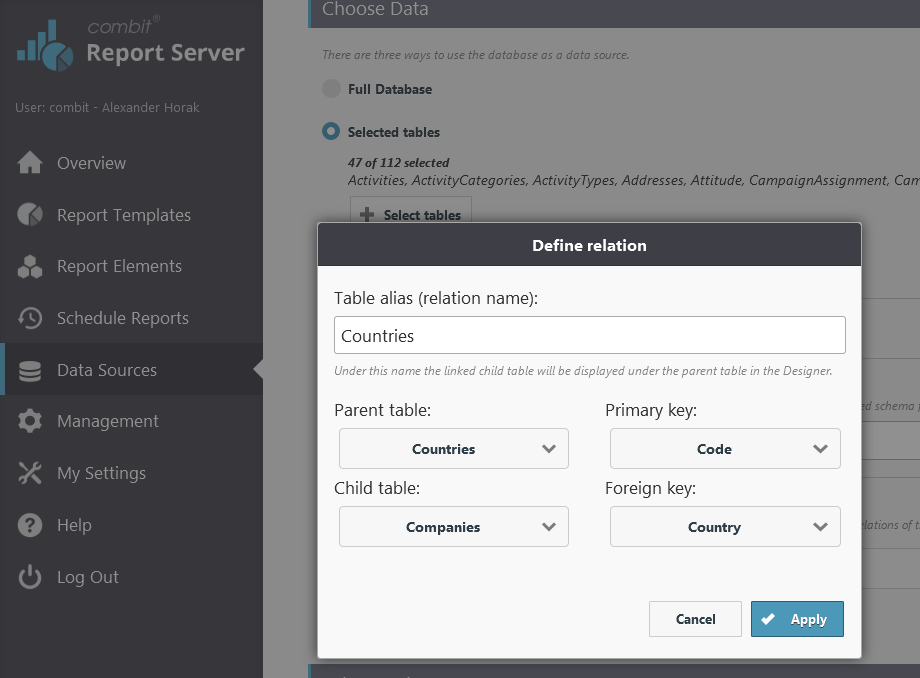
List & Label's powerful filter options could not be used for all data sources so far. Reason is, especially for web based data sources, it is not possible or feasible to get "all" data first and then filter to the desired subset. The upcoming version 24 comes with a powerful new feature that addresses this very issue: Parametrized Data Sources. It allows to combine data source parameters with actual report parameters in the Designer.
Using Your Own .NET Designer Objects in Unmanaged Code – Designer Object Bridge

Many things can often be implemented significantly easier and faster in managed code than in unmanaged code, such as with Delphi or C++. Sometimes, there already exist ready-made .NET modules which contain the desired requirements and which need to be used in your own unmanaged application. But the question then is: How can a .NET module be made accessible to an unmanaged system?

Huge Designer Speed-Up for Large Databases

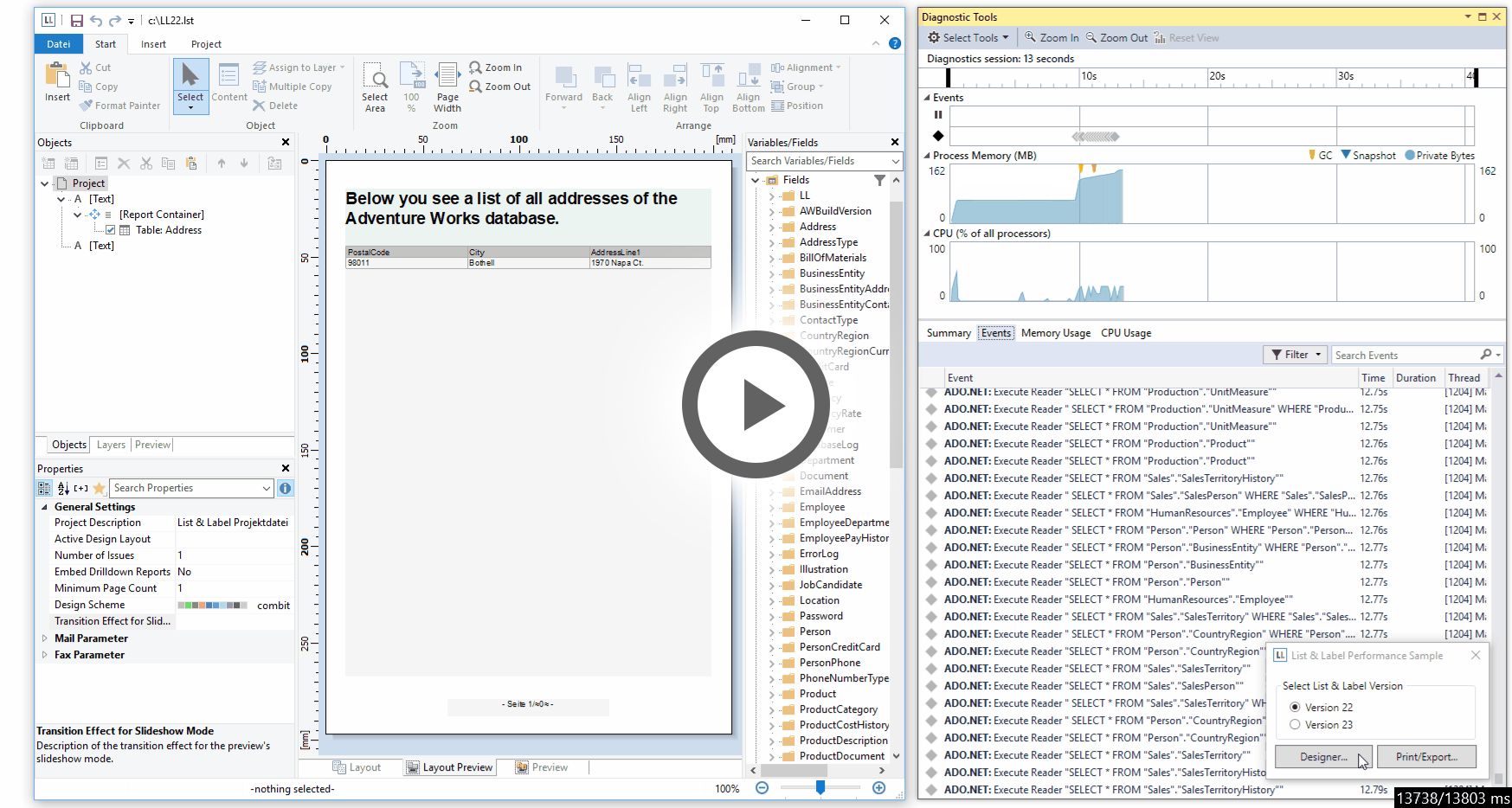
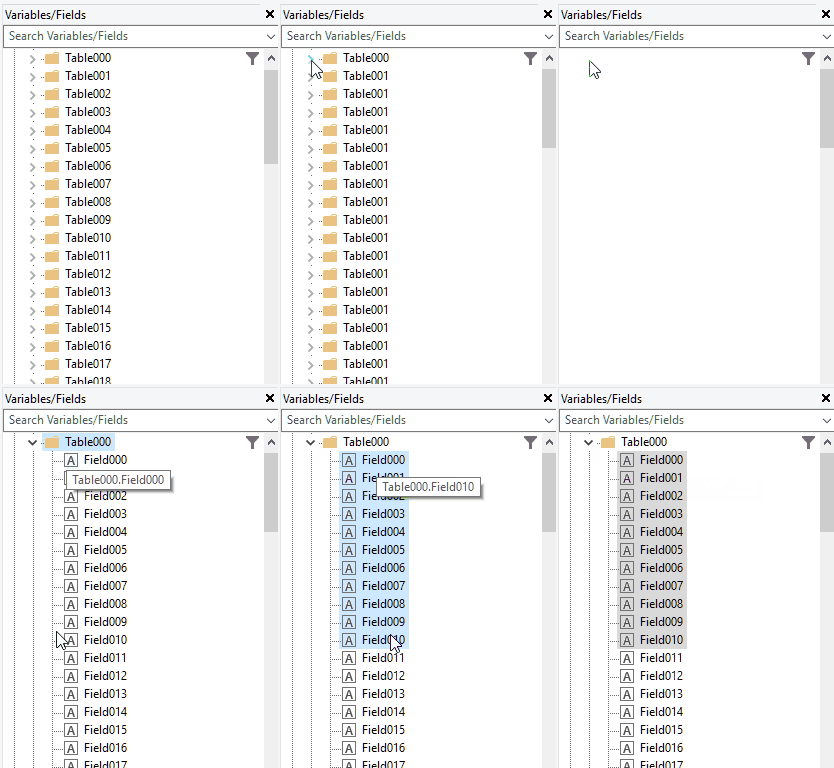
Historically, List & Label has always been working without a database in the background. During the years, we've added powerful databinding to the components, however at the core, the principle stayed the same: your application (or the databinding layer) passes all available data before opening the Designer.

Crosstabs: Expand Sub Tables in the Interactive Preview

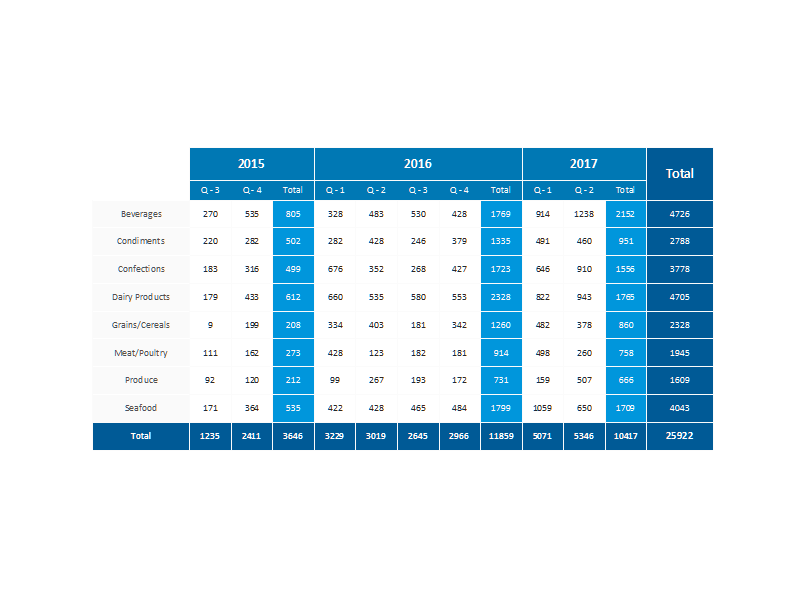
example crosstab

As we swiftly proceed through the development process of List & Label 22, we found a slot to add one more feature to the crosstab. Starting in version 19, we've added a lot of interactivity to the preview, including a feature called "Expandable Regions" for the report container. It allows to expand sub tables by just a click. For LL22, we've now extended this feature to the crosstab.

Keeping Groups Together in Report Outputs (.NET, C++)

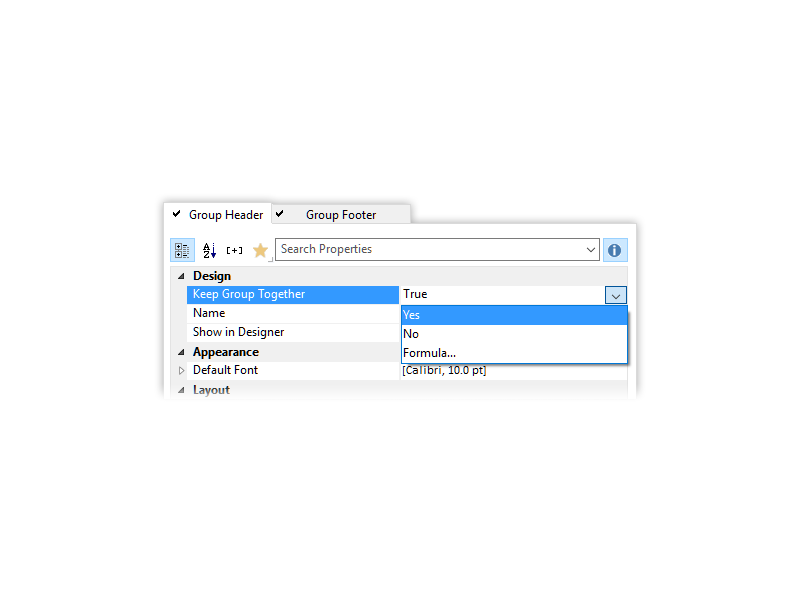
Sorry for the gonzo title of this blog post – I just couldn't resist. I actually started working for combit in 1998 which is a full 18 years ago. And this is the feature I was asked for the most. No kidding. From the early days, way before we had the report container, people wanted this one thing – keep groups together. The reasoning is simple, if you have rather short groups but a huge number of them, you don't want page breaks within one group but rather get a page wrap before the group header and then the whole group on the next page. Totally simple, totally understandable, totally impossible so far.

Progress OpenEdge Reporting Tool List & Label 21

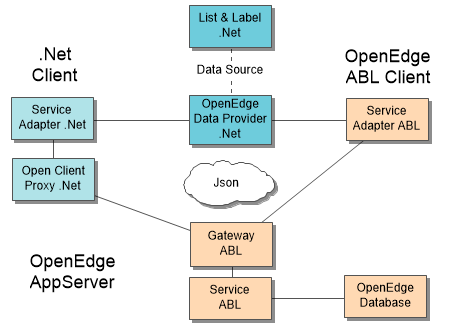
This time we feature a guest post from our partner and developer colleague Thomas Wurl. About two years ago, Thomas developed a free data provider for Progress OpenEdge available for all List & Label customers. While this provider was adopted successfully by many Progress users, it suffered some restrictions. So Thomas decided to restart from scratch and came up with an incredibly fast and powerful new solution. Here's his story.