Web Report Viewer for Preview in Web Applications

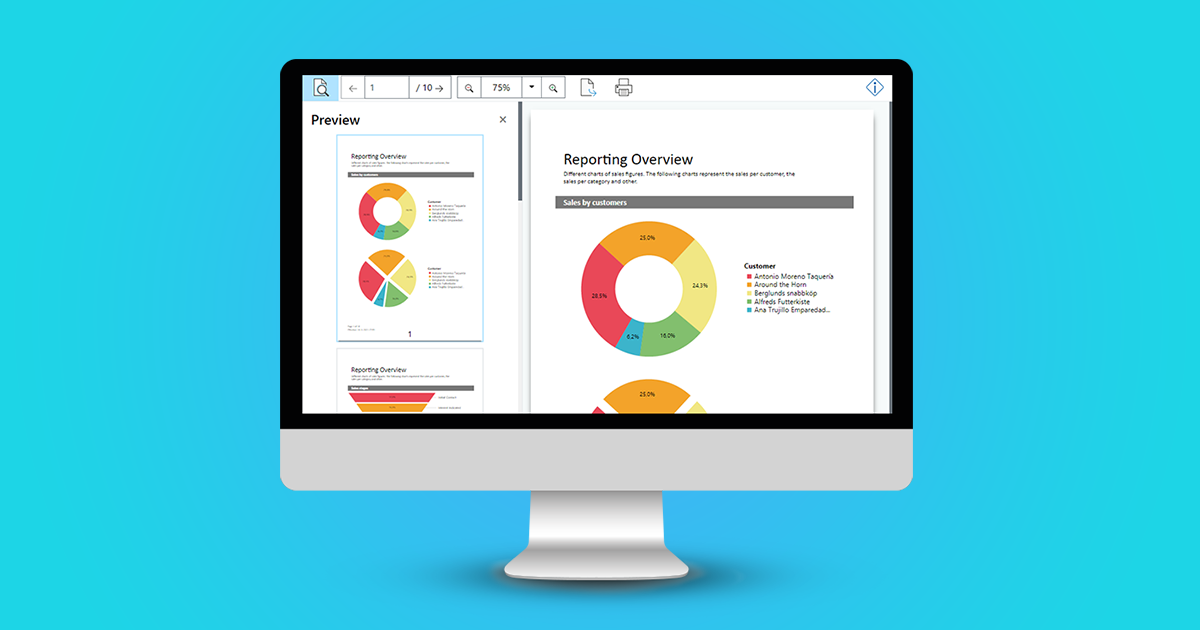
web report viewer desktop

Up until version 27, you were able to use the HTML5 Viewer in your own .NET web applications in order to display a report preview directly in the browser. Interactive user actions such as drill down, filtering data using report parameters and much more were already possible. But the technology that was utilized for this is getting older now, as for example the jQuery framework. With the new Web Report Viewer, we have created a modern, highly compatible replacement, which has been available since version 27 (year 2021).

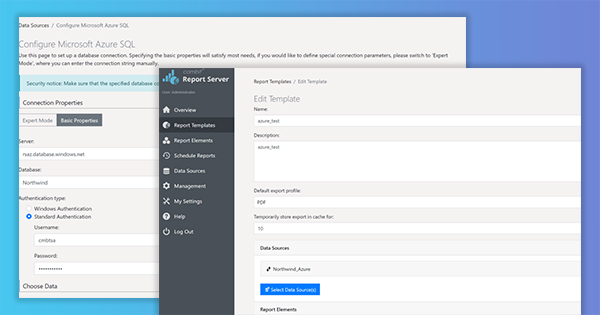
Deploy Report Server on an Azure Container Instance and using it from an Azure Function

Report Server Azure Container

As we keep getting requests to support calling List & Label from an Azure Function, and – due to several restrictions like e.g. GDI sandboxing – List & Label can’t be used directly in this context, I thought it might be interesting to explore another way to the cloud, this time using the Report Server. Using its REST-API, you can even create reports from an Azure Function. But let’s walk through the process step by step.

New Service Pack 27.003 for List & Label and the Report Server

service pack box 27.003 in screen

In this summary you will find the most important new features and improvements in Service Pack 27.003. The individual entries were taken directly from the English Readme. A detailed list of all changes can be found in the ServicePack.pdf in your installation as well as in the Service Pack download section.

New Features for the Web Report Designer in List & Label 27.002

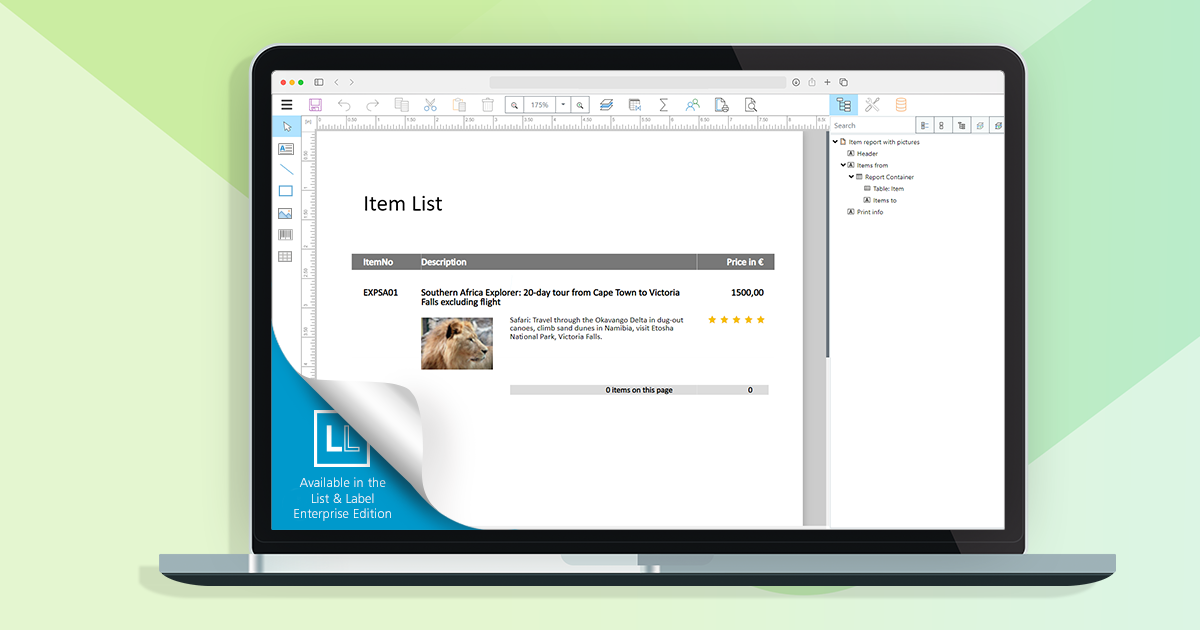
notebook with web report designer

The Web Report Designer is an essential tool for using List & Label within web applications. We’re striving for constant improvements and enhancements – the plan is to add new features with each service pack we publish, until we’ll reach feature parity with the well-established Desktop Designer. Here’s a first glance what we were working on since the release.