Customizing the Preview’s Look & Feel

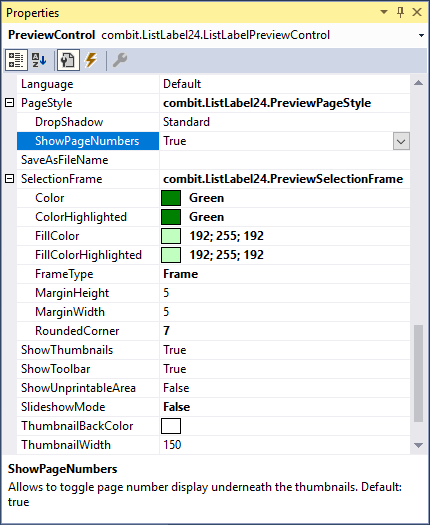
preview control window

Since the introduction of our feature portal three years ago, it has become an important driver for our innovation. If you filter for "available in latest version", you'll find some fourty features we've built into the product on your request. So here comes a big "thank you" to everyone participating! Your help, effort and ideas are more than welcome anytime. Of course, we've implemented some of the top voted demands into LL24. One of them has been to enable the customization of the preview window's look and feel.

Add Your Custom Objects and Functions to the Web Designer

Extensibility is a first class citizen in the List & Label universe. You can add your own functions and objects to the Designer, enabling complex calculations within your code or custom objects. However, there was one important link missing so far – all this code just runs on the desktop. If your application runs on a server and you're using the Web Designer you're hosed – until version 24.

Vastly Improved Chart Rendering in the Browser

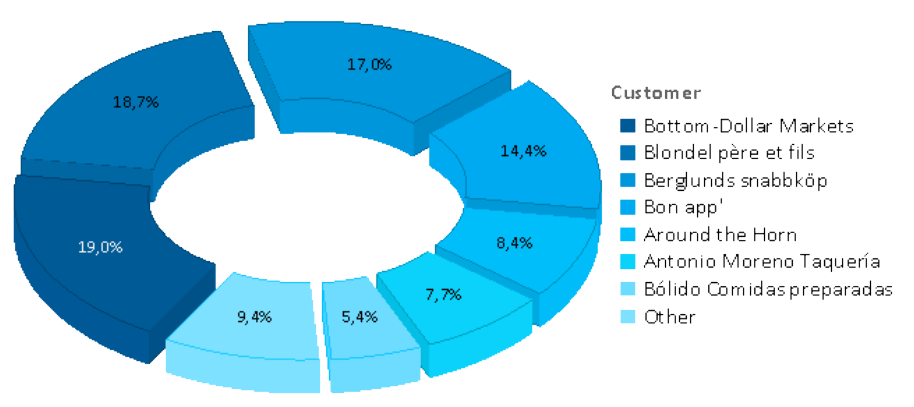
divided pie chart in LL23

Over the years, we kept improving our chart engine with each version. We've added Donut, Radar and Treemap charts and offered new layout options. However, if your charts were to be rendered in the browser, the only available formats so far have been PNG or JPEG, leaving you with exactly two options: either have great quality and huge file sizes or a swift download and poor rendering quality. There was no option to combine both (and I'm not thinking "huge download and poor quality" here <g>). In LL24, this is going to change.

Creating Pivot/Crosstabs via Drag & Drop

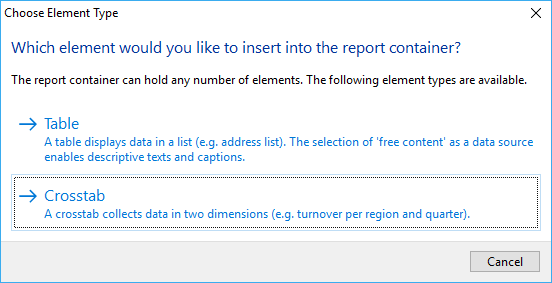
dialogue choose table element type

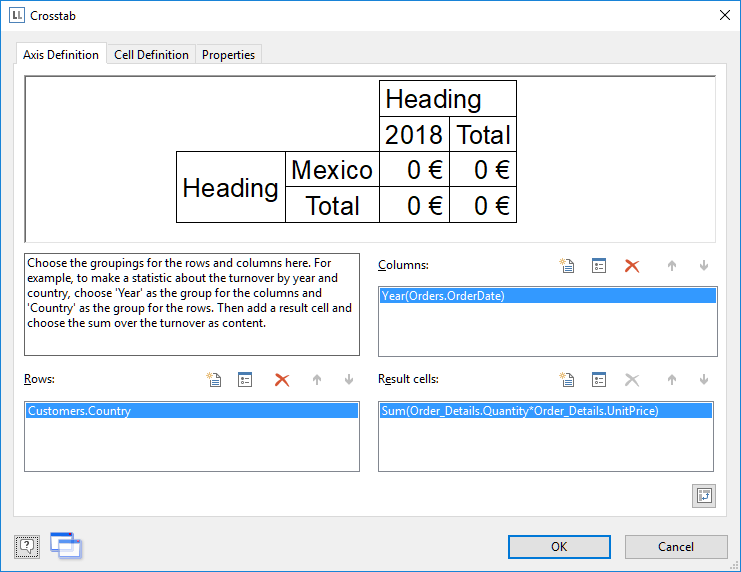
A pivot/crosstab does a great job in aggregating your data and helps to spot trends and outliers. We’ve put great effort in enhancing our pivot/crosstab support for the last few versions. However, although there’s a nice wizard to get you started, usability testing showed that even creating simple pivot/crosstabs was still a challenging task for some users. That’s something we hope to change with LL24.

How to Use List & Label .NET Directly in Java

With the help of Javonet, the List & Label .NET component can be easily integrated and used directly from Java – with the usual ease of use you are accustomed to from .NET. With this cooperation, Java customers have easy access e.g. to real data preview in the Designer, drilldown reporting and report parameters to name just a few of the interactive features.

Customer Wishes Implemented in the Ad-hoc Designer

Since version 3 of the Report Server, you can create reports quickly and easily with the Ad-hoc Designer. Since List & Label 23, this feature is also available for .NET developers for integration into their applications. Today I would like to show briefly which customer requests we were able to implement in combit List & Label 24 and Report Server 24 in the Ad-hoc Designer.