Stop outgrowing your .NET reporting: How to avoid “We have to rewrite this”

Key takeaways Table of contents How “just PDF and Excel” turns into a rewrite Most .NET teams don’t plan to build an enterprise-grade reporting platform. … Read more
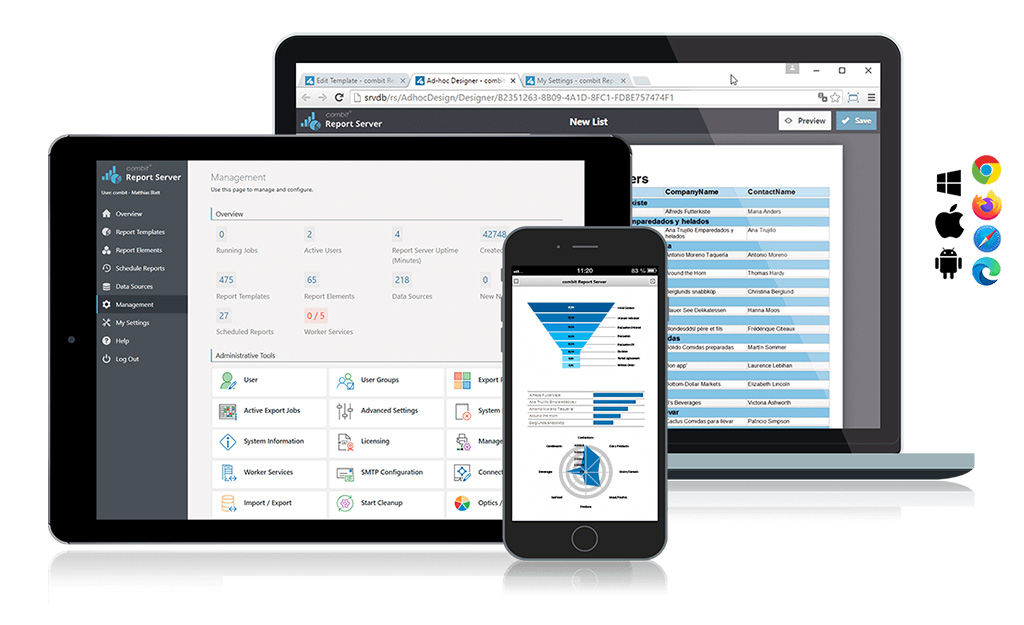
The latest version 29 of our Report Server comes with a host of new features and improvements, increasing efficiency and flexibility when managing data sources and creating reports. Below is an overview of the most important updates.
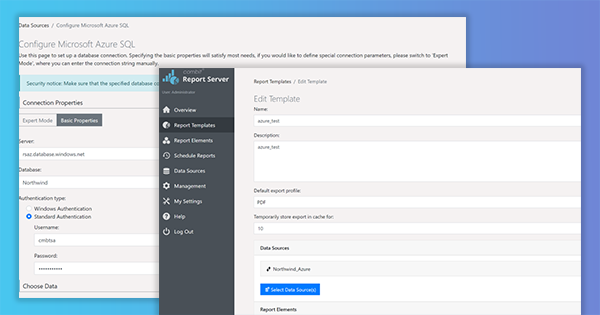
As we keep getting requests to support calling List & Label from an Azure Function, and – due to several restrictions like e.g. GDI sandboxing – List & Label can’t be used directly in this context, I thought it might be interesting to explore another way to the cloud, this time using the Report Server. Using its REST-API, you can even create reports from an Azure Function. But let’s walk through the process step by step.
The new service pack for List & Label 27 brings many enhancements and improvements especially for the new Web Report Designer as well as for Delphi and .NET developers. In addition, the new drag & drop interface for charts now also supports the selection of an aggregate function. The report template preview in the Report Server uses the new Web Report Viewer, styled according to the applied Report Server customization. Read our blog post for more highlights. The individual entries have been taken directly from the English readme.
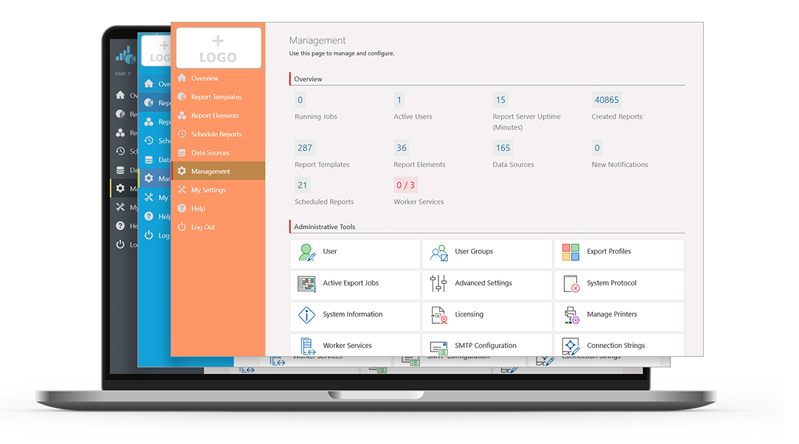
In the Report Server’s most current version, a few more exciting new features have been implemented, as a response to some customer requests. Overall, the new Report Server now visually integrates better into your application. Also, in addition to new actions for planned reports, it also offers additional enhancements for Excel export. Service Pack 27.001 will provide customers with a completely new preview.
In the last part of our blog post series, we’ll take a closer look at challenges that came up while developing the Web Report Designer – especially in regards to back-end requests, hotkeys and the formula editor.
The Service Pack 26.004 has some new features and various improvements for you. We give you an overview of what’s new and what has improved.
The first Service Pack for List & Label 26 has been released. What are the new features and improvements? In this blog post we give you an overview. Each entry was taken directly from the English Readme.
The Service Pack introduces new features, various improvements and corrections. The following is an overview of the features and improvements in the Service Pack.
As promised in our first blogpost about the innovations of Report Server 25, here comes the second part, including some very interesting features like Webhooks, connection string management or import/export of settings.