List & Label Reporting Blog
Full Support for ZUGFeRD/Factur-X Starting with List & Label 31
 By
ByWith the release of version 31 of List & Label in October 2025, full support for the current ZUGFeRD/Factur-X standard 2.3 will be available.
The upcoming version 2.4 – already announced for Q4/2025 – will also be supported via service packs for List & Label 31.
This makes List & Label a future-proof solution for digital, legally compliant e-invoicing across Germany and Europe.
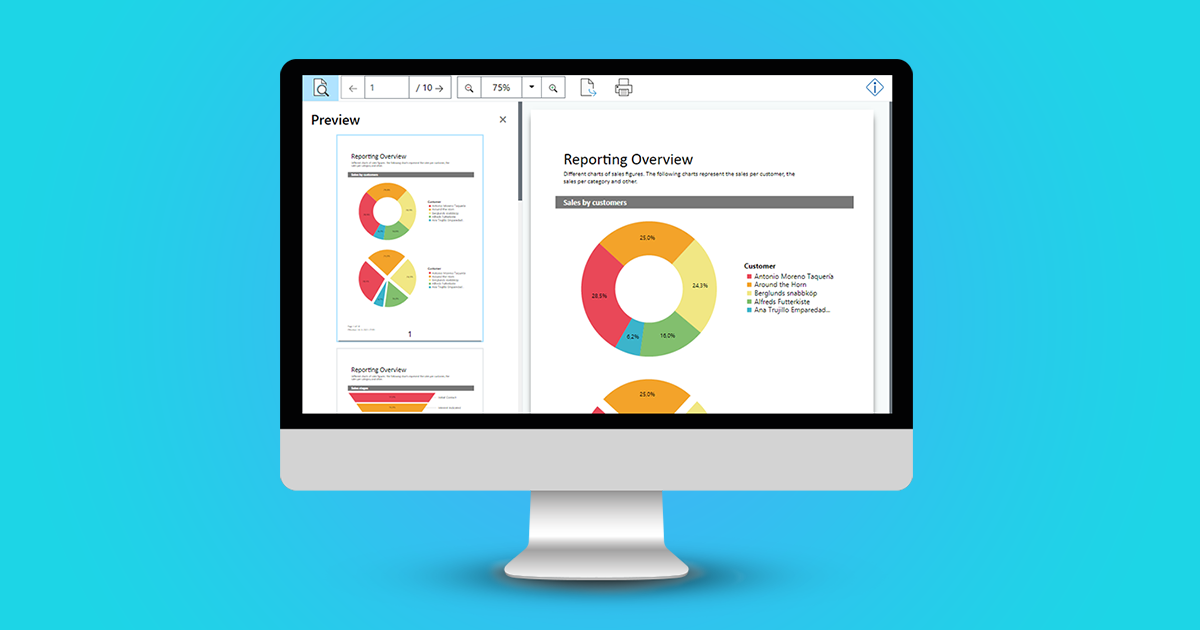
Web Report Viewer for Preview in Web Applications
Up until version 27, you were able to use the HTML5 Viewer in your own .NET web applications in order to display a report preview directly in the browser. Interactive user actions such as drill down, filtering data using report parameters and much more were already possible. But the technology that was utilized for this is getting older now, as for example the jQuery framework. With the new Web Report Viewer, we have created a modern, highly compatible replacement, which has been available since version 27 (year 2021).
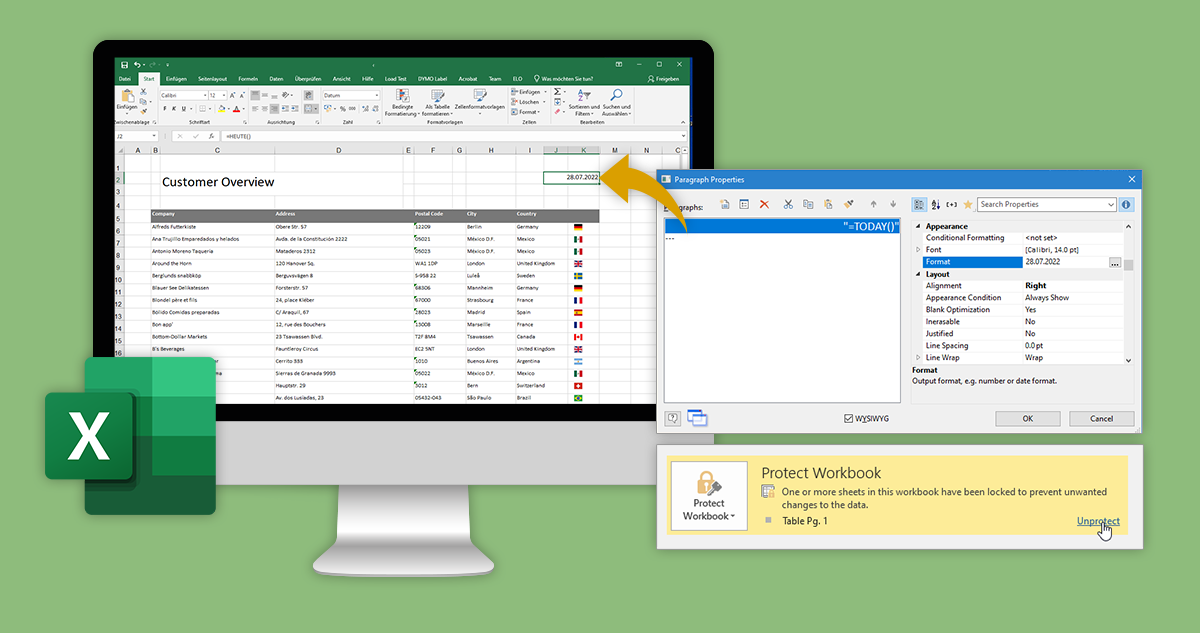
Four New Treats for the Excel Export
 By
ByTo further improve our export formats, was one of the main areas we focused on with List & Label 28. Specifically, we added a number of powerful new features to the Excel export. Without any further ado, here’s what’s new.
New Service Pack 27.004 for List & Label and the Report Server
 By
ByIn this summary you will find the most important new features and improvements in Service Pack 27.004. A detailed list of all changes can be found in the ServicePack.pdf in your installation as well as in the Service Pack download section.
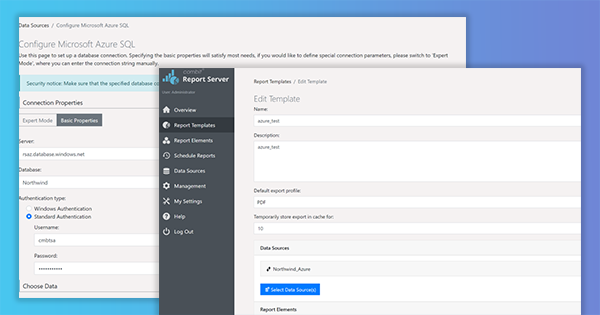
Deploy Report Server on an Azure Container Instance and using it from an Azure Function
As we keep getting requests to support calling List & Label from an Azure Function, and – due to several restrictions like e.g. GDI sandboxing – List & Label can’t be used directly in this context, I thought it might be interesting to explore another way to the cloud, this time using the Report Server. Using its REST-API, you can even create reports from an Azure Function. But let’s walk through the process step by step.
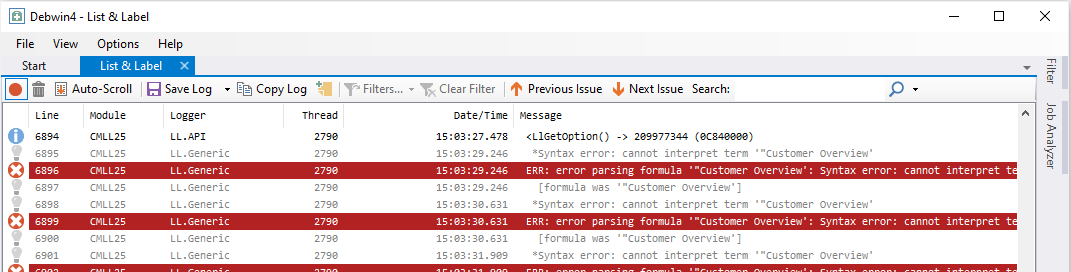
Open Sourcing our Logging Tool Debwin
New Service Pack 27.003 for List & Label and the Report Server
In this summary you will find the most important new features and improvements in Service Pack 27.003. The individual entries were taken directly from the English Readme. A detailed list of all changes can be found in the ServicePack.pdf in your installation as well as in the Service Pack download section.
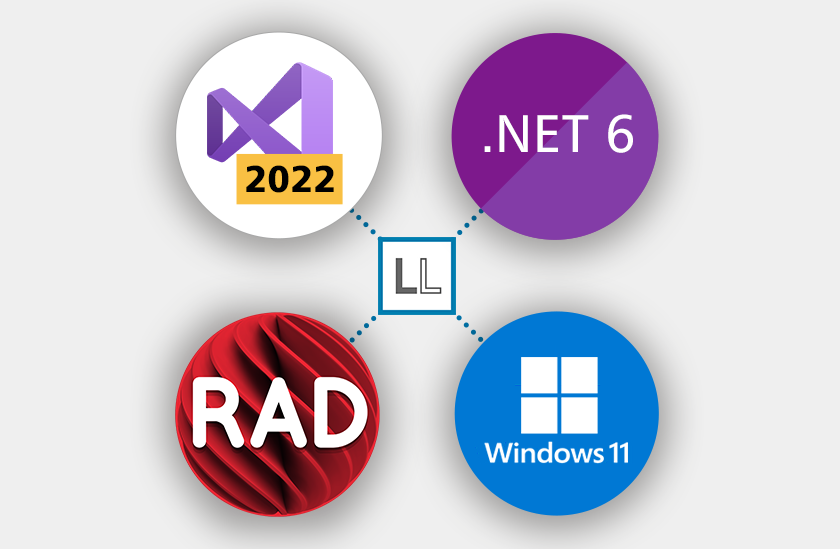
Miscellaneous Treats in List & Label 27
As with every version, there are way too many new features in version 27 to cover them all in separate blog posts. So here’s a quick summary of some of the rather hidden gems that still deserve some attention.
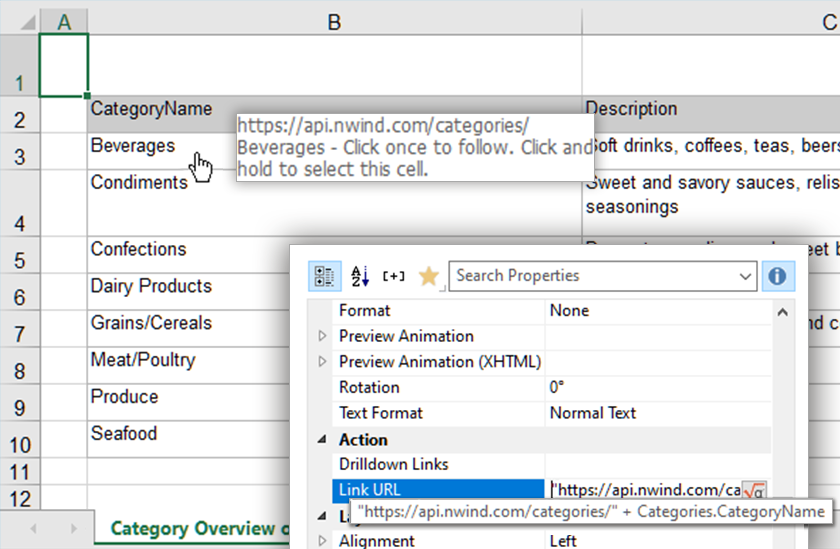
New Features for the Excel Export
After paying some attention to the PDF export in version 26, we decided to give some love to the Excel export in version 27, by adding three often requested features.
How to Create, Print and Export Barcodes in .NET/C#
With List & Label, our reporting component for software development, you can use barcodes in numerous formats in .NET/C#. The portfolio of barcodes is constantly expanding.
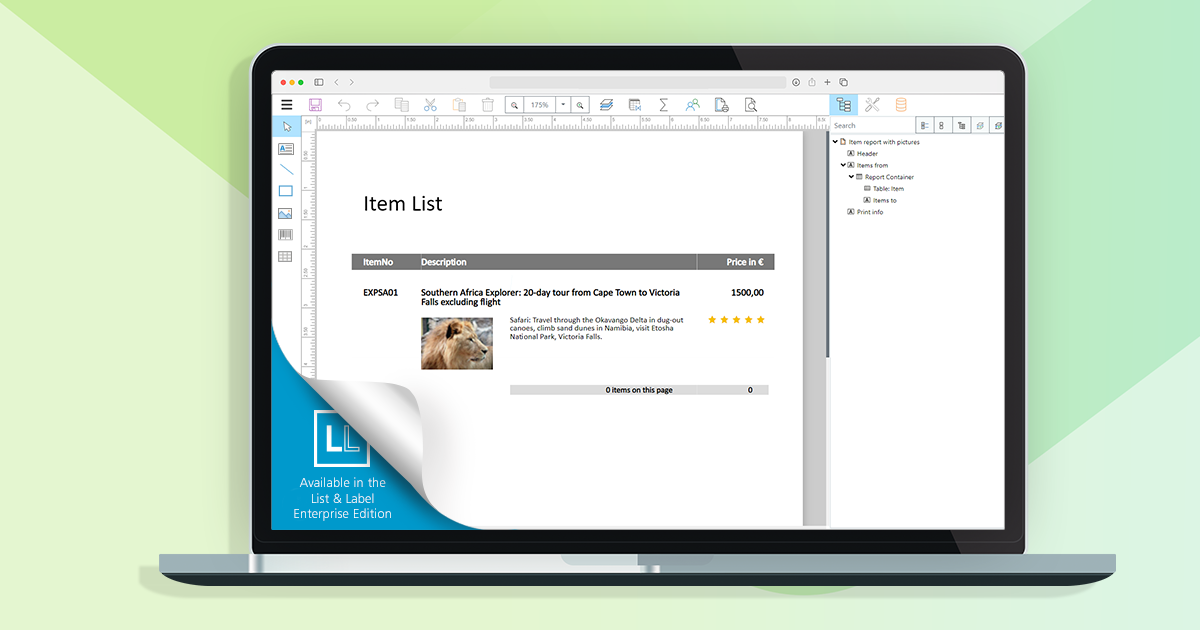
New Features for the Web Report Designer in List & Label 27.002
 By
ByThe Web Report Designer is an essential tool for using List & Label within web applications. We’re striving for constant improvements and enhancements – the plan is to add new features with each service pack we publish, until we’ll reach feature parity with the well-established Desktop Designer. Here’s a first glance what we were working on since the release.


