Service Pack 25.001 for List & Label and Report Server

The Service Pack introduces new features, various improvements and corrections. The following is an overview of the features and improvements in the Service Pack.
The Service Pack introduces new features, various improvements and corrections. The following is an overview of the features and improvements in the Service Pack.

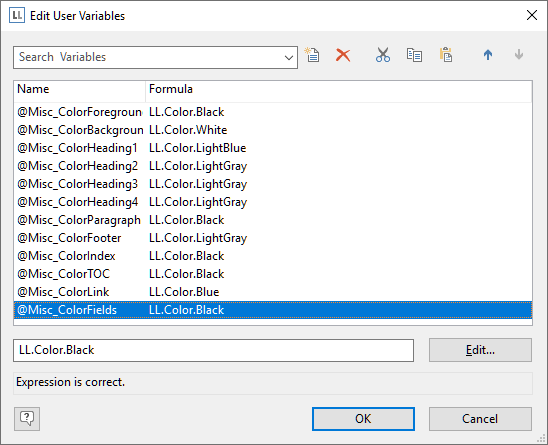
As with every new version, we have updated List & Label in a lot of different places to make it smoother to use, more modern and accessible. So to continue with this tradition, here are some treats in List & Label 25 you might have overlooked so far.
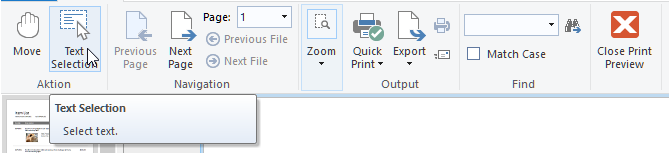
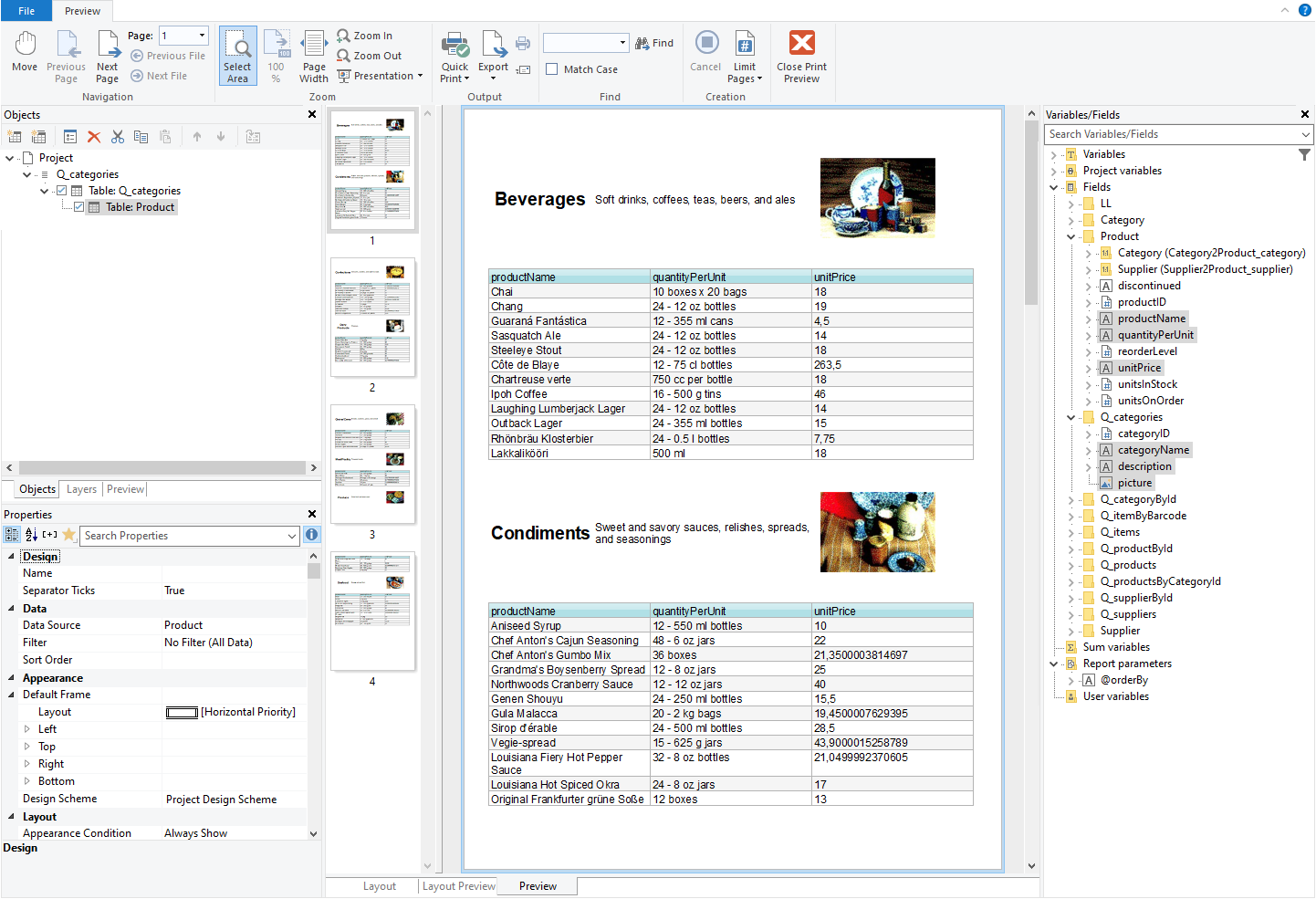
Creating preview files is all well and good. However, when you needed to access the texts within the preview for post processing, you had to resort to a text export, finding the relevant strings and copying them from there. In LL25, we added a powerful way to extract texts from a preview, directly from within the preview window.
GraphQL was publicly released in 2015 and became quite popular since then. It's used by a number of big web applications like Instagram, Facebook and others.

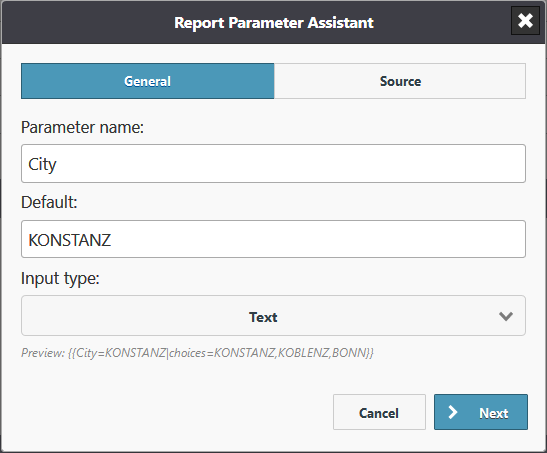
The combit Report Server celebrates its 5th birthday. Right on time for the anniversary, the product again has some new features to offer. We focused especially on the wishes of our customers.
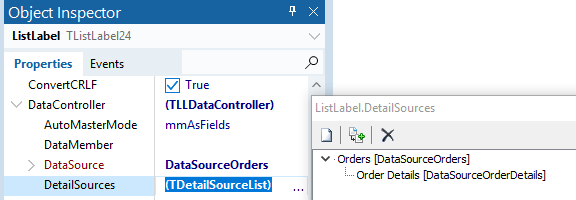
This is another great addition to the report container's feature set. Until LL25, related tables always needed to have an actual relation on the data source level in order to be usable as data source for sub items. If there was no relation, there was no way to insert the sub item, even if both tables in question had an ID field that would easily allow a custom linkage. In LL25, you can now have relations based on filter conditions.

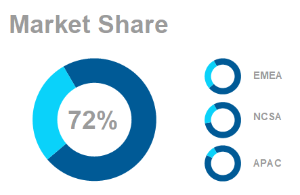
Complex data is usually processed visually in dashboards in order to be able to capture trends, outliers or up-to-date data at a glance. The design of dashboards depends on important details. These details make the difference between whether the information is interesting for the target group and whether conclusions can be drawn from it or not. For example, a bar chart is better to capture than to work your way through hundreds of table entries. Dashboards are often used incorrectly and are hopelessly overloaded with numerous different charts and gauges, such as traffic lights, speedometers and hardly readable tables.
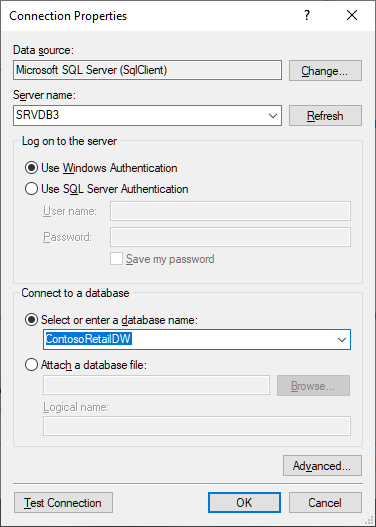
It’s been a while since the original announcement back in June 2016, but hey, we’re finally there. Today marks the release of a brand new VCL component that uses the data provider interface and FireDAC at its core.

While I've been blogging about the major and most-UI-visible features during the last few months, of course there are gazillions of minor and less visible changes underneath the hood in LL24. This blog post sums up some more reasons to be cheerful.
Extensibility is a first class citizen in the List & Label universe. You can add your own functions and objects to the Designer, enabling complex calculations within your code or custom objects. However, there was one important link missing so far – all this code just runs on the desktop. If your application runs on a server and you're using the Web Designer you're hosed – until version 24.
Here we post about new features in our reporting tool List & Label and about general development topics.
.NET Ad-hoc-Designer Angular API Azure Barcode Charts Cloud Components Cross Platform Data Provider Data Sources Debwin Delphi Designer Docker Drilldown Excel Export Filter FireDAC Java JSON Linux List & Label 29 List & Label 30 List & Label 31 Mail PDF Preview Print QR-Code React Report Container Report Parameters Reports Report Server REST Service Pack Tables VCL Visual Studio Web Reporting XRechnung ZUGFeRD
All news and tips from the Dev Blog and our Knowledgebase.

Don’t miss out on new features, service packs, how-tos and exclusive sales offers.
© 1989-2026 combit GmbH | All rights reserved | Legal Notice | Privacy Notes


