How to Create, Print and Export Barcodes in .NET/C#
With List & Label, our reporting component for software development, you can use barcodes in numerous formats in .NET/C#. The portfolio of barcodes is constantly expanding.
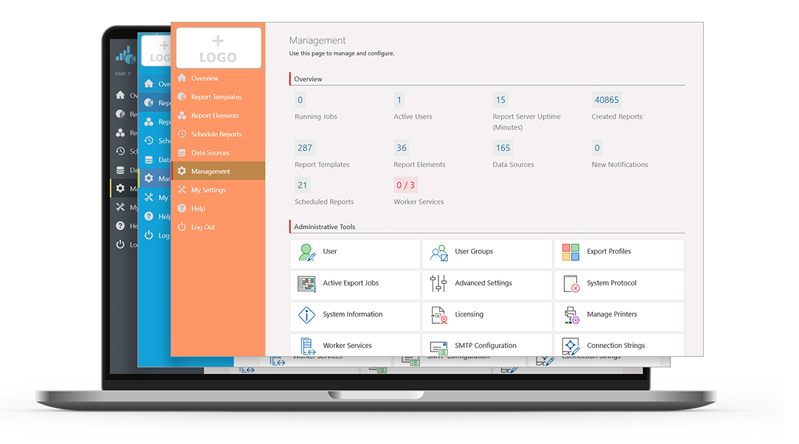
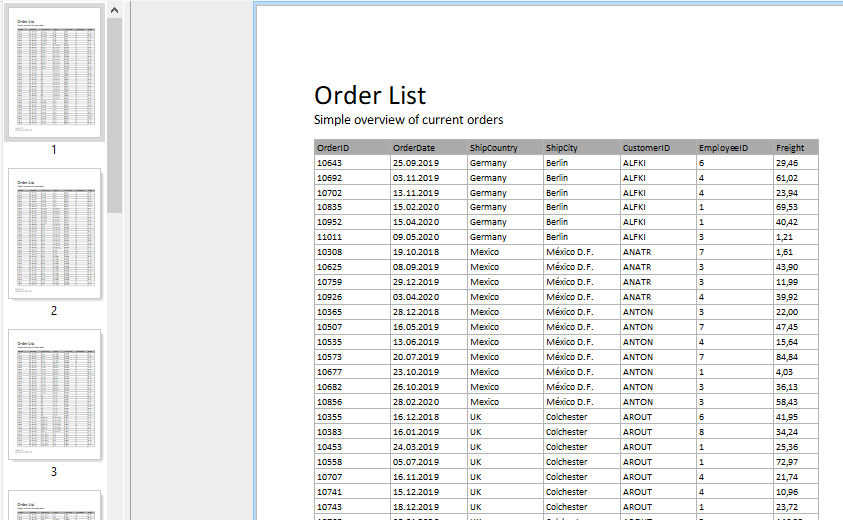
In the Report Server’s most current version, a few more exciting new features have been implemented, as a response to some customer requests. Overall, the new Report Server now visually integrates better into your application. Also, in addition to new actions for planned reports, it also offers additional enhancements for Excel export. Service Pack 27.001 will provide customers with a completely new preview.
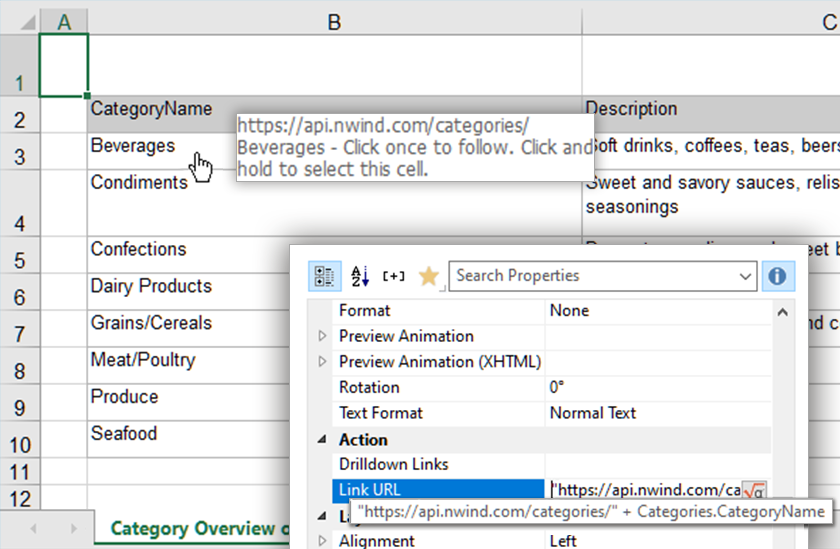
List & Label has supported a number of text based export formats for quite a while. You can have XML, CSV and layout TXT export in different variants. That way, you can use List & Label as a convenient way to convert your data from one of the supported data sources to something you can use in other applications again. But one very popular format was missing so far that's been around for quite a while: Java Script Object Notation aka JSON.
As promised in our first blogpost about the innovations of Report Server 25, here comes the second part, including some very interesting features like Webhooks, connection string management or import/export of settings.
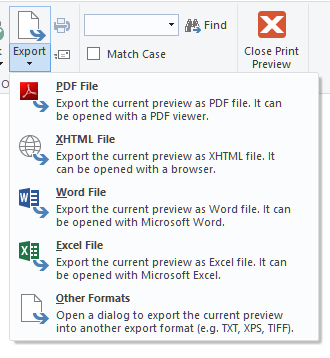
So far, it hasn't been possible to export to all of our export formats from the preview window. The simple reason is that we're using the EMF file format internally while the exporters need completely different information that cannot be extracted from the EMF. Thus, we were only able to support image file formats and – of course – PDF, which is created from EMF vector information.
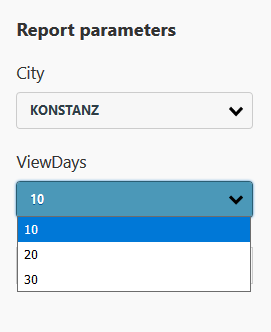
List & Label's powerful filter options could not be used for all data sources so far. Reason is, especially for web based data sources, it is not possible or feasible to get "all" data first and then filter to the desired subset. The upcoming version 24 comes with a powerful new feature that addresses this very issue: Parametrized Data Sources. It allows to combine data source parameters with actual report parameters in the Designer.
Upon the release of version 23 of our List & Label reporting tool, the combit Report Server will become part of the List & Label Enterprise Edition. Hence, it is about time we reported on the new features of our enterprise reporting solution!
While we are constantly working on LL21, we started to merge selected features to the 20-branch. This provides us with the agility to quickly react to frequent demands and offer a much shorter time to market for our subscription customers.
The data provider concept has been around for a couple of years now. We steadily work on extending the list of available data providers and can bind to most any data source by now. Besides the well-known ones, there are also some meta providers that deserve some spotlight.
In the last version we introduced a number of interactive features like report parameters, expandable regions, and dynamic sortings. Until version 20, using these in a web application was not possible as they result in a partial rerendering of the report or – for drilldown reports – trigger a brand new report. As the existing viewers didn’t have a communication channel to a server control, this rerendering was impossible.
Enter the new HTML5 viewer. This viewer is designed to work in almost any web browser. It is optimized for mobile devices and supports interactivity. It requires ASP.NET on the server side but can use any operating system on the client.