How to Create, Print and Export Barcodes in .NET/C#


With List & Label, our reporting component for software development, you can use barcodes in numerous formats in .NET/C#. The portfolio of barcodes is constantly expanding.
With List & Label, our reporting component for software development, you can use barcodes in numerous formats in .NET/C#. The portfolio of barcodes is constantly expanding.

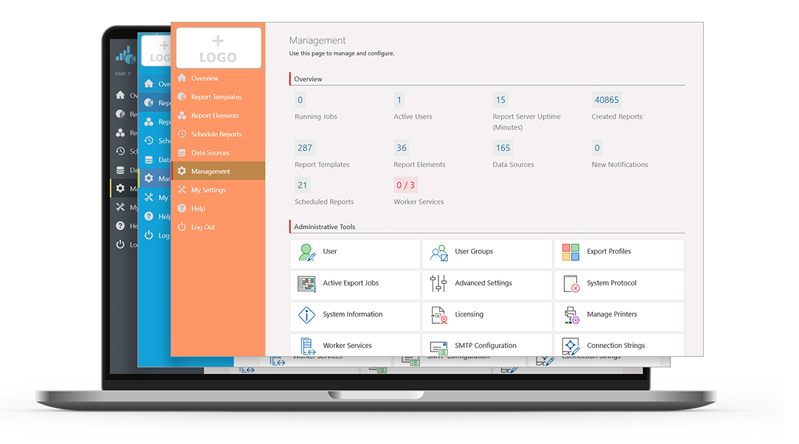
In the Report Server’s most current version, a few more exciting new features have been implemented, as a response to some customer requests. Overall, the new Report Server now visually integrates better into your application. Also, in addition to new actions for planned reports, it also offers additional enhancements for Excel export. Service Pack 27.001 will provide customers with a completely new preview.

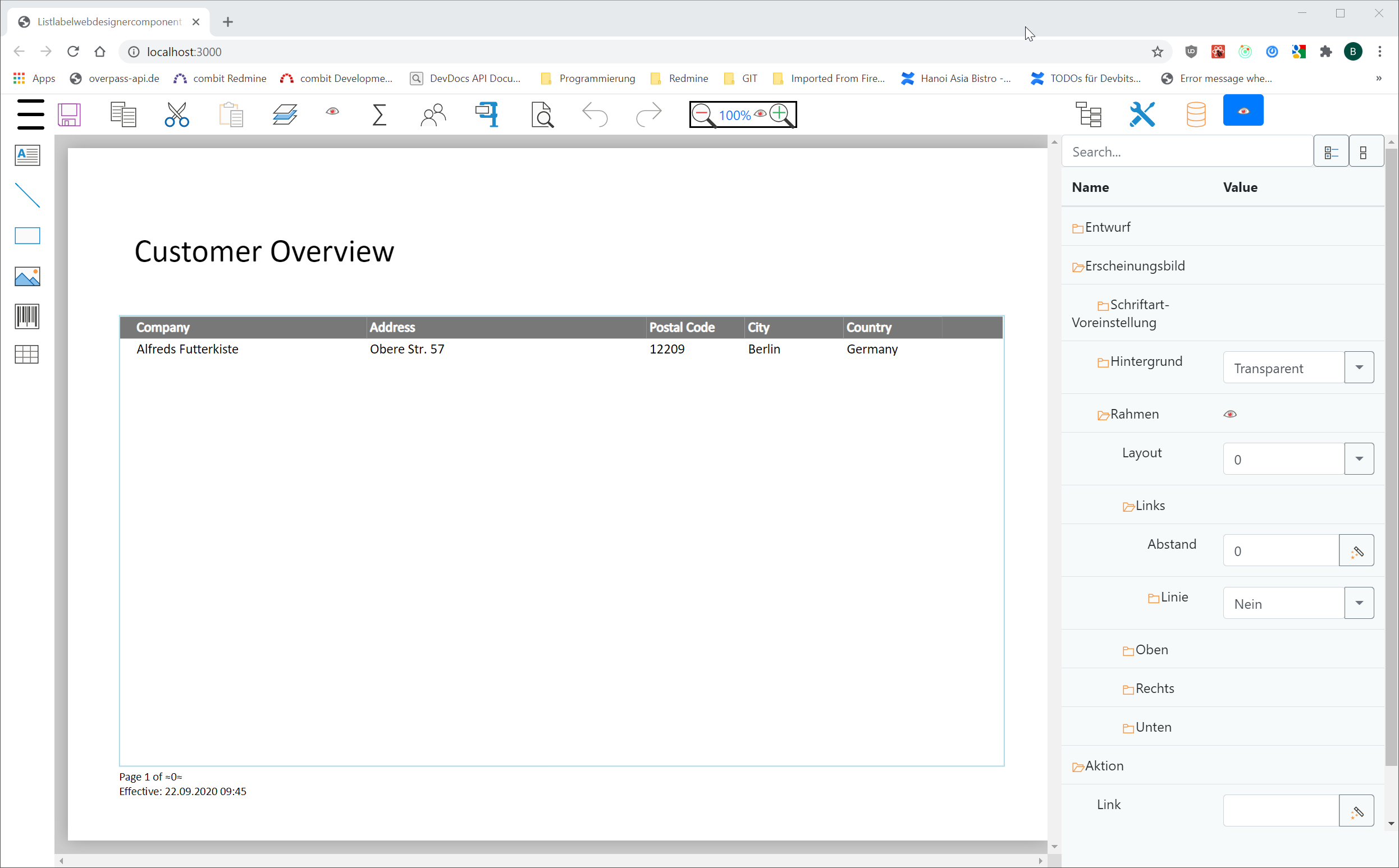
The rapidly increasing number of web apps has led to a great demand for web-based reporting solutions. We followed this trend with List & Label, and moved the Designer to the web – from version 27 on. One huge benefit, brought by the new Designer: way less effort, because only one front- and back-end needs to be developed and subsequently maintained. Naturally, the development of the new Web Report Designer presented us with technical challenges which we’d like to share with you – maybe knowing about our own learning curve is going to help you with your own projects, too.
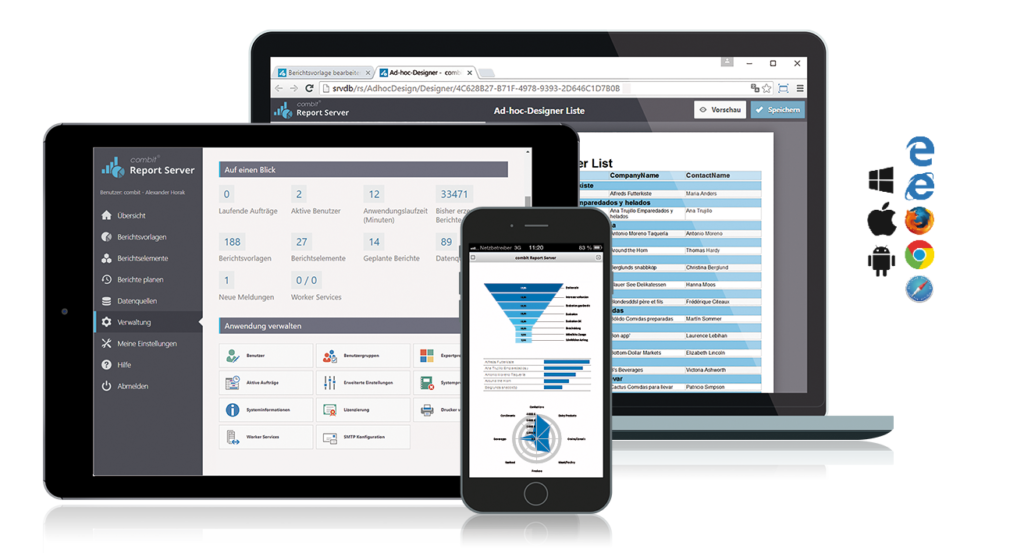
The Report Server saw the light of day in 2014. At that time, version 1.0 was implemented using the ASP.NET MVC framework and was based on List & Label 19. But as the number of users increased in subsequent versions, so did the requirements and ideas for new features. Some of the customer requests were difficult to realize with the underlying technology. Many developers have certainly been faced with the same question: What should we do next?

An often required feature for "this cannot be done" type of problems is looking into the future. Things like "don't print this group if it doesn't contain record xy" or "print a reference to the page number of an item that's printed way later". Before List & Label 26, there was no simple solution to this and the magic had to be done in the application if possible at all. Starting with List & Label 26, we'll introduce a new feature that's aimed at solving exactly challenges like this.
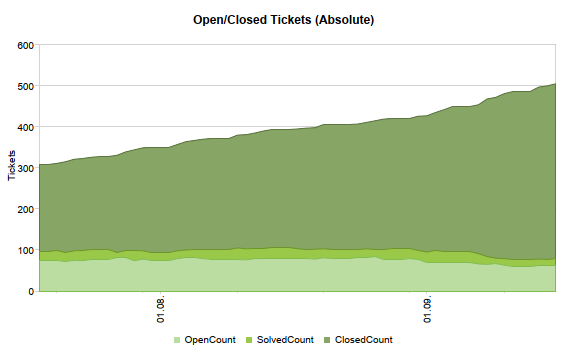
List & Label 26 is gearing towards RTM. We've been blogging about the progress and upcoming new features for some time now. This time, however, I'd like to share some insights into what happens as we shift near RTM.
As with every new version, there's always a lot more "under the hood" that's being added than we're able to document and reveal here in detail. This post sums up a couple of new features and changes for our .NET support in version 26.
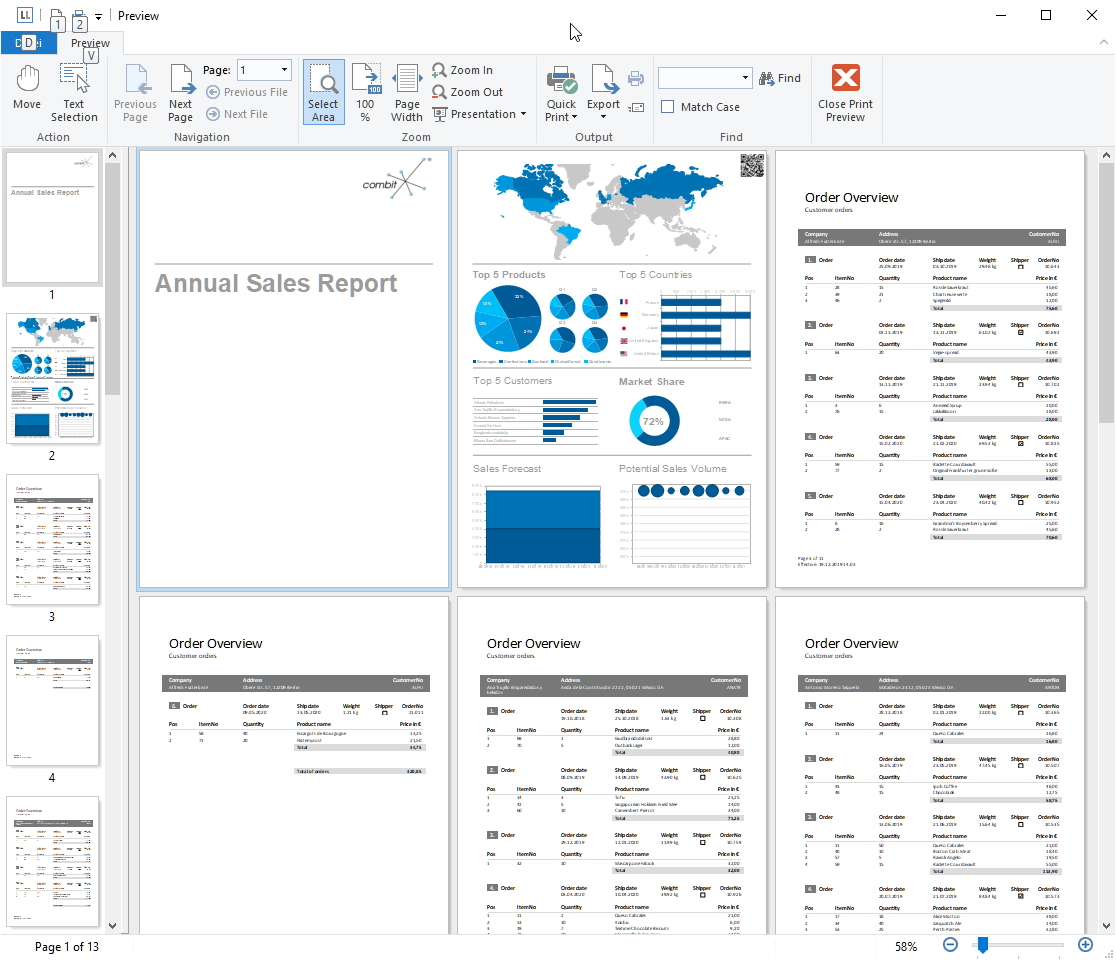
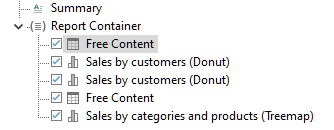
This has been another FAQ without a really good answer – how can I get a report with completely different parts like a cover sheet, a table of contents, some tabular reports, some charts and images, then a text block and so on?
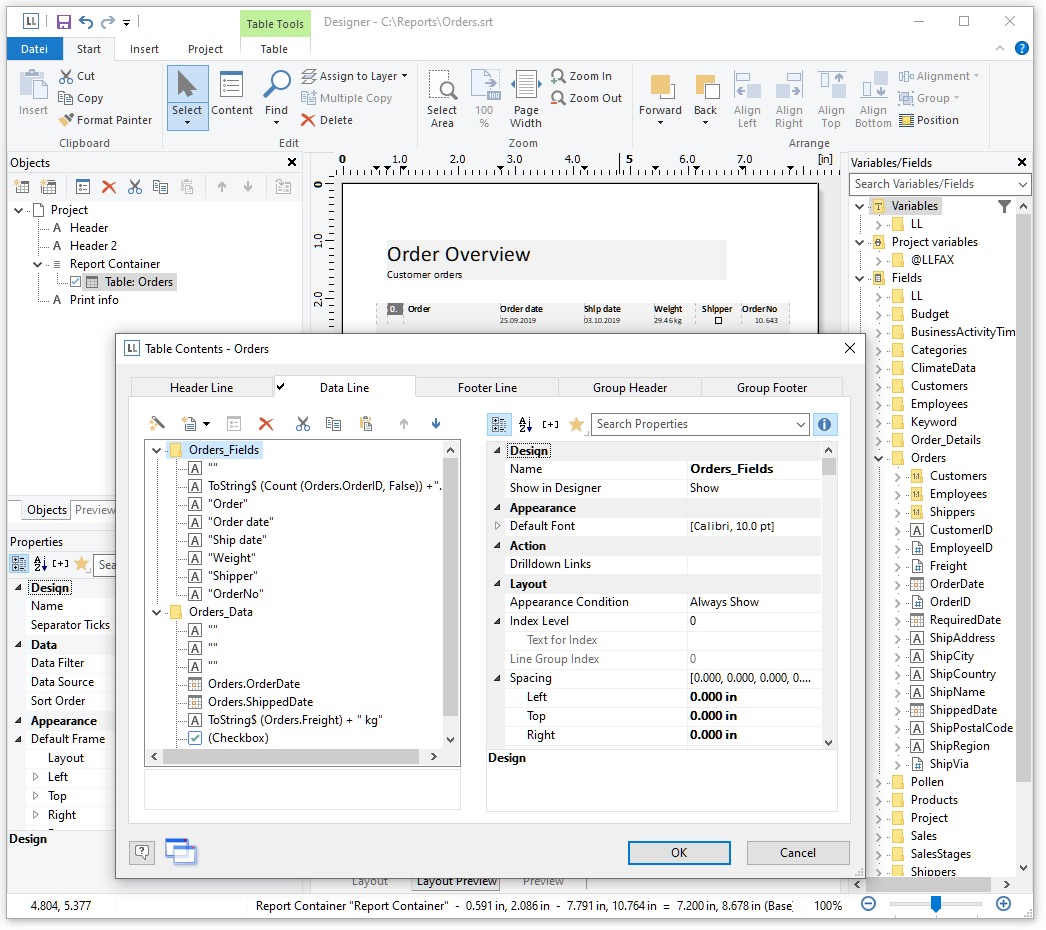
Often reports consist of similar, repetitive sections like a number of charts or crosstabs just filtered for different categories but otherwise identical. Or tables and subtables that have a preselected set of columns you want to have wherever this table is used. List & Label 26 now helps you and your users to get rid of the tedious task to maintain such reports and apply changes to all instances of objects. You can add real subreports that contain exactly the required items and maintain those in one single place.
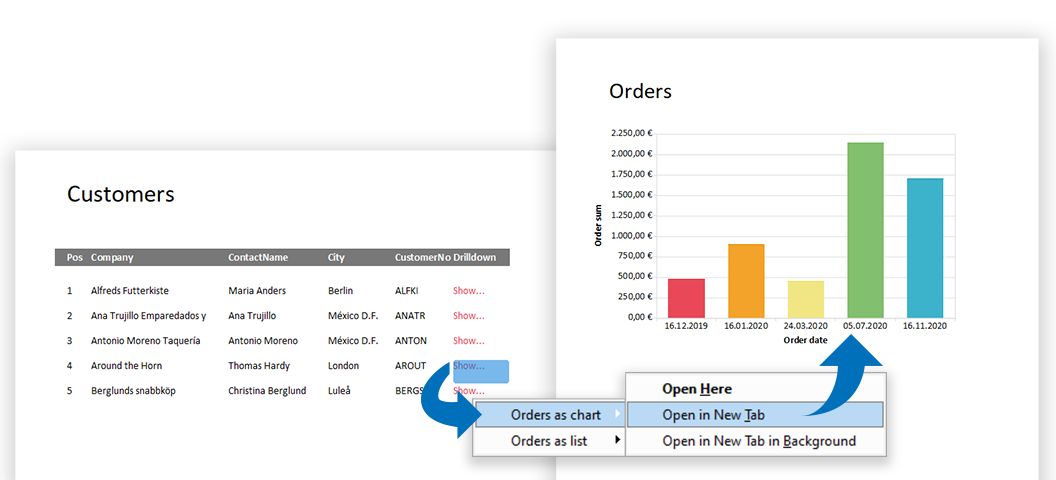
Today, modern reports must be designed for more than just one purpose. In addition, "all" data should be contained as simply as possible – but presented in a clear and structured way. With List & Label such multifunctional reports can be easily realized. Interactive elements allow a single report to cover several scenarios, while selection options further enhance the report. This makes reports more comprehensive and informative and can be easily operated by the user.
Here we post about new features in our reporting tool List & Label and about general development topics.
.NET Ad-hoc-Designer Angular API Azure Barcode Charts Cloud Components Cross Platform Data Provider Data Sources Debwin Delphi Designer Docker Drilldown Excel Export Filter FireDAC Java JSON Linux List & Label 29 List & Label 30 List & Label 31 Mail PDF Preview Print QR-Code React Report Container Report Parameters Reports Report Server REST Service Pack Tables VCL Visual Studio Web Reporting XRechnung ZUGFeRD
All news and tips from the Dev Blog and our Knowledgebase.

Don’t miss out on new features, service packs, how-tos and exclusive sales offers.
© 1989-2026 combit GmbH | All rights reserved | Legal Notice | Privacy Notes


