InMemoryDataProviderWrapper: Data Provider on Steroids

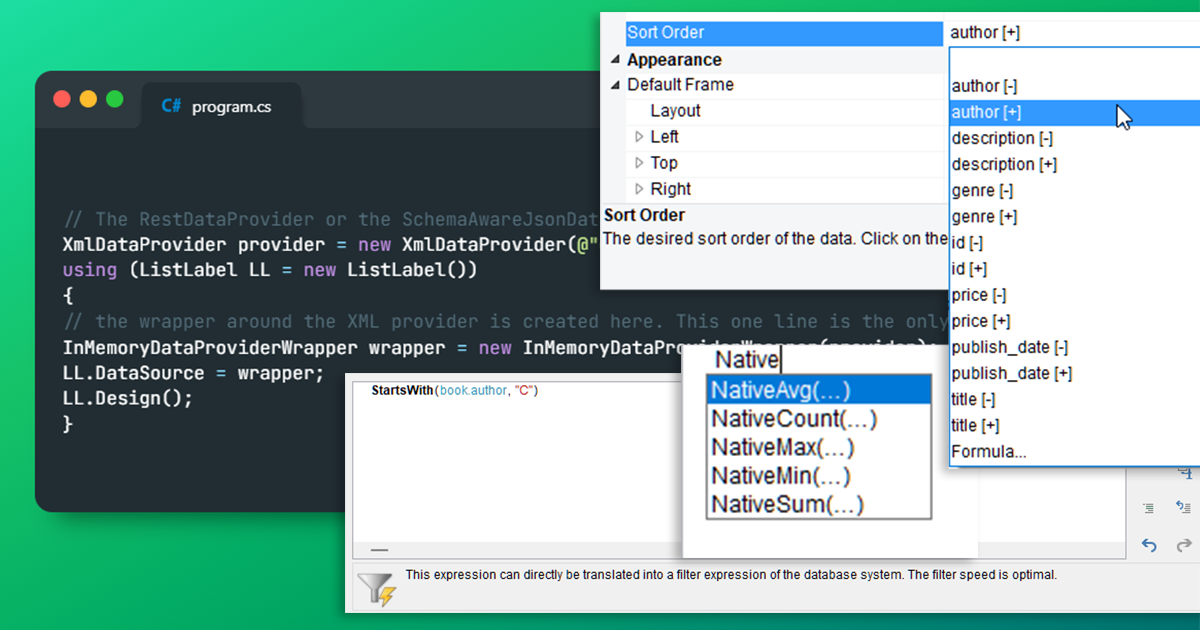
The features of different data providers vary widely. Depending on the data source, sorting, native aggregate functions or filters at database level may be available directly. Or not. For example, none of this is available in file-based formats such as JSON or XML, or even in “web” formats such as REST. These are typically read “front to back” and therefore cannot offer sorting or native aggregation. With List & Label 29, we have something new to offer.

Introducing Adjacent Pivot/Crosstabs for Multi-Dimensional Data Analysis

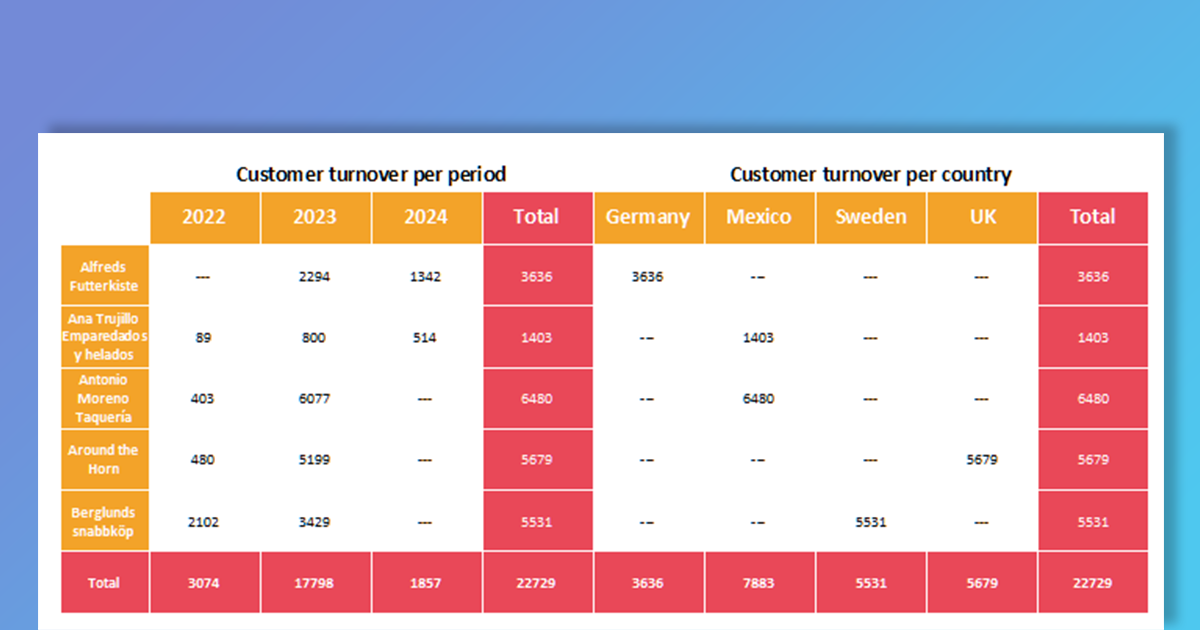
Pivot/crosstabs are a very popular object within the List & Label Designer, that’s why we’re continuously adding enhancements to this important features. So far though, despite all added extensions, pivot/crosstabs have ultimately been a simple grouping in two dimensions. From version 29 on, they’ll become more dimensional.

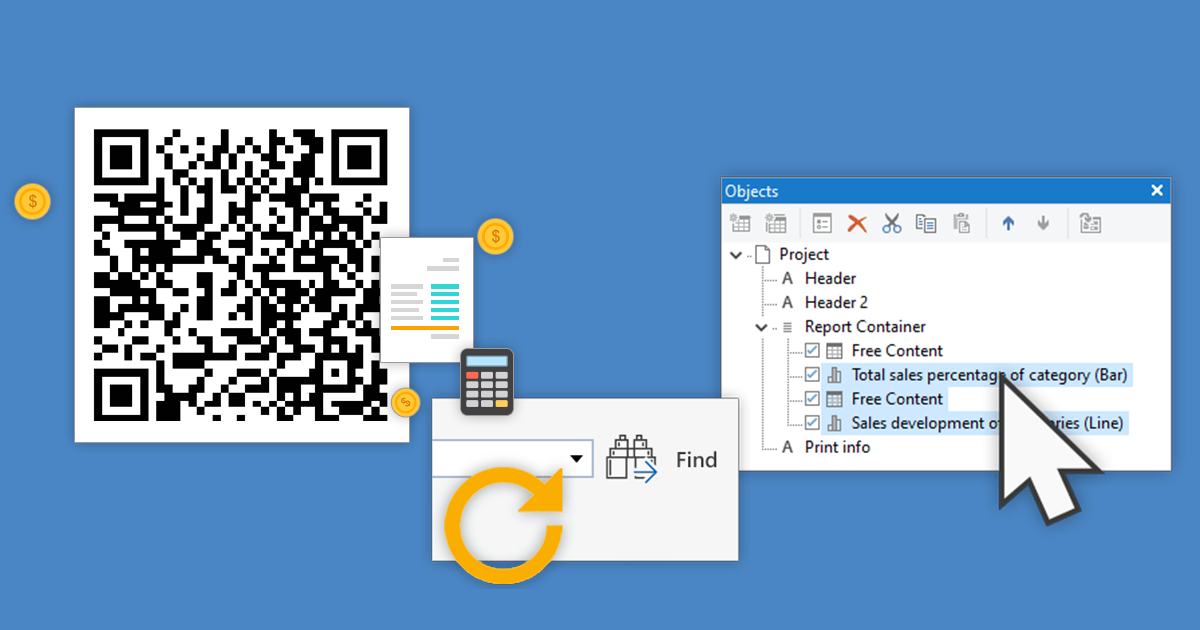
Enhanced Drag & Drop Support in the Designer

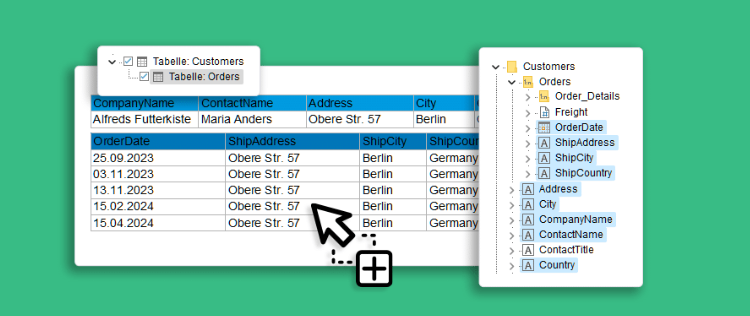
A frequently asked question was: “Why can’t I see the relations in the report designer?” This question refers to the variable/field window, in which 1:1 relationships were displayed, but not (the usually much more important) 1:n relationships. In short, our answer was always: “The relations are there, but only in the object window, e.g. when creating tables”. We even put the long answer in a Knowledgebase article.

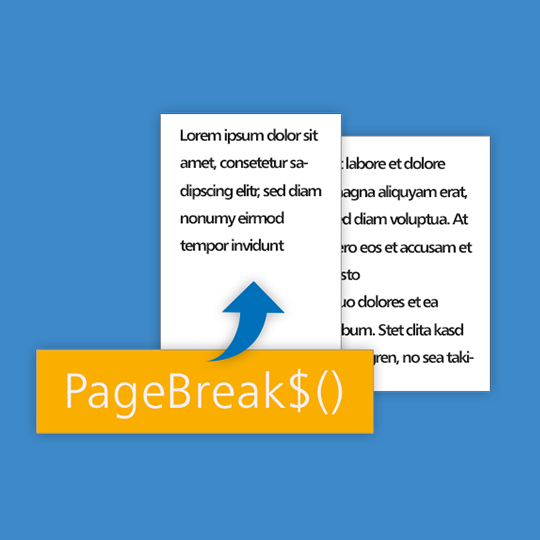
Adding Page Breaks at Arbitrary Positions

List & Label already has a wide range of functionality to control the page flow as needed. Each object has a “Pagebreak Before” property, just like the elements in a report container. Tables have an additional page break condition that is evaluated for each line. However, one feature was missing: forcing a page break within a text. This was changed in version 28.

Distribute Emails via Office 365 / Microsoft Graph with List & Label

Microsoft is putting more and more obstacles in its Office 365 package, making it difficult to send SMTP emails “just like that” with basic authentication (see e.g. here) and with MAPI/XMAPI in the cloud anyway. But on-premise also brings new challenges (have you ever dealt with our Cross-Bitness-Proxy for x86 applications and x64 Office? 🙂 ). So it was about time to offer a new, up-to-date solution for the very frequently used email delivery.

What’s New for .NET in List & Label 28?

List & Label 28 provides some new features and improvements for .NET developers. Most important, we’re now supporting the just released .NET 7. Performancewise, the optimized use of byte arrays for images makes a noticeable difference. And there’s also news regarding the support of new data sources. Here’s a list of the new features.