List & Label Reporting Blog
New Service Pack 30.003 for List & Label und the Report Server
 By
ByThe latest service pack 30.003 for List & Label adds Windows 11 25H2 support, introduces a new datastructure tree component in the Web Report Designer, improves performance for large projects, and increases the maximum number of print passes to 1000.
Vastly Improved PDF Export
 By
ByPDF is by far the most important export format and one of the targets virtually every user is actually working with. Over the years, we've employed a number of different SDKs and versions of these SDKs in order to write decent PDF files. While the results were excellent already for "normal" cases, there were a couple of restrictions in more advanced scenarios. This has changed in version 26.
New Service Pack 26.002 for List & Label and the Report Server
The second Service Pack for List & Label 26 has been released and contains many new features and improvements. We have listed them all for you in this blogpost. The individual entries were taken directly from the English Readme.
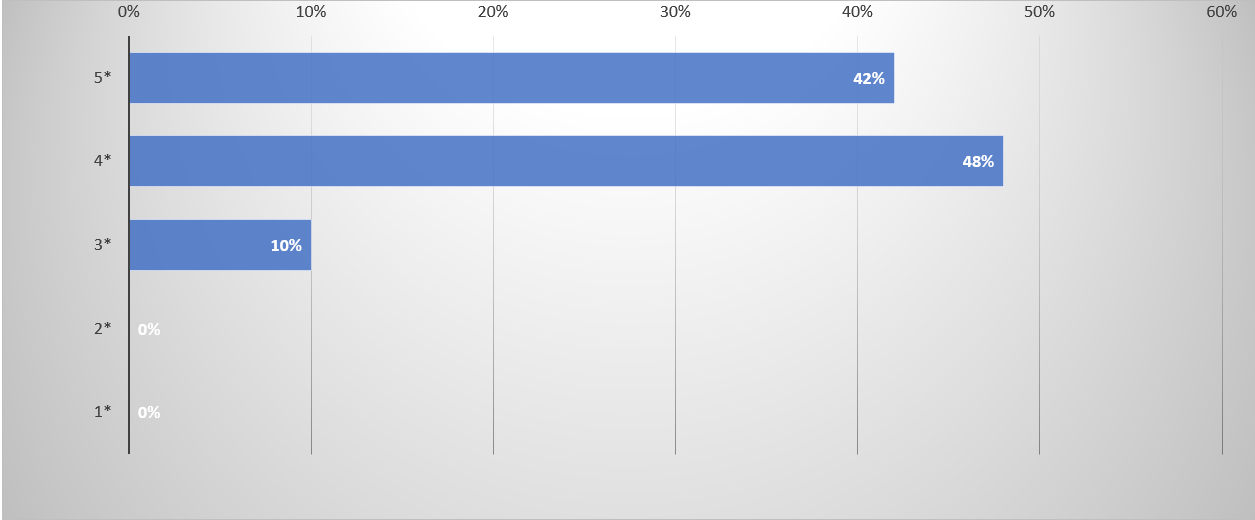
Results of the List & Label Survey 2021
Thanks to all participants for taking the time to answer our questions. One thing that I can say straight away: your time was well invested. Your feedback has given us many good ideas and suggestions on how we can further improve List & Label and which new features and technologies are important to you. We do not want to withhold the results, so here are your answers from the survey.
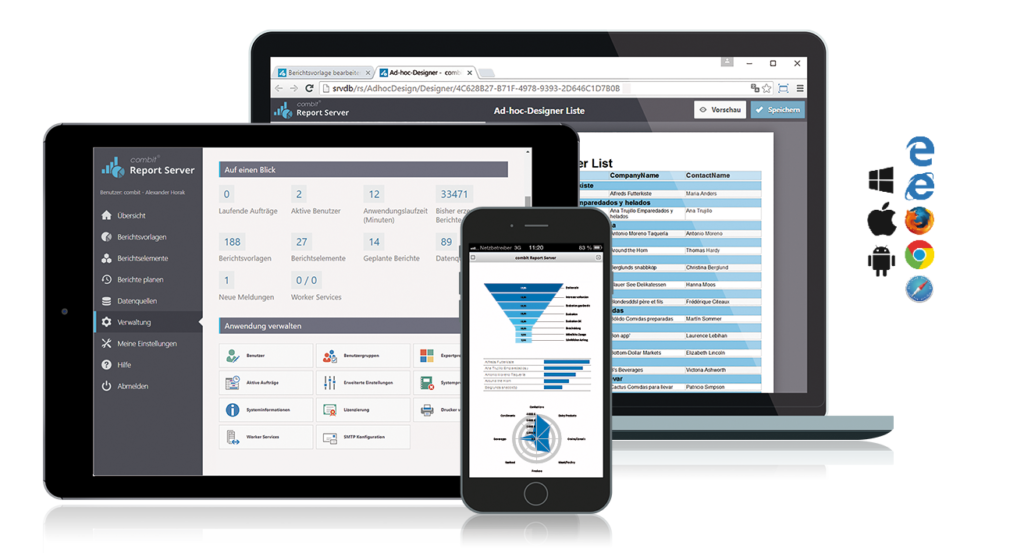
Porting to .NET Core: Report Server on New Technology Basis
 By
ByThe Report Server saw the light of day in 2014. At that time, version 1.0 was implemented using the ASP.NET MVC framework and was based on List & Label 19. But as the number of users increased in subsequent versions, so did the requirements and ideas for new features. Some of the customer requests were difficult to realize with the underlying technology. Many developers have certainly been faced with the same question: What should we do next?
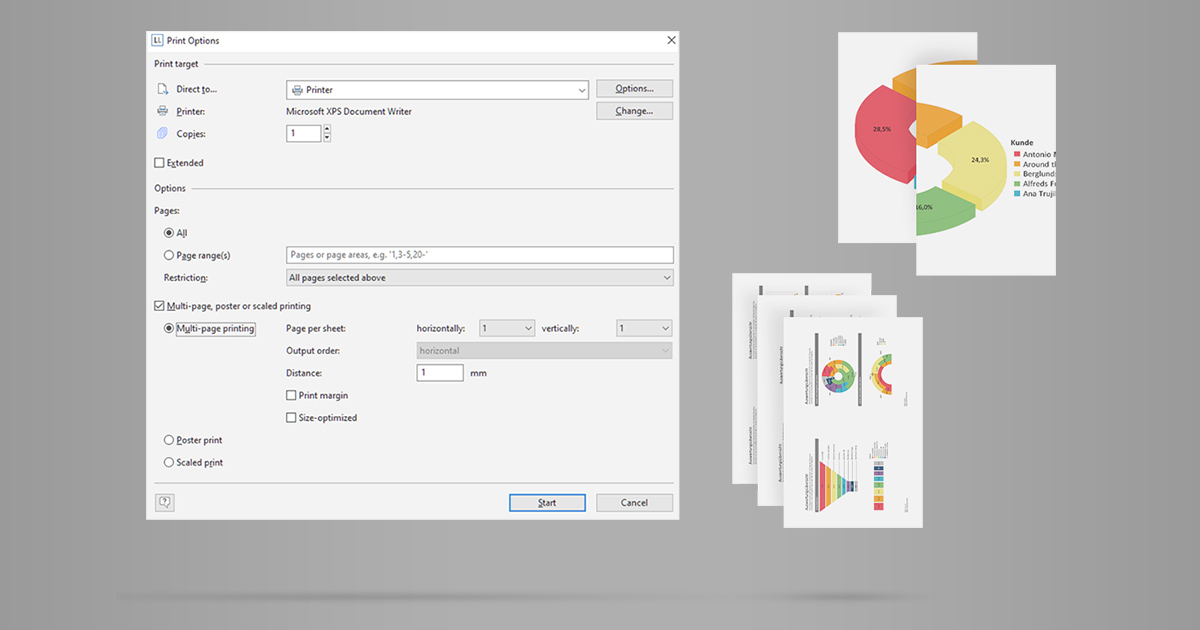
Supporting Multi-Page, Poster or Scaled Print
This is a feature many, yet not all printer drivers offer out-of-the-box. As we kept seeing requests to support this directly – here we go. List & Label 26 enables a thorough support for multi-page printing.
Service Pack 26.001 for List & Label and the Report Server
The first Service Pack for List & Label 26 has been released. What are the new features and improvements? In this blog post we give you an overview. Each entry was taken directly from the English Readme.
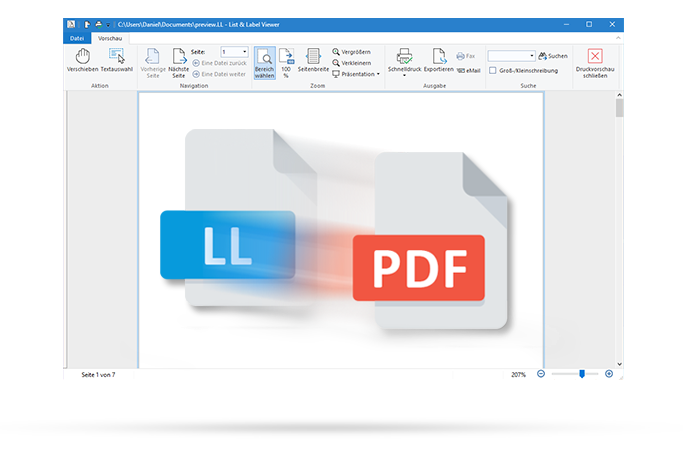
Miscellaneous Treats in List & Label 26
As with every version, we have included a number of minor bells and whistles into the latest version. The most notable ones are:
Service Pack 25.004 for List & Label and the Report Server
This blog article covers all the new features and improvements in Service Pack 25.004. Each entry was taken directly from the English Readme.

VSLive! 2020 – The Future of .NET and the Value of Open Source
As a proud platinum sponsor, we just attended the all-virtual VSLive! VirtCon as an exhibitor. For me, it was actually a revisit, although my last VSLive! experience dates back some time ago. I've been to San Francisco in 2002 when .NET 1.0 was first launched by Bill Gates himself. At least the travel wasn't that exhausting this time :).
Enabling Individual Copies and Form Feeds for Labels
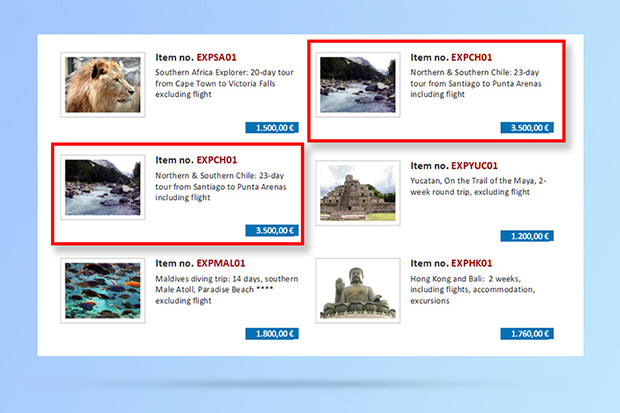
This has been another community suggestion from our Idea Place. Until version 26, you could only have one copy count for labels. This means that the same number of copies were printed for each and every label. In version 26 you can now adjust this individually, based on the data in your data source.


