How to Create, Print and Export Barcodes in .NET/C#
With List & Label, our reporting component for software development, you can use barcodes in numerous formats in .NET/C#. The portfolio of barcodes is constantly expanding.
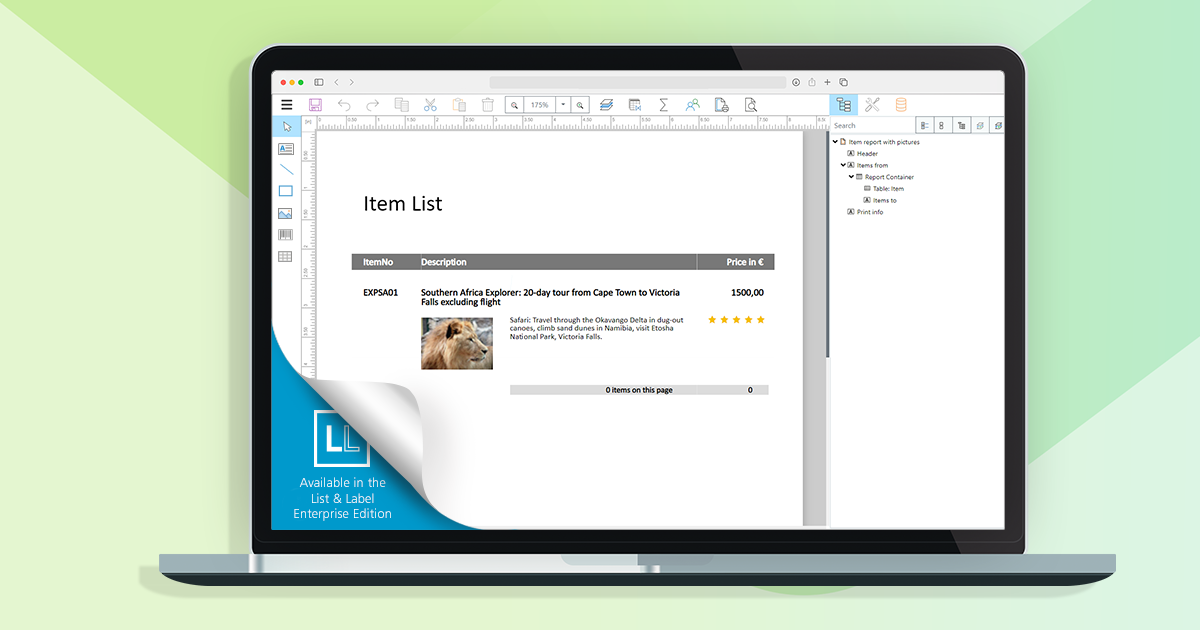
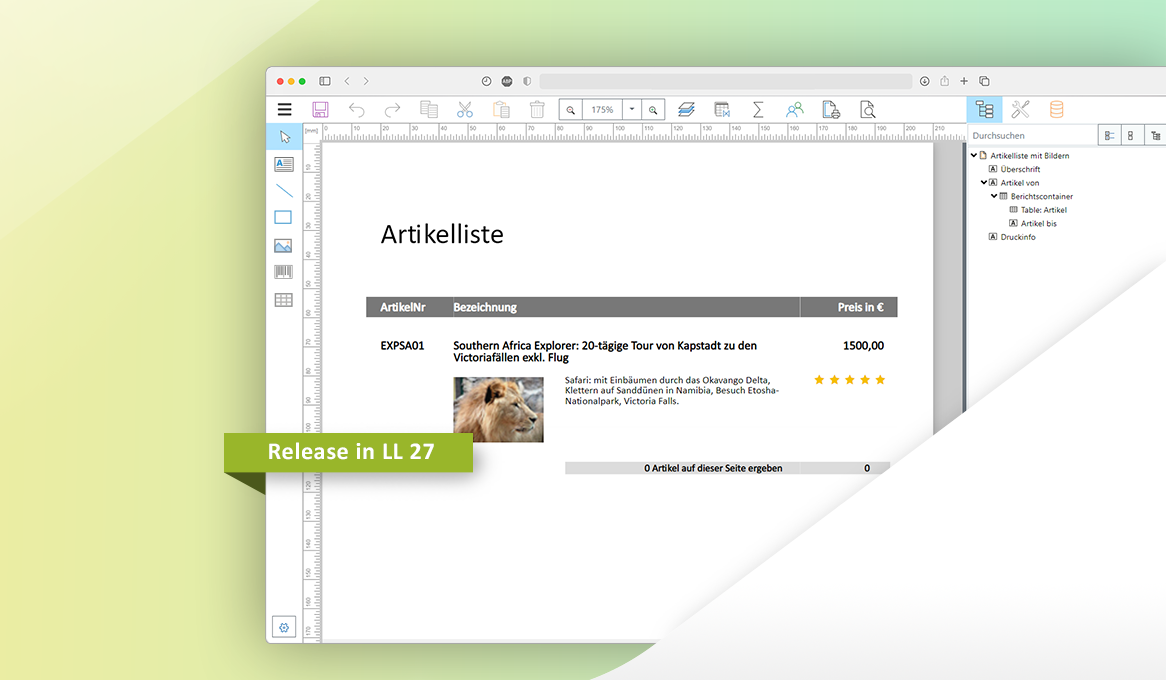
The Web Report Designer is an essential tool for using List & Label within web applications. We’re striving for constant improvements and enhancements – the plan is to add new features with each service pack we publish, until we’ll reach feature parity with the well-established Desktop Designer. Here’s a first glance what we were working on since the release.
The new service pack for List & Label 27 brings many enhancements and improvements especially for the new Web Report Designer as well as for Delphi and .NET developers. In addition, the new drag & drop interface for charts now also supports the selection of an aggregate function. The report template preview in the Report Server uses the new Web Report Viewer, styled according to the applied Report Server customization. Read our blog post for more highlights. The individual entries have been taken directly from the English readme.
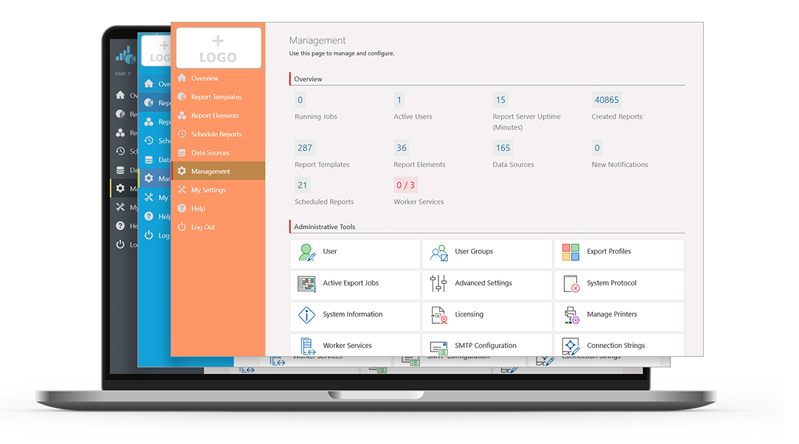
In the Report Server’s most current version, a few more exciting new features have been implemented, as a response to some customer requests. Overall, the new Report Server now visually integrates better into your application. Also, in addition to new actions for planned reports, it also offers additional enhancements for Excel export. Service Pack 27.001 will provide customers with a completely new preview.
In the last part of our blog post series, we’ll take a closer look at challenges that came up while developing the Web Report Designer – especially in regards to back-end requests, hotkeys and the formula editor.
Besides support for Windows 11, the new Service Pack 26.005 provides many new features and improvements for the Report Designer, print, export, .NET and much more. This blogpost gives you a summary.
In our last blog post, we already announced it: this time, we’d like to address further challenges we encountered during our development of the Web Report Designer. Take advantage from what we learned, and maybe even use some bits for your own projects.
The Service Pack 26.004 has some new features and various improvements for you. We give you an overview of what’s new and what has improved.
The rapidly increasing number of web apps has led to a great demand for web-based reporting solutions. We followed this trend with List & Label, and moved the Designer to the web – from version 27 on. One huge benefit, brought by the new Designer: way less effort, because only one front- and back-end needs to be developed and subsequently maintained. Naturally, the development of the new Web Report Designer presented us with technical challenges which we’d like to share with you – maybe knowing about our own learning curve is going to help you with your own projects, too.
The second Service Pack for List & Label 26 has been released and contains many new features and improvements. We have listed them all for you in this blogpost. The individual entries were taken directly from the English Readme.