List & Label Reporting Blog

Optional rendering of SVG files as vectors
 By
ByA very popular wish from our Idea Place is finally fulfilled in version 30 – SVG files are optionally output as vectors.
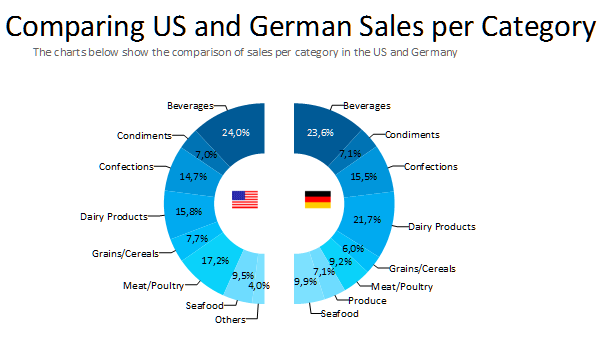
New Layout Options for Pie Charts and Donuts
After adding a number of new chart types in the last versions, most notably Radar, Treemap, Shapefile and Funnel charts, we’re adding a small yet very neat property for pie and donut charts to List & Label 23: pie coverage. This allows to define if the pie should consist of a full circle or just parts of it.
Easily Connecting to Salesforce Data
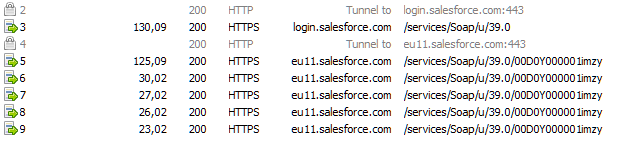
No matter which data, using the DataProvider interface you can write your own custom binding. And of course we ship a whole family of providers with List & Label. In LL23, there’s a new member of this family that allows your applications to connect to Salesforce data easily.

Supporting Cross-Datasource Relations
The .NET DataProvider concept allows to bind to almost any data source. Basically, it mimics a relational database management system containing tables, relations, sort orders etc. However, often you’ll find yourself needing to combine data from different sources, e.g. a server log file that contains customer logins and a SQL customer database that contains all pertinent information about the customers.
New Features in the Report Server – Part 2
 By
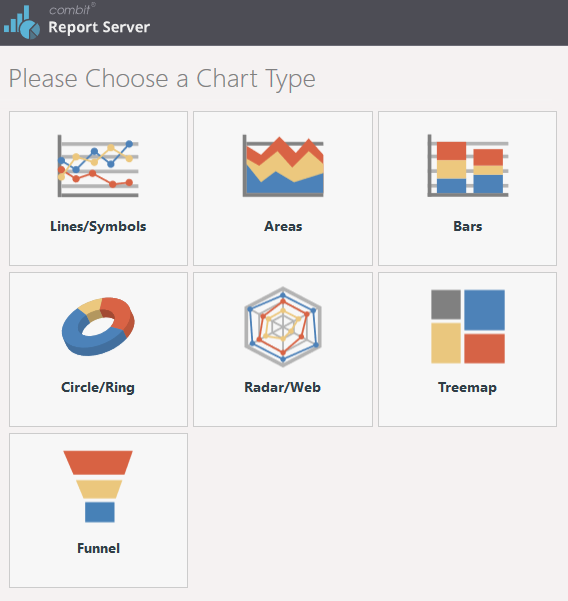
ByAs promised, today I’d like to report on even more of the updates in Report Server 23. The updates are particularly impressive in the ad-hoc Designer, which provides support for fast creation of simple tables and diagrams. As opposed to the extensive Report Server Designer, only the most important setting options are provided here. In addition, the ad-hoc Designer is likewise available as a separate component in List & Label 23.
SVG images in reports, Custom Shapefiles & more | Report Server 23
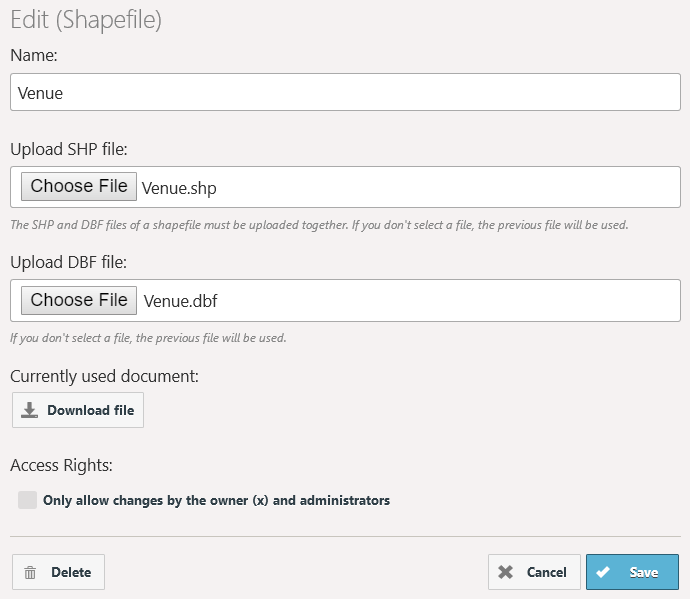
Upon the release of version 23 of our List & Label reporting tool, the combit Report Server will become part of the List & Label Enterprise Edition. Hence, it is about time we reported on the new features of our enterprise reporting solution!
Virtual Formula Variables for Drag & Drop
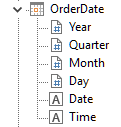
In LL21, we improved the Drag & Drop behavior thoroughly. However there was one thing still missing. When dropping e.g. a date field, at times you don’t need the actual date in the report but rather e.g. the year. The same for numerical values – do you want decimals? If yes, how many? Do you require a local formatting? Or a currency symbol? While you can easily achieve any of these formattings using simple formulas or the “Format” property, you have to do just that. So drag and drop is not the no-brainer it is supposed to be in a perfect world. In LL23, the world will actually become a little more perfect.
Using Your Own .NET Designer Objects in Unmanaged Code – Designer Object Bridge
 By
ByMany things can often be implemented significantly easier and faster in managed code than in unmanaged code, such as with Delphi or C++. Sometimes, there already exist ready-made .NET modules which contain the desired requirements and which need to be used in your own unmanaged application. But the question then is: How can a .NET module be made accessible to an unmanaged system?
Unbelievable Printing Performance Boost
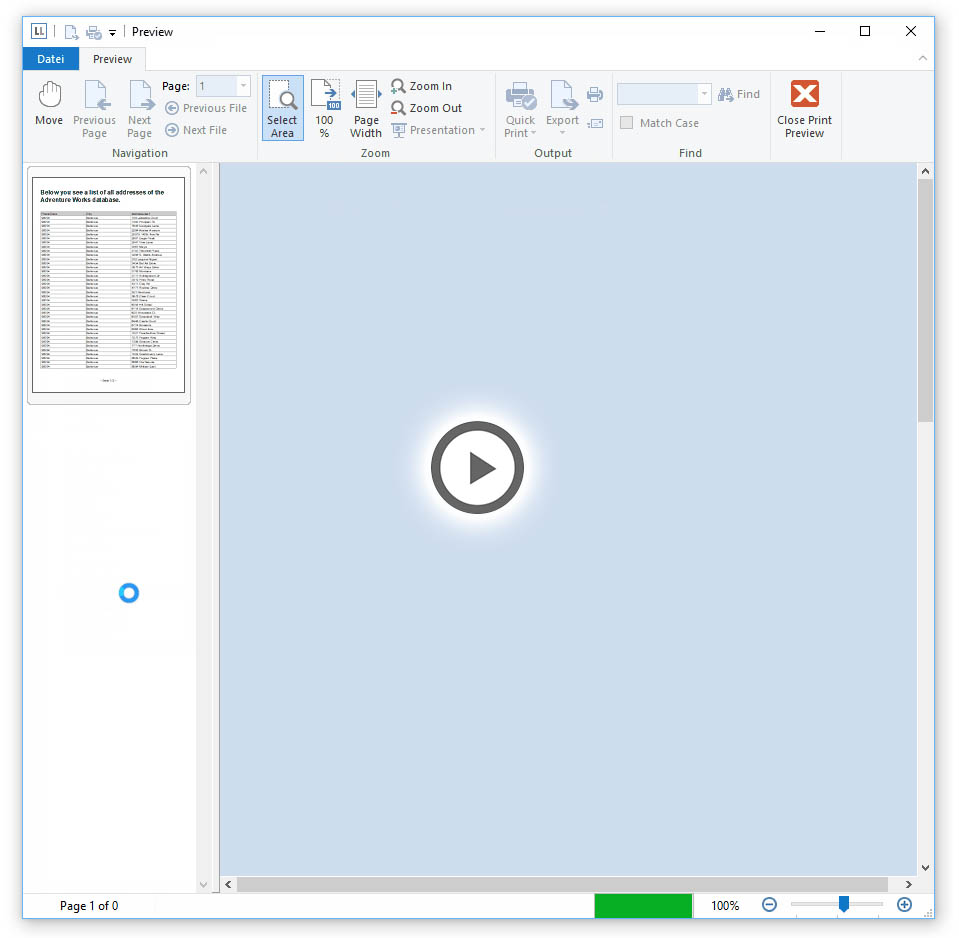
Continuing the journey of improving the performance, we decided to tweak a bit on the printing side as well. These optimizations help when using the same table several times with different fields. Think of a tabular report with some charts and a crosstab. Typically you have different views on your data in these objects. For these cases, the improvement is huge – I mean really huge.
Huge Designer Speed-Up for Large Databases
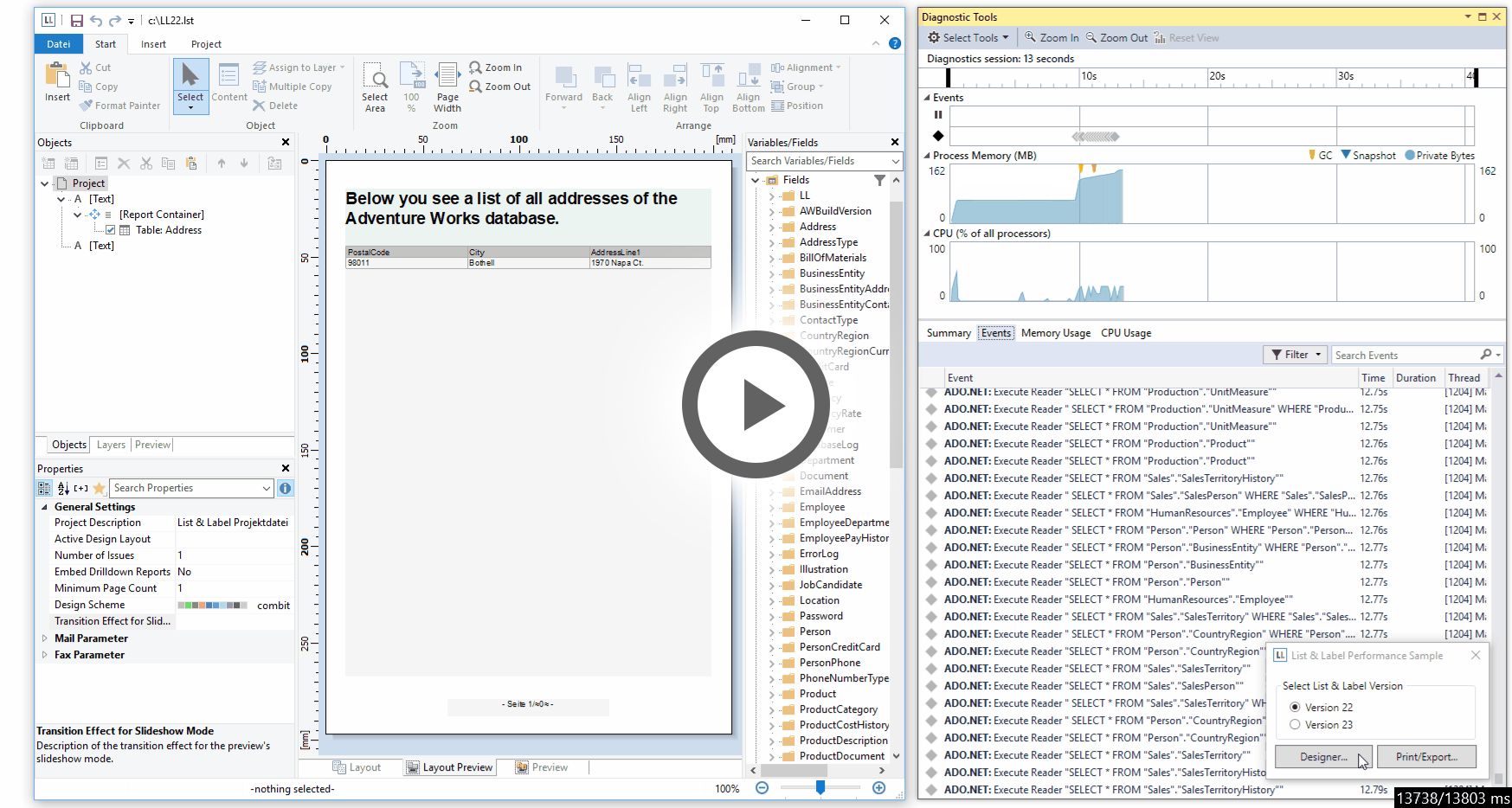
Historically, List & Label has always been working without a database in the background. During the years, we've added powerful databinding to the components, however at the core, the principle stayed the same: your application (or the databinding layer) passes all available data before opening the Designer.
New Designer Features and Flexible Sorting
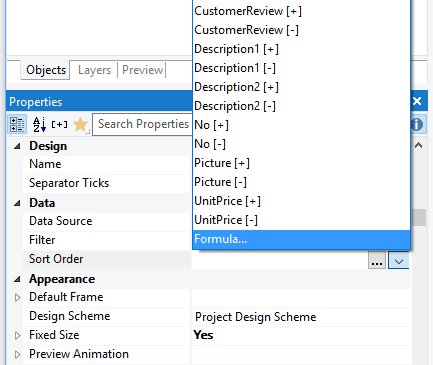
Today, I’d like to outline a few more minor new features of LL22 before they get lost in the upcoming blog posts on LL23. There are still plenty of nifty things in LL22 to discover that I haven’t blogged about yet.


