List & Label Reporting Blog
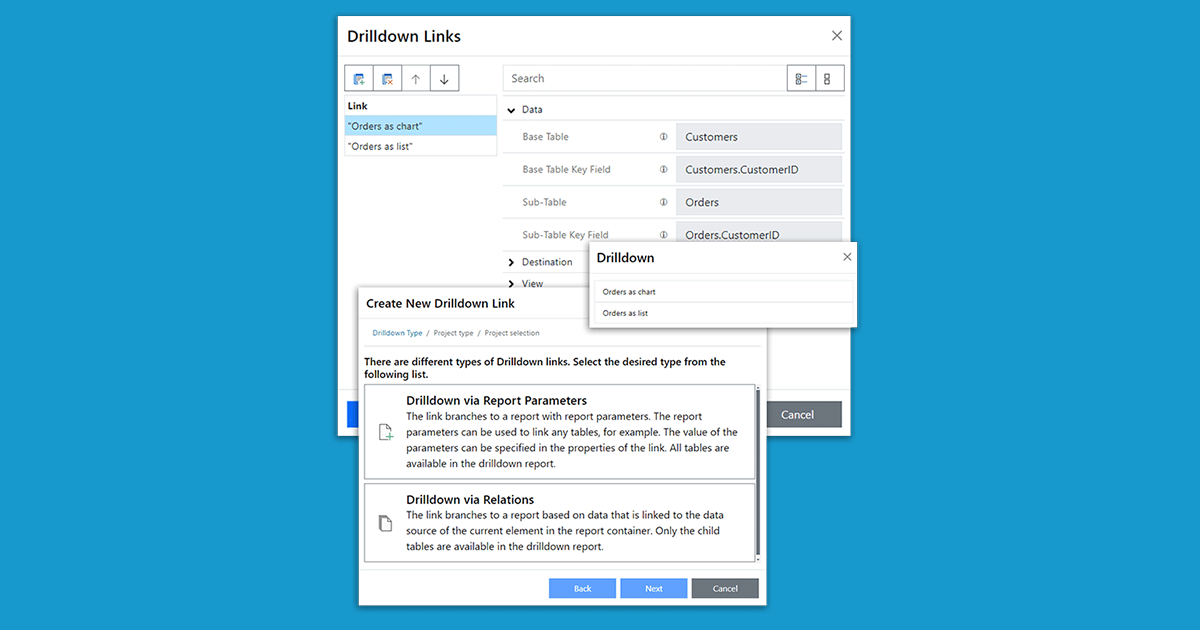
Drilldown in Web Report Designer
 By
BySince version 30, the Web Report Designer supports drilldowns. This allows you to implement interactive reports entirely in the browser – including navigation between different detail levels. This feature was previously only available in the desktop designer.

Six Hints for Developer Presentations
 By
ByOne of the nice parts of my job is getting around quite often. Through the years, I've held some hundred presentations. At developer conferences, user group meetings and our own roadshows (the next will happen this fall). I thought I'll share some hints and tools I've found valuable.

combit’s Visual Studio Love Story
Today marks the launch of Microsoft Visual Studio 2017. We're also celebrating 15 years of .NET and 20 years of Visual Studio. It's been a long way! Actually, I had the honor to attend the VS Live in San Francisco when .NET was released.

Simplified Xbase++ Reporting Tool Integration
 By
ByYears ago I started developing a class to simplify the integration of List & Label into Xbase++ which I used for all my client's apps. The range of functionality grew with every new task. By now it supports real data preview which is handled in a separate thread.
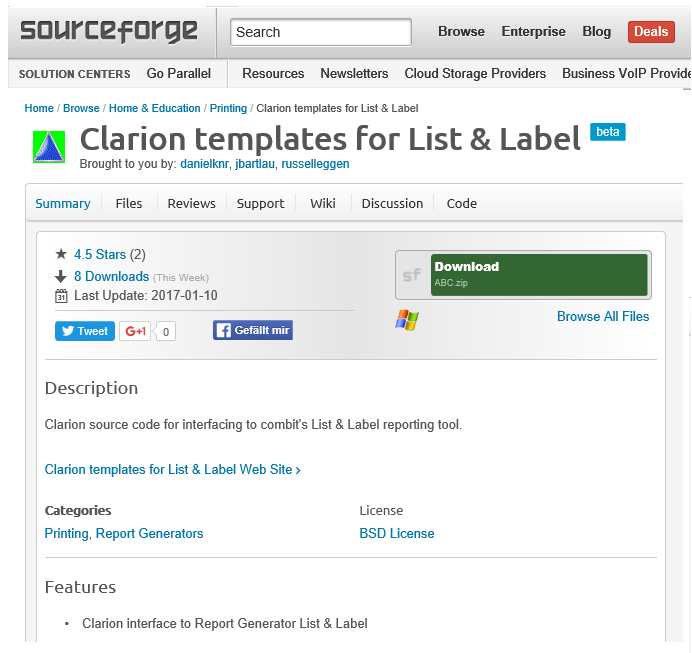
Ready for Takeoff: Clarion Template for LL22
The Clarion community has been working with List & Label for many years now. Starting with the Solace templates, those were donated to the public domain in 2010. Since then, various contributors have been working on them.
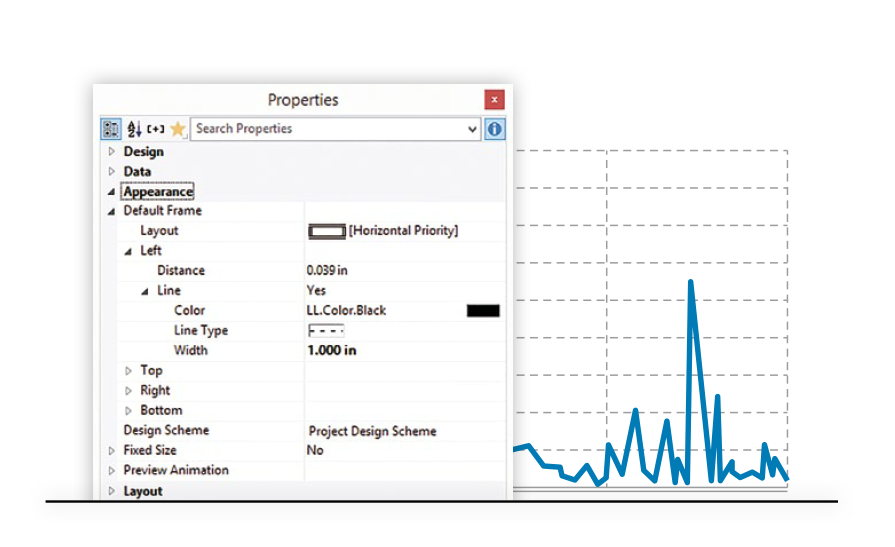
More Flexibility for Chart Layouts
First of all, on behalf of the whole combit team I'd like to wish you a happy belated new year. I hope you enjoyed the holiday season and start into 2017 with refueled energy. While we're busily working on version 23 already, I'd like to continue sharing some hidden gems in List & Label 22.
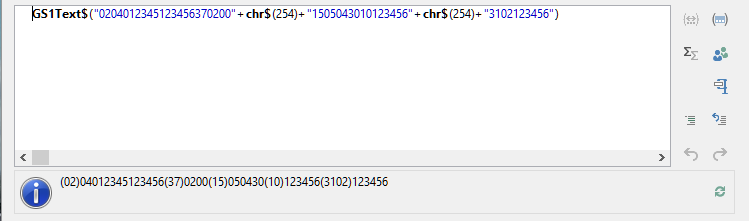
Full GS1 Barcode Application Identifier AI Support With List & Label
GS1 defines a huge range of application identifiers that can be used to encode certain information in a barcode. Besides the Global Trade Item Number (GTIN), which is usually the most important part, the production date, packaging component number, count of items and many more application identifiers (AIs) are defined.
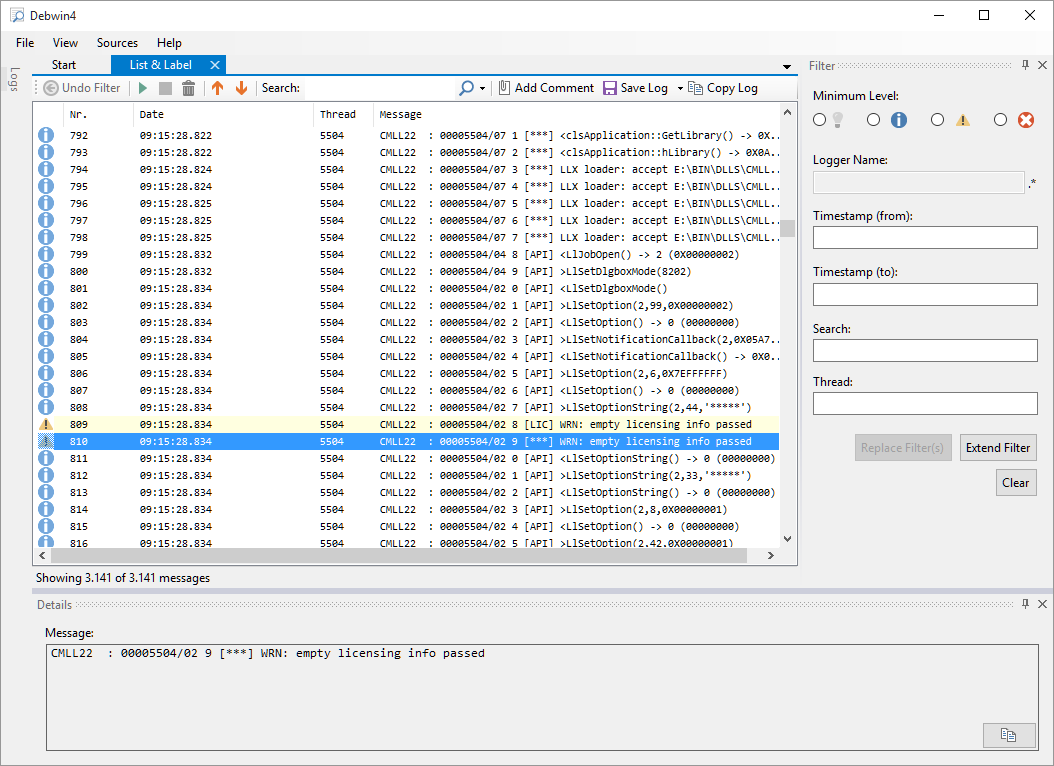
New Logging Application for Handling Debug Output
In the brand-new version 22 of List & Label, we introduce a new process to send and receive debug output. This has great advantages when integrating List & Label in existing logging landscapes. Internally, the UDP protocol is now used for sending debug messages. Logging services and web applications has been a royal pain before – it has just become a breeze.
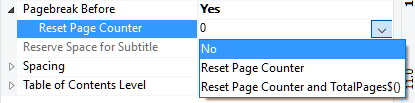
Reset Page Count for Group Header
While List & Label has a superior concept for printing mail merges, many other (usually band-type) reporting tools people got used to apply a different concept to print invoices and other mail merge typed projects. Usually in List & Label, you'd define the header data as variables and use text objects, images etc. to design your letter head.
Introducing Long Term Support (Enterprise Edition)
We have a release cycle of approximately one year per major version – actually it's quite accurately so, we have released the past 10 versions late in October. Coincidentially, this happens to be around my birthday, but that's a different story. It's always a nice present anyway.

Mingling with the Progress Community @ EMEA PUG Challenge
From time to time it's great fun to stray off the beaten .NET path to venture into other developer's hemispheres. This time I paid a visit to the great crowd at the EMEA PUG Challenge in Noordwijk/Netherlands to dig into the Progress community.


