Stop outgrowing your .NET reporting: How to avoid “We have to rewrite this”
Key takeaways Table of contents How “just PDF and Excel” turns into a rewrite Most .NET teams don’t plan to build an enterprise-grade reporting platform. … Read more
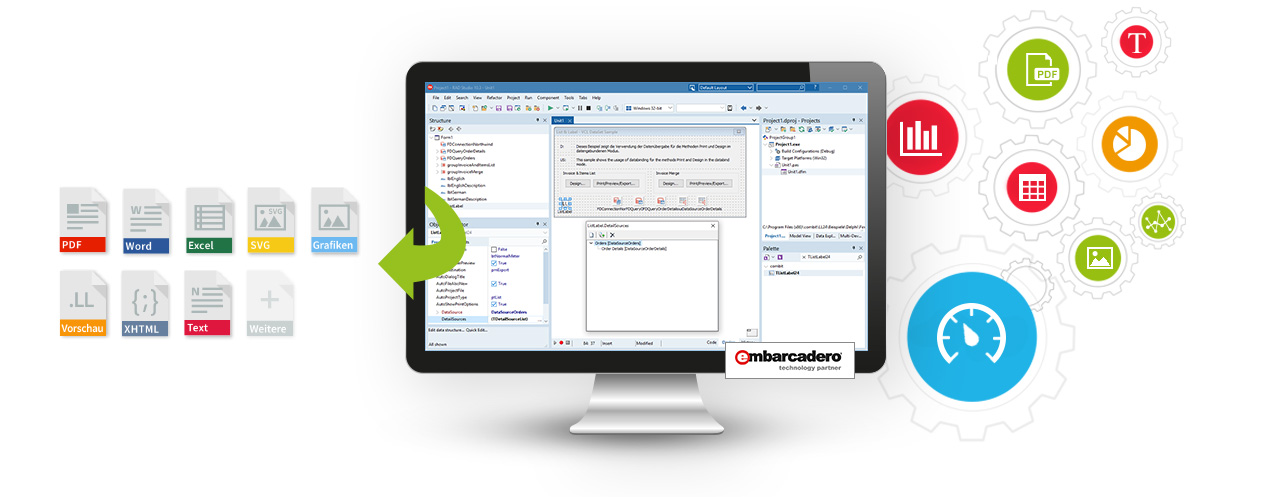
List & Label is a reporting component that integrates with applications to provide them with rich reporting capabilities. It allows developers to create sophisticated reports based on data from any source. Easy data binding for your own VCL applications is provided by List & Label’s FireDAC component, which supports numerous data sources such as Oracle, MS SQL Server, SQLite, DB2, MySQL and PostgreSQL, as well as many other databases and formats. The control over the data for reporting always remains with the application itself.
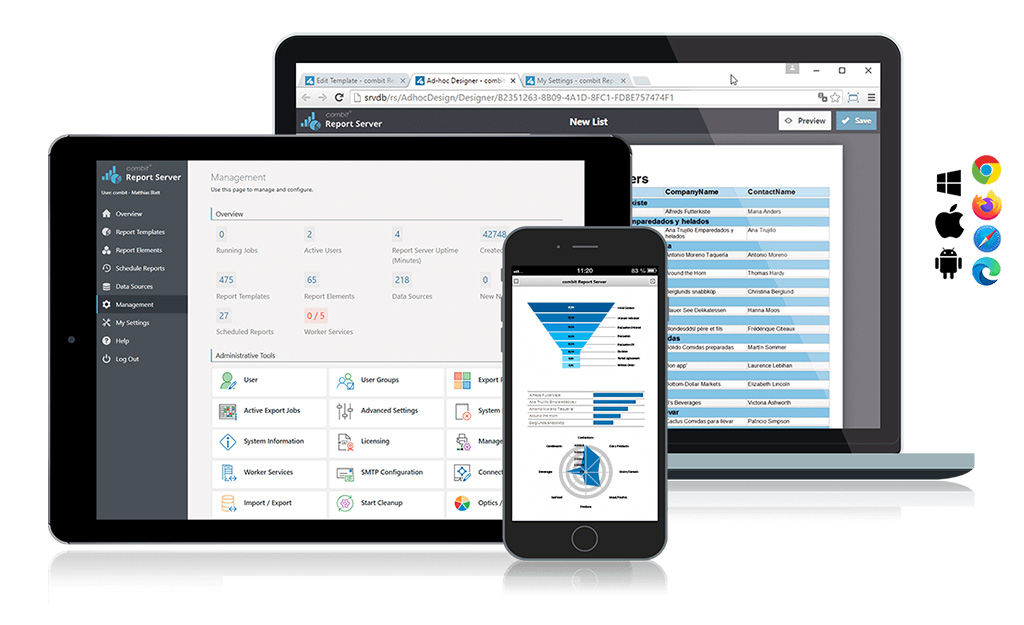
The latest version 29 of our Report Server comes with a host of new features and improvements, increasing efficiency and flexibility when managing data sources and creating reports. Below is an overview of the most important updates.
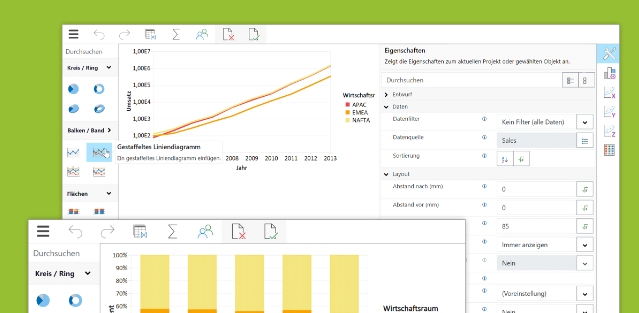
List & Label’s most recent version 29 is coming along with quite a fe exciting news for the Web Report Designer and the Web Report Viewer. These updates provide improved functionalities and enhanced usability to developers and end users alike.
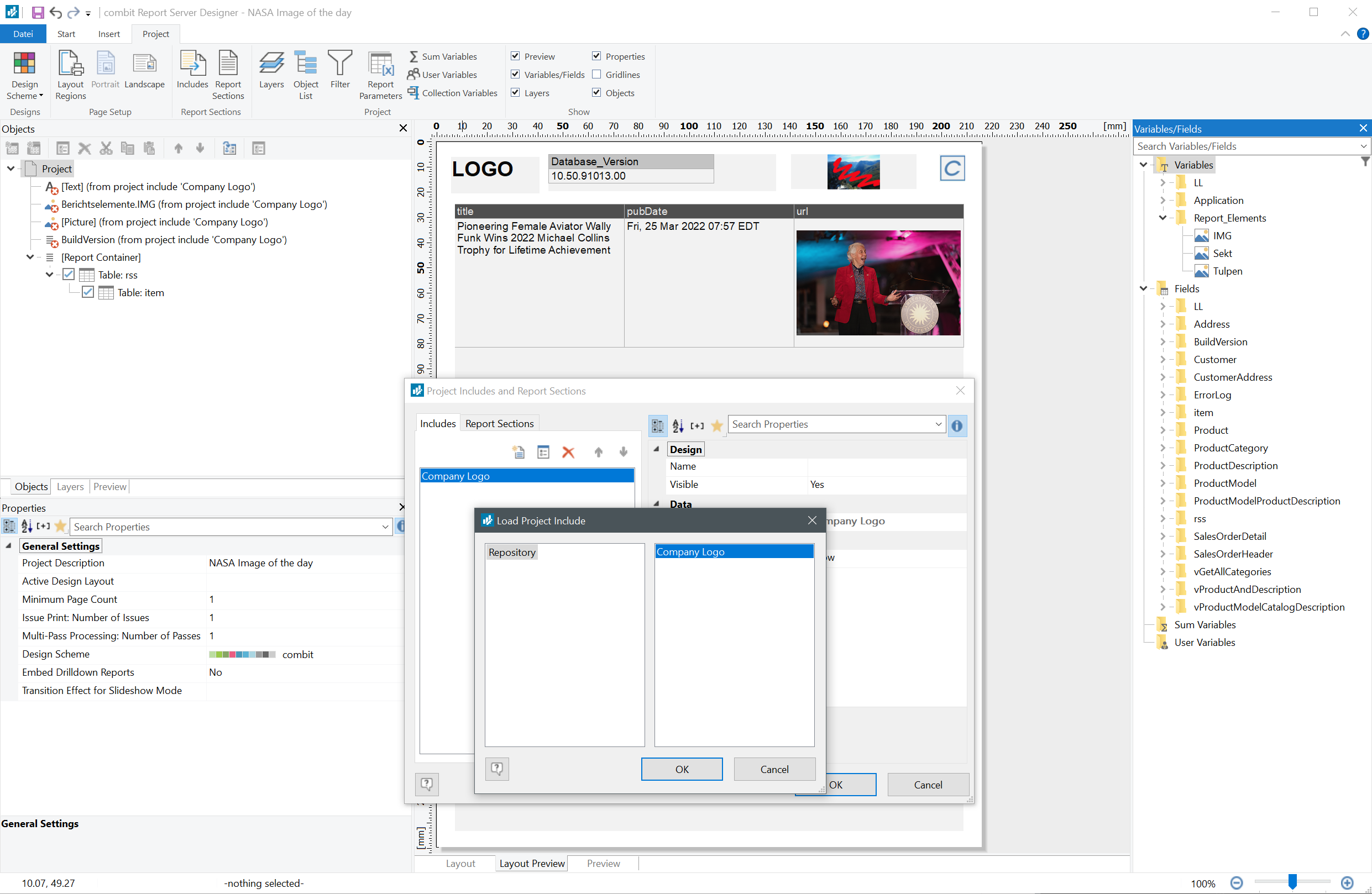
Faster reports, more flexible export, and the option to upload to secured FTP servers: The new Report Server 28 offers many new functions for its users. Some are customers’ wishes, like using project includes and subreports. This way, recurring elements such as letterheads, tables or charts can easily be reused in new report templates.
This is a summary of the major new features and improvements in Service Pack 28.001, including new export features and bar charts for the Web Report Designer. For a detailed list of all changes, see the ServicePack.pdf in your installation or in the Service Pack download section.
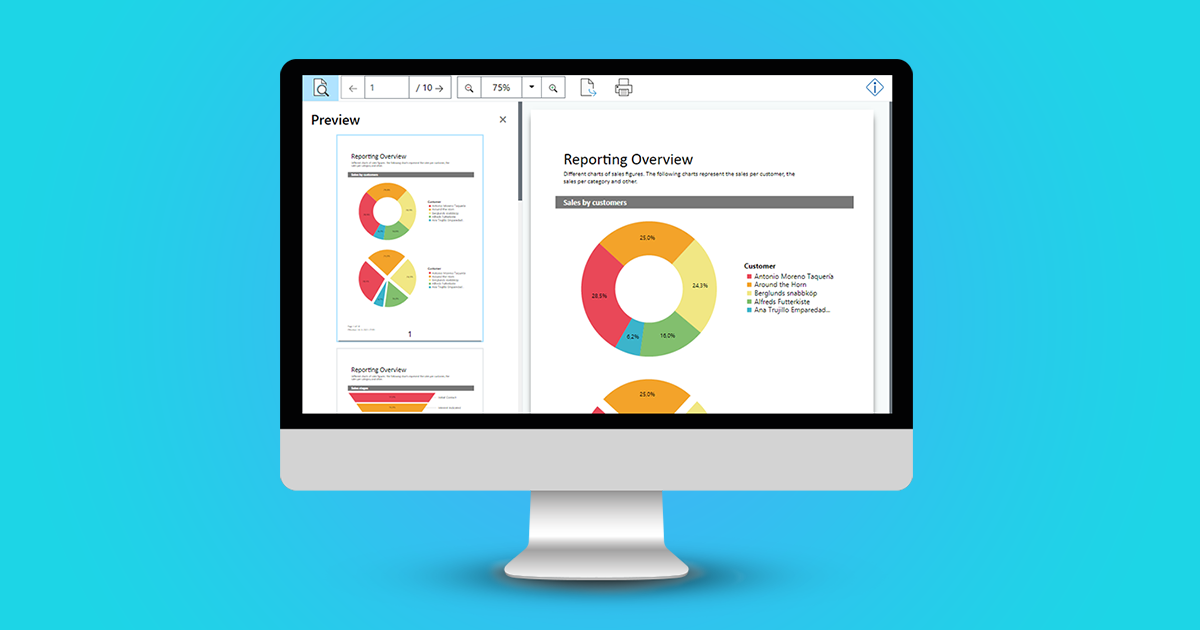
Up until version 27, you were able to use the HTML5 Viewer in your own .NET web applications in order to display a report preview directly in the browser. Interactive user actions such as drill down, filtering data using report parameters and much more were already possible. But the technology that was utilized for this is getting older now, as for example the jQuery framework. With the new Web Report Viewer, we have created a modern, highly compatible replacement, which has been available since version 27 (year 2021).
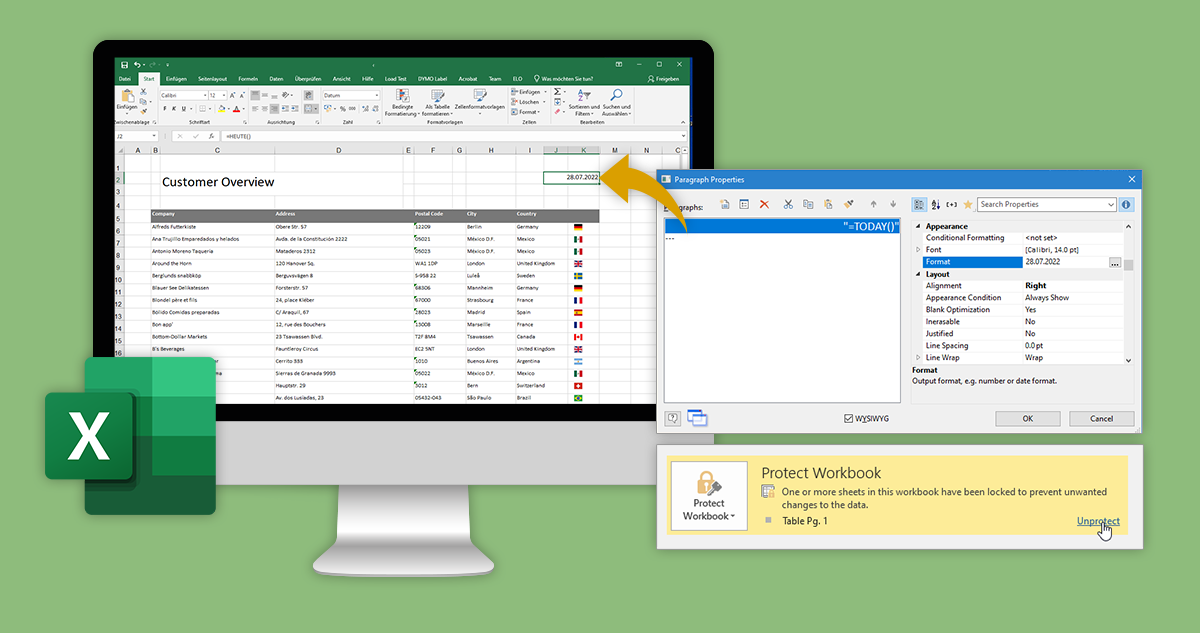
To further improve our export formats, was one of the main areas we focused on with List & Label 28. Specifically, we added a number of powerful new features to the Excel export. Without any further ado, here’s what’s new.
In this summary you will find the most important new features and improvements in Service Pack 27.004. A detailed list of all changes can be found in the ServicePack.pdf in your installation as well as in the Service Pack download section.
After paying some attention to the PDF export in version 26, we decided to give some love to the Excel export in version 27, by adding three often requested features.